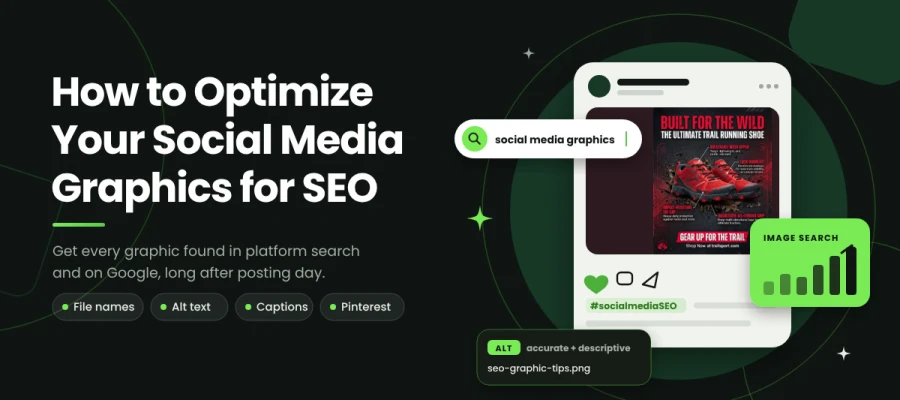
How to optimize your social media graphics for SEO so they don’t vanish within days? Give every graphic a descriptive filename, accurate alt text, and keywords in the first 125 characters of its caption, then compress it, save it in the correct format, and embed it in an indexed blog post. That covers platform search on Instagram, Pinterest, TikTok, and LinkedIn, as well as web search on Google.
Think of the best graphic your team made last year. It took three rounds of revision and a late Thursday, and it made a complicated point land in a single glance. People shared it, it performed well, and then the feed moved on.
Where is it now?
Most of a post's reach arrives in its first few days. After that, the graphic ends up in an archive nobody scrolls through, under a filename nobody can search for, and next quarter someone rebuilds it from scratch.
People can find a social graphic in two ways. Platform search matches keywords in the caption, bio, and alt text. Google may index public social content, but indexing isn’t guaranteed. For Google Images, publishing the graphic on a crawlable page on your own site gives it relevant page context.
If you publish the same graphic in a blog post with a descriptive file name and alt text, it can drive traffic and earn backlinks for years.
This guide shows you 10 steps for SEO-optimizing your social media graphics, so every graphic you publish gets found in platform search and keeps earning Google traffic long after posting day.
Ready to give your best work a longer life? Keep reading!
How to optimize your social media graphics for SEO
To get your social media graphics working for SEO, make each one easy for platforms and search engines to understand. Then give it a page on your site where Google can index it. Search engines can't see a design the way your team does. They read the text that comes with it, which includes the file name, the alt text, the caption, and any words inside the image. Most of these choices happen once, at design and export.
The steps below show you how to optimize your social media graphics for SEO, so that preparing, describing, and publishing each one becomes a routine your whole team can repeat and measure.
Step 1: Name image files descriptively before uploading
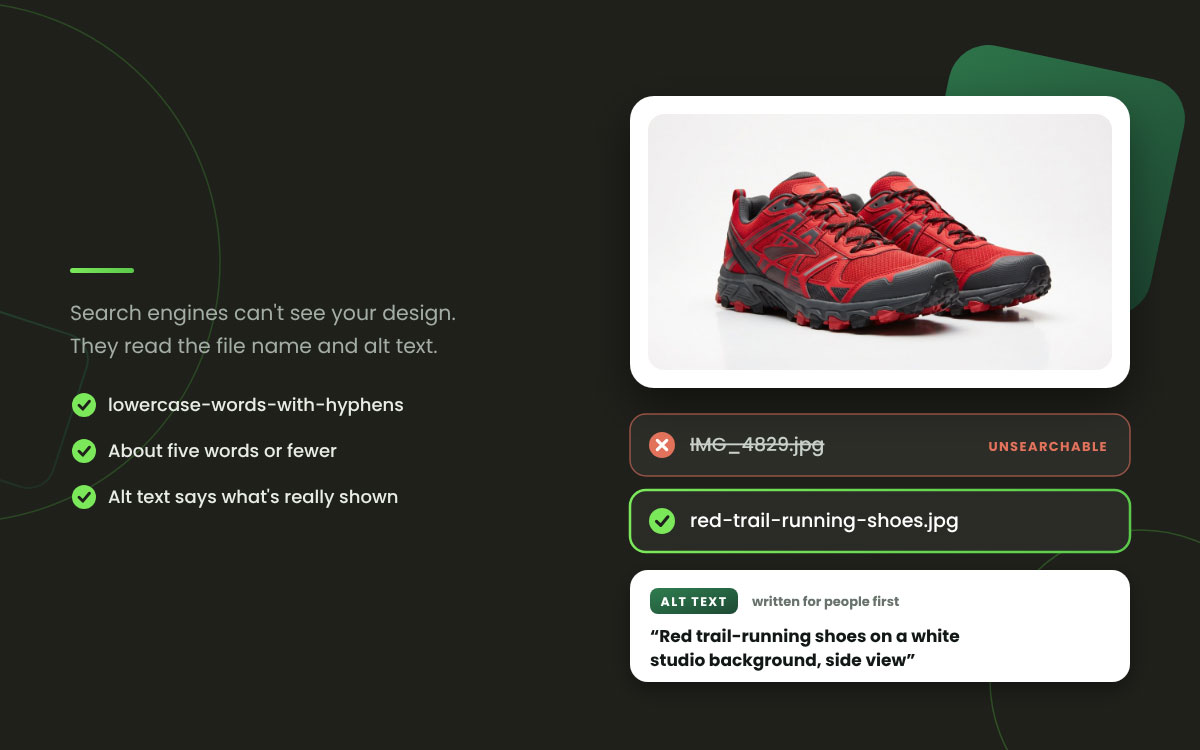
Export files as descriptive-keyword-phrase.jpg. Skip names like IMG_4829.jpg or Untitled-1.png.
Why it works: Search engines use file names as one signal for understanding what an image shows. This matters most when graphics sit on your website or blog, where Google Images indexes them. It costs nothing beyond a small change in habit at the moment you export. A thoughtful social media design process is also the right place to establish the naming convention.
Practical note: Use lowercase letters, put hyphens between words, and skip underscores. Describe what's actually in the image. Keep it to about five words or fewer.
Step 2: Write alt text that describes the image accurately
Alt text is read aloud by screen readers, and search engines use it to determine what an image shows. Instagram writes it for you automatically, but you can and should edit it.
Why it works: Alt text helps people who rely on screen readers and also helps your content get found, which is a rare and welcome pairing. On Instagram, edited alt text helps the platform sort your content and show it in search. On your website, how well you show up in Google Images is directly affected.
Practical note: Describe what the image really shows in plain language, and add relevant keywords only where they fit. Stuffing in keywords makes the text harder for screen reader users and does nothing for search.
Step 3: Put keywords in the first 125 characters of captions
Social platforms now operate much like search engines. They match queries against caption text, and hashtags are only part of the picture.
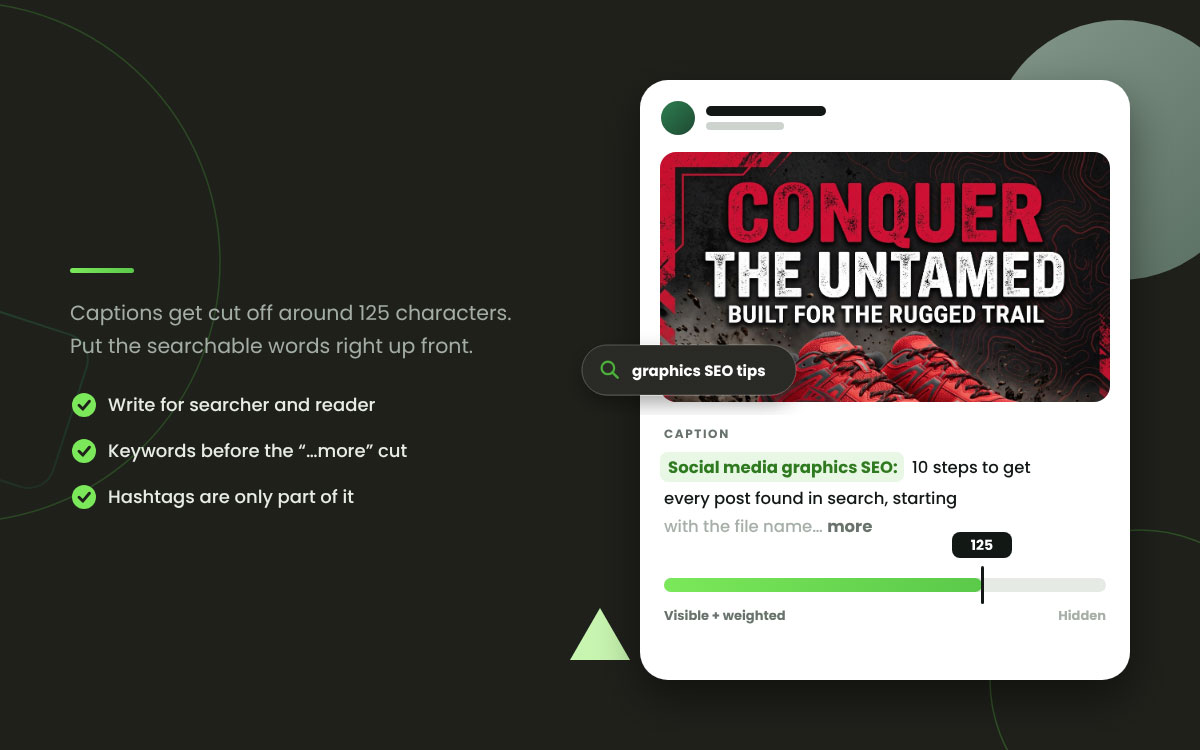
Why it works: Instagram surfaces content based on keywords in bios, captions, and alt text. Captions get cut off around 125 characters, so terms placed later carry less weight in both search and reader attention. Building slowly toward your point is a great habit in an essay. A caption costs you dearly.
Practical note: Put the terms someone would actually search for right up front. Write for the searcher and the reader at the same time, and let neither one go hungry.
Step 4: Compress files without visible quality loss
Large image files slow down page load on any site where the graphic is rooted. Page speed counts as a direct ranking factor through Core Web Vitals, so this one matters.
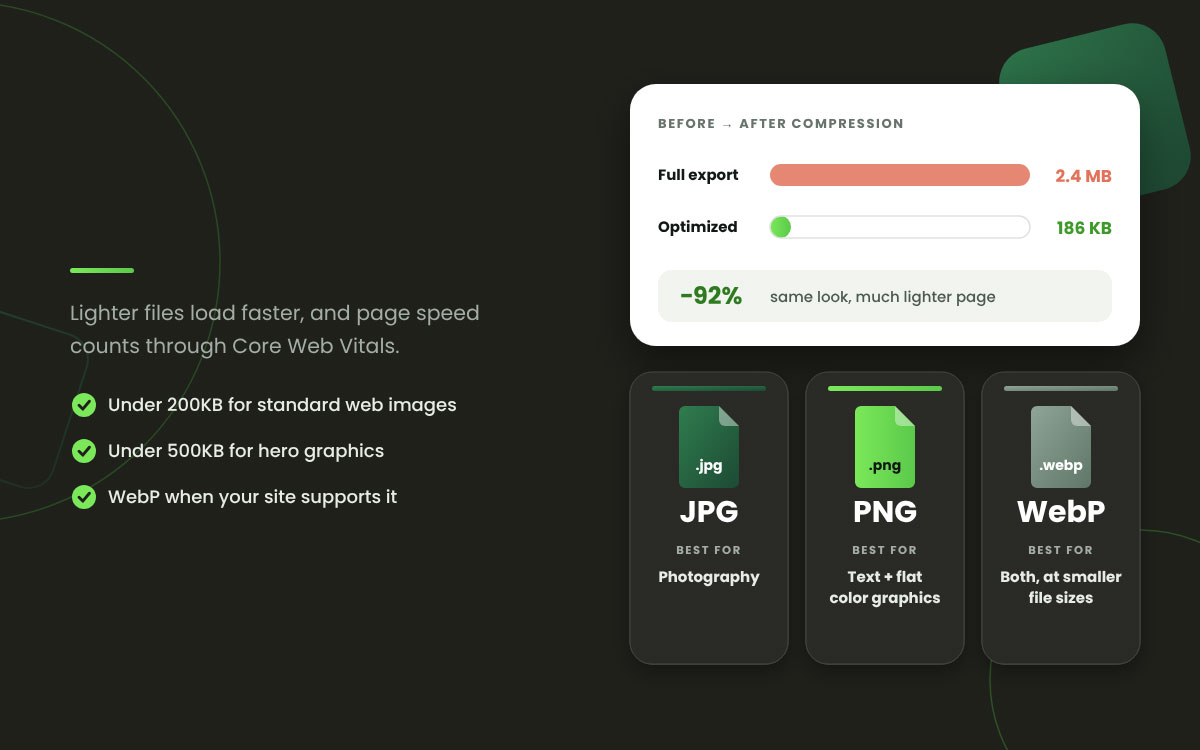
Why it works: Say you reuse a social graphic on a blog post or landing page at its full export size. Suddenly you have a page speed problem on your hands. Compression usually shrinks the file by a lot, and most people can't spot any difference in how the image looks.
Practical note: Run your images through TinyPNG or Squoosh before you upload them anywhere. Aim for under 200KB on standard web images and under 500KB on hero graphics.
Step 5: Use the right file format for the content type
JPG works well for photos. PNG handles graphics with text and flat color. WebP covers both at smaller file sizes wherever it's supported.
Why it works: The graphic file format you pick shapes both how the image looks and how big the file gets. Save a text-heavy graphic as a JPG, and you'll see fuzzy compression artifacts crowding around the letters. A photograph saved as a PNG ends up as a bulky file that drags down the page holding it.
Practical note: Go with PNG for designs built around text and JPG for photography. Pick WebP when your platform or site supports it and file size matters.
Step 6: Add structured data when graphics live on your site
Schema markup tells search engines what an image shows and what it connects to. That gives your pages a better shot at earning rich results.
Why it works: Social graphics that are reused on your website can appear in image search and rich results once they're marked up correctly. Think infographics, data visualizations, and guides. Well-designed infographics can drive search traffic long after the original post has faded from everyone's feed.
Practical note: Use ImageObject schema for standalone graphics. Images placed inside articles should sit within properly marked-up Article schema.
Step 7: Optimize Pinterest graphics specifically for search
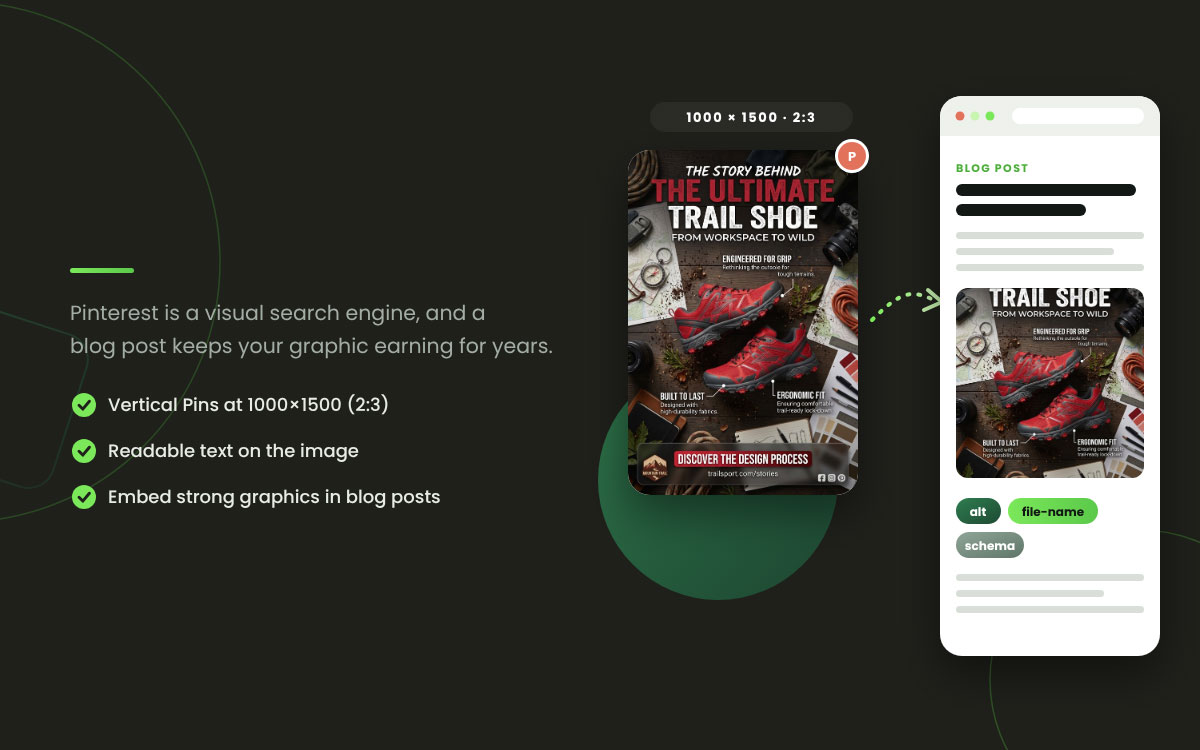
Pinterest works mainly as a visual search engine. Pin descriptions, board names, and the text in your images are all indexed.
Why it works: Image SEO has its greatest impact on discovery here, and Pins also appear in Google image results. A tall graphic with searchable text on it and a keyword-rich description keeps working long after you post it, so it sticks around instead of fading like a regular post. That makes it the highest-leverage spot on this entire list.
Practical note: Create vertical Pins at 1000x1500. Add readable text on the image that says what the Pin covers. Write your descriptions with the terms people actually type into the search bar and save the clever phrasing for another day.
Step 8: Repurpose social graphics onto your website
Take the infographic, checklist, or data visualization you made for social and give it a home inside a blog post. It will keep earning search value there for far longer than it ever will in a feed.
Why it works: A social post lives for a few days and then slips out of sight. The same graphic on an indexed page keeps pulling in search traffic for years. It can receive links from other websites, though links to a social post don’t necessarily benefit your own website’s rankings. This one step recovers more value than the other nine combined, and almost nobody bothers with it.
Practical note: Build a blog post around each substantial social graphic. Give the image descriptive alt text and a proper file name. Add surrounding text that explains what the visual shows, so readers and search engines both know what they're looking at.
Step 9: Include readable text in the graphic itself
Search engines have gotten much better at reading text inside images, and platforms use that text to sort and categorize visuals.
Why it works: Machines aren't the only ones who benefit. Text on the image means your graphic still tells people what it's about when it shows up in image search results, where no caption tags along. Clear type is also a core design element for social media content, so it pulls double duty for search.
Practical note: Give every substantial graphic a clear title or subject line. Make it big enough to read even at thumbnail size.
Step 10: Track which graphics actually drive search traffic
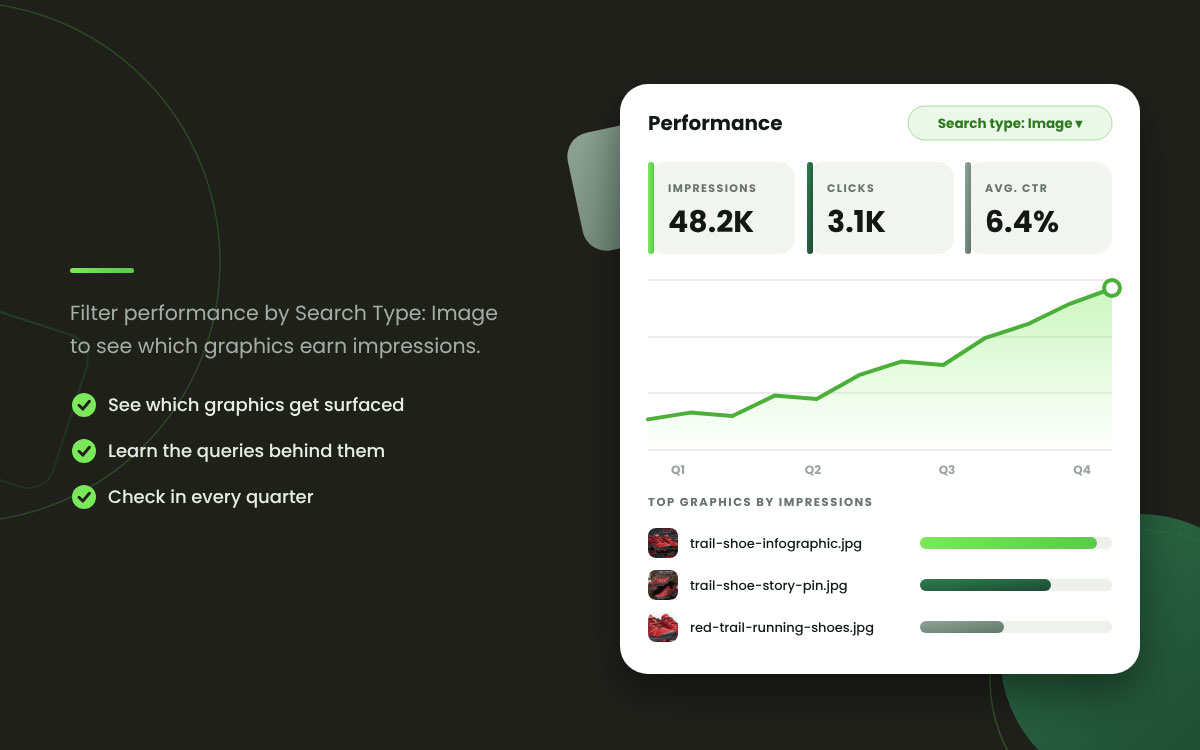
Google Search Console reports image search impressions and clicks on their own, and most teams never take a peek.
Why it works: Without this data, image optimization is a lot of guessing that happens to wear a strategy costume. Search Console shows which graphics are getting surfaced and for which queries. That turns the whole effort into something you can measure and trust.
Practical note: In Search Console, filter Performance by Search Type: Image. Check in every quarter and jot down which visual formats earn impressions.
Weak Alt Text
Stronger Alt Text
(Blank, or IMG_4829)
Barista pouring latte art in a ceramic cup at a wood counter
Image of shoes
Red trail-running shoes on a white studio background, side view
Infographic
Infographic showing the 60/30/10 color rule for social media design
Our new product
Compact espresso machine in matte black, front view, with dimensions
Chart
Bar chart of 2026 social engagement rates by platform, Reels highest
Read that table again and notice what the stronger column has in common. Not keywords. Description. Someone who cannot see the image would know exactly what is in it, and so would a search engine.
Social media graphics SEO FAQs
Most questions about social media graphics SEO come down to which signals a platform reads and which ones Google reads. Platforms rely on captions, alt text, and on-screen text, whereas Google relies on the page hosting the image. These social media graphics SEO FAQs give direct answers to the most common questions, so you can fix each graphic before it goes live. Have further questions? Leave us a comment or contact us directly to get an accurate answer.
Optimize social media graphics for SEO by giving files descriptive names before export, adding accurate alt text to every image, placing keywords in the first 125 characters of each caption, compressing files to improve page speed, and choosing the right format. Then repurpose your best graphics into indexed blog posts.
Alt text helps in two ways. On Instagram, it shapes how the platform categorizes your content and how it appears in its search results. Your website directly affects Google Images' visibility. Instagram writes alt text automatically, but editing it with a clear description works much better.
Google may index public social content, but that alone doesn’t guarantee improved rankings for your website. Social posts can still help people discover and visit your site. They help indirectly through referral traffic, brand searches, and content discovery that leads to backlinks. Repurposing social graphics into indexed blog posts turns your design work into direct search value.
Use PNG for graphics with text and flat color, JPG for photos, and WebP where the platform or website supports it and file size matters. Text-heavy graphics saved as JPG show blurry artifacts around the type. Photos saved as PNG create oversized files that slow page load.
Optimize Pinterest images by creating vertical 1000x1500-pixel graphics at a 2:3 ratio, adding a readable text overlay stating the subject, and writing descriptions using terms people actually search for. Pinterest works as a visual search engine, and its Pins also appear in Google image results.
Endnote
Here we are at the last phase, and this guide finally comes to an end!
Learning how to optimize social media graphics for SEO really comes down to two jobs. You need to help each platform understand the graphic and help Google find it.
Begin on the platform side. Give every file a descriptive name, write accurate alt text, and place your caption keywords within the first 125 characters. Make sure any text inside the image is easy to read. Next, turn to the web side. Compress your files and pick the right format for each one. Then embed every strong graphic in a blog post and add structured data to it.
Pinterest tends to reward vertical Pins that carry searchable descriptions. Search Console, meanwhile, shows you which graphics are earning impressions.
Key Takeaway: Prepare every graphic for search at export, and give each strong one a page on your site so it keeps working after posting day.
If you would rather hand this work to a team, Graphic Design Eye LLC designs social media graphics that are ready to be found from the first export. Explore our social media guidelines or browse more social media design tips.
Thank you for reading, and we wish you many creative days ahead.
Graphic Design Eye LLC is a full-service creative agency built for brands that demand more than design — they demand vision. From strategic branding to complete visual identity, we partner with startups, agencies, and growing businesses as a dedicated creative force. With flexible subscription and project-based models. Let's start with us today!