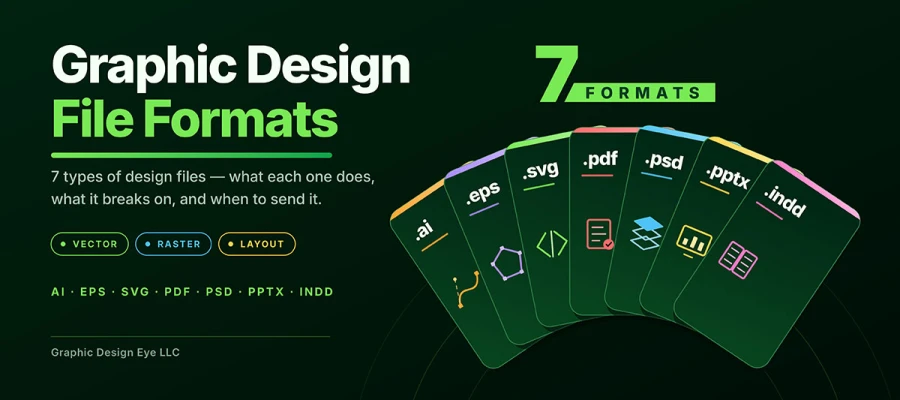
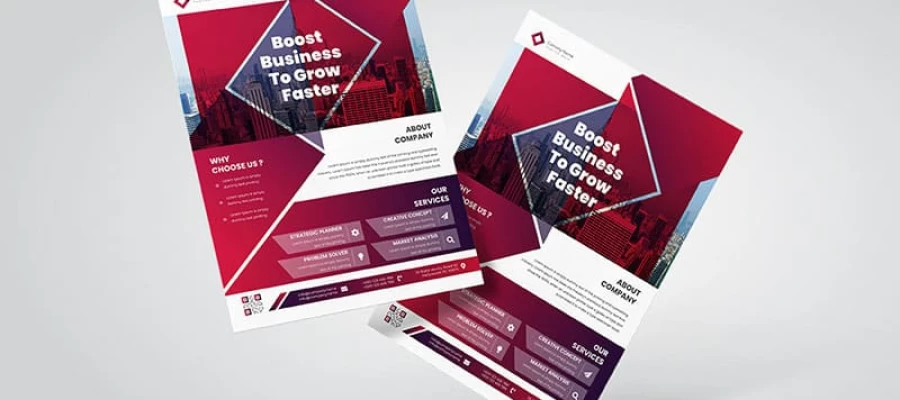
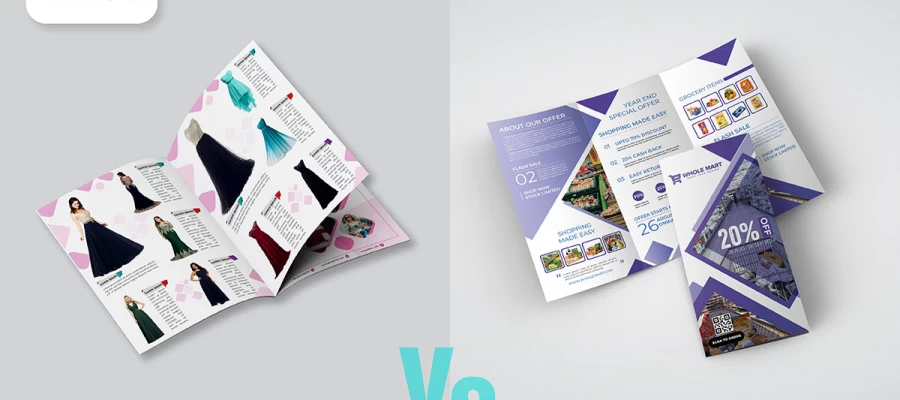
The graphic design file formats include AI, EPS, SVG, PDF, PSD, PPTX, and INDD files. AI, EPS, SVG, and PDF are vector formats. They scale to any size without losing quality. PSD is a layered raster format for photos. PPTX is an editable presentation file. INDD is a layout file for multi-page documents. Use vector formats for logos, raster formats for photos, and PDF for the finished work.
Suppose a folder shows up in your inbox with seven files after you pay the invoice. Each file ends in letters that mean nothing to you, like .ai, .eps, .svg, .pdf, .psd, .pptx, .indd. The printer wants "the vector." The web developer wants "something light." The sign shop wants an EPS. You just stare at the folder, not knowing which file to open.
This panic is common. Nobody explains file formats during a project handover. Yet the wrong file quietly decides whether your logo prints sharp on a storefront or looks blurry on a business card.
In this post, we’ll explain 7 types of design files and exactly where each one goes. No jargon, no spec sheets. Just a simple look at what each design file does, where it falls short, and a decision table you can keep on hand for good.
So, keep reading!
7 Graphic design file formats
The 7 types of graphic design file formats cover almost everything a designer gives you. They fall into three jobs. Creating files (AI, PSD, PPTX, INDD). Delivering files (PDF, EPS). Displaying files (SVG). Once you know a file's job, the confusion goes away. You stop asking "which file is best." You start asking "best for what."
Here's the whole picture in one table:
Format
Type
Created In
Best Use
Editable?
.AI
Vector
Adobe Illustrator
Logos, icons, illustration masters
Fully layered
.EPS
Vector
Illustrator/legacy apps
Legacy print, signage, embroidery
Limited
.SVG
Vector (XML)
Illustrator, Figma, code
Web logos, icons, animation
Yes, in code or design app
.PDF
Vector + raster
Any Adobe app
Print delivery, proofs, sharing
Partially
.PSD
Raster
Adobe Photoshop
Photo editing, compositing, mockups
Fully layered
.PPTX
Slide container
Microsoft PowerPoint
Presentations, pitch decks, templates
Fully editable
.INDD
Layout container
Adobe InDesign
Brochures, magazines, books
Fully editable
Vector and raster graphics differ in a key way. This difference matters for all seven design file formats below. It is worth ten minutes to learn if no one has explained it to you. Our breakdown covers how raster and vector graphics work. Keep that in mind — it explains every format detail below.
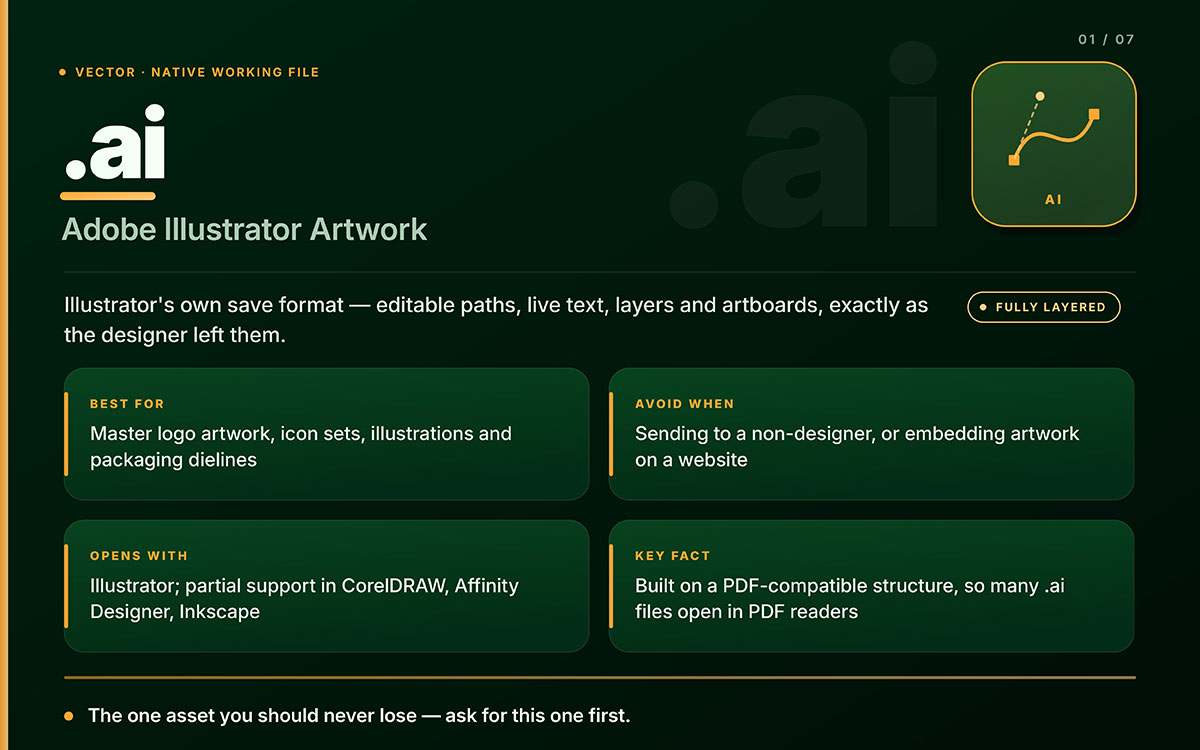
AI: Adobe Illustrator artwork (.ai)
An AI file is Adobe Illustrator's native, layered vector format for editing.
What it is: Illustrator's own save format. It keeps editable paths, live text, layers, artboards, and effects just as the designer left them.
Best for: Master logos, icon sets, illustrations, packaging dielines, and anything you'll edit later.
Avoid when: Sending files to non-designers, or putting artwork on a website. Most people can't open AI files, and no browser can show one.
Opens with: Mainly Illustrator. Photoshop and InDesign can place it. CorelDRAW, Affinity Designer and Inkscape open it partly, and results vary with complex effects.
Key facts: AI format is built on a PDF-compatible structure. That's why many AI files open in PDF readers when "Create PDF Compatible File" is turned on at save (Adobe). Turning it off shrinks the file but makes it far less portable.
Key limitation: AI is proprietary. Treat it as a working file, never one to share.
Never lose your AI file. If a designer gives you nothing else, ask for this.
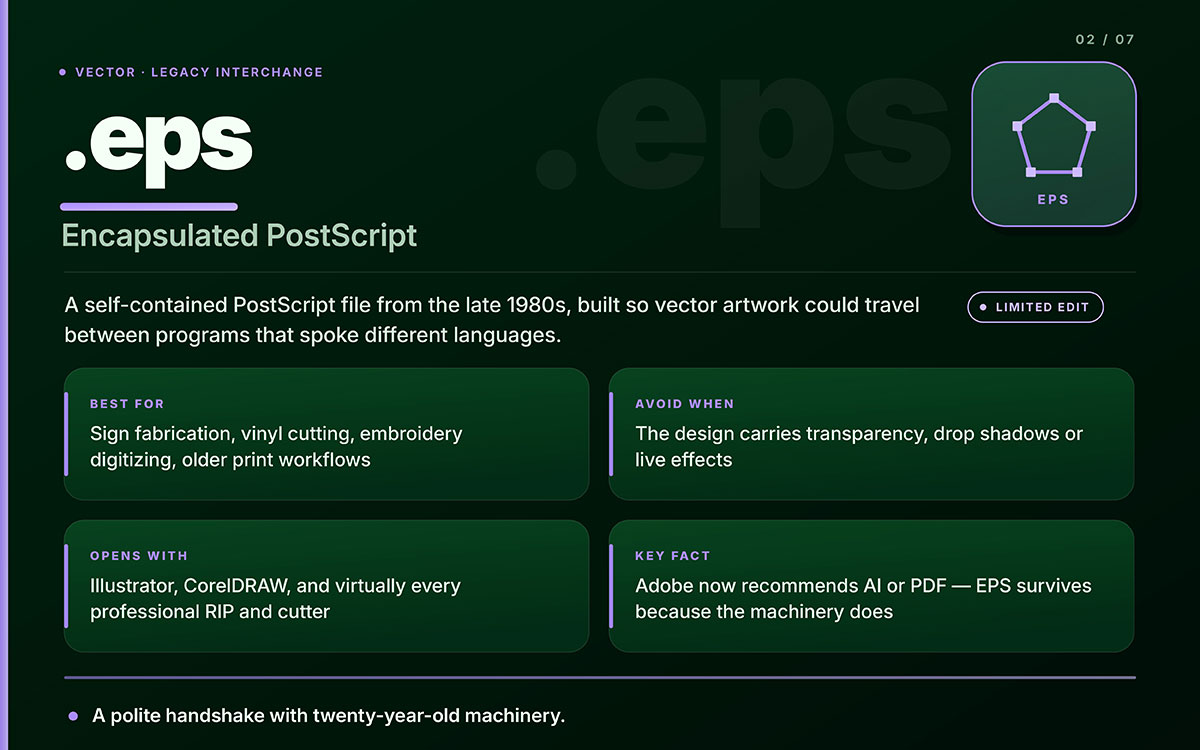
EPS: Encapsulated PostScript (.eps)
An EPS file is an old vector format built on Adobe's PostScript language.
What it is: A standalone PostScript file made in the late 1980s. It let vector art move between programs that couldn't talk to each other.
Best for: Old print jobs, sign making, vinyl cutting, embroidery work, and vendors using old software.
Avoid when: Your design has transparency, drop shadows, or live effects. EPS can't handle real transparency. Those effects get flattened or turned into pixels.
Opens with: Illustrator, CorelDRAW, and almost every pro RIP and cutting system in the industry.
Key facts: EPS came before PDF. Adobe now suggests using AI or PDF instead. EPS still exists because fabrication software rarely gets updated. A 2004 embroidery machine still runs, and it still needs EPS.
Key limitation: No layers, no transparency, and no editable text once outlined. Give a vendor an EPS if they ask. Just don't use it as your main file.
EPS is the bridge between new design software and machines that have run for twenty years.
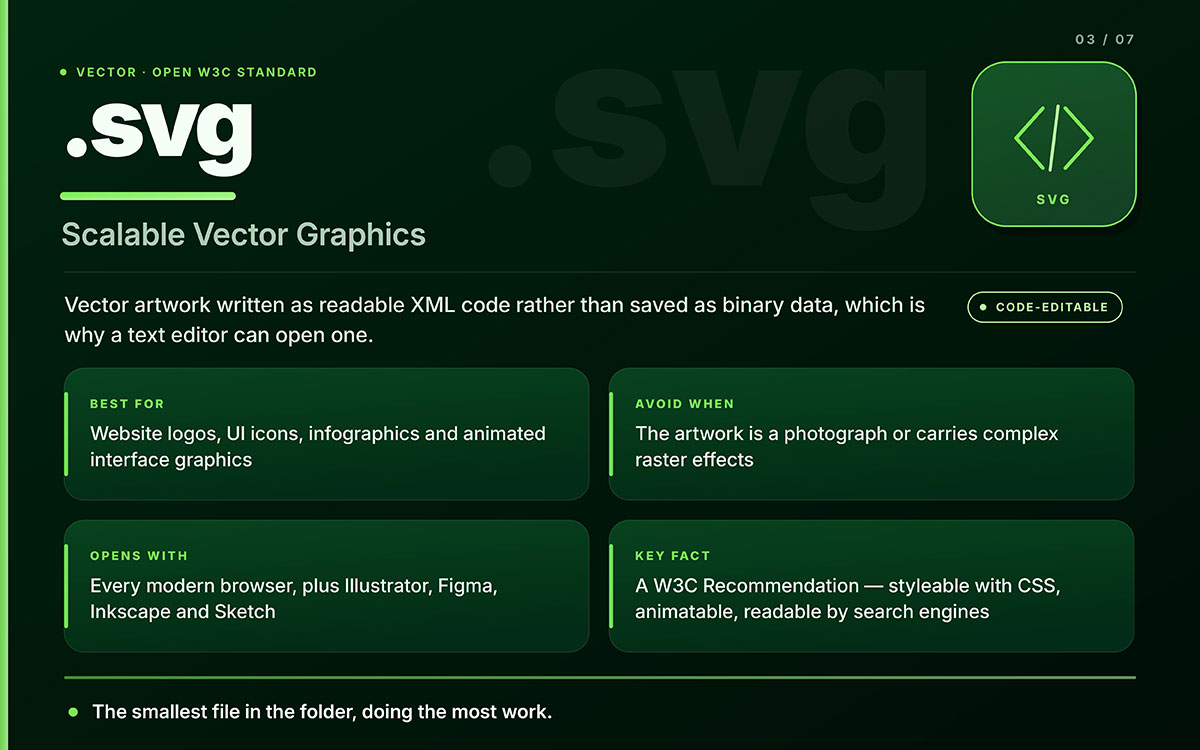
SVG: Scalable vector graphics (.svg)
An SVG file is an open, XML-based vector format for the web. It's kept as a W3C standard.
What it is: Vector art written as code, not saved as binary. That's why you can open one in a text editor.
Best for: Website logos, UI icons, infographics, and graphics that must look sharp on any screen, from phones to 5K displays.
Avoid when: The artwork is a photo or has complex raster effects. SVG can hold a photo, but the file gets bloated for no reason.
Opens with: Any modern browser, plus Illustrator, Figma, Inkscape, Sketch, or any text editor.
Key facts: SVG 1.1 is a W3C Recommendation and is supported by all major browsers (MDN). Since SVG is text-based XML, you can style it with CSS, animate it, add title and description elements for accessibility, and compress it effectively. Search engines can read its text too.
Key limitation: SVG graphic design file formats can hold scripts. Sanitize any file from an unknown source before putting it on a live site.
An SVG file is usually the smallest file in the folder, but it does the most work.
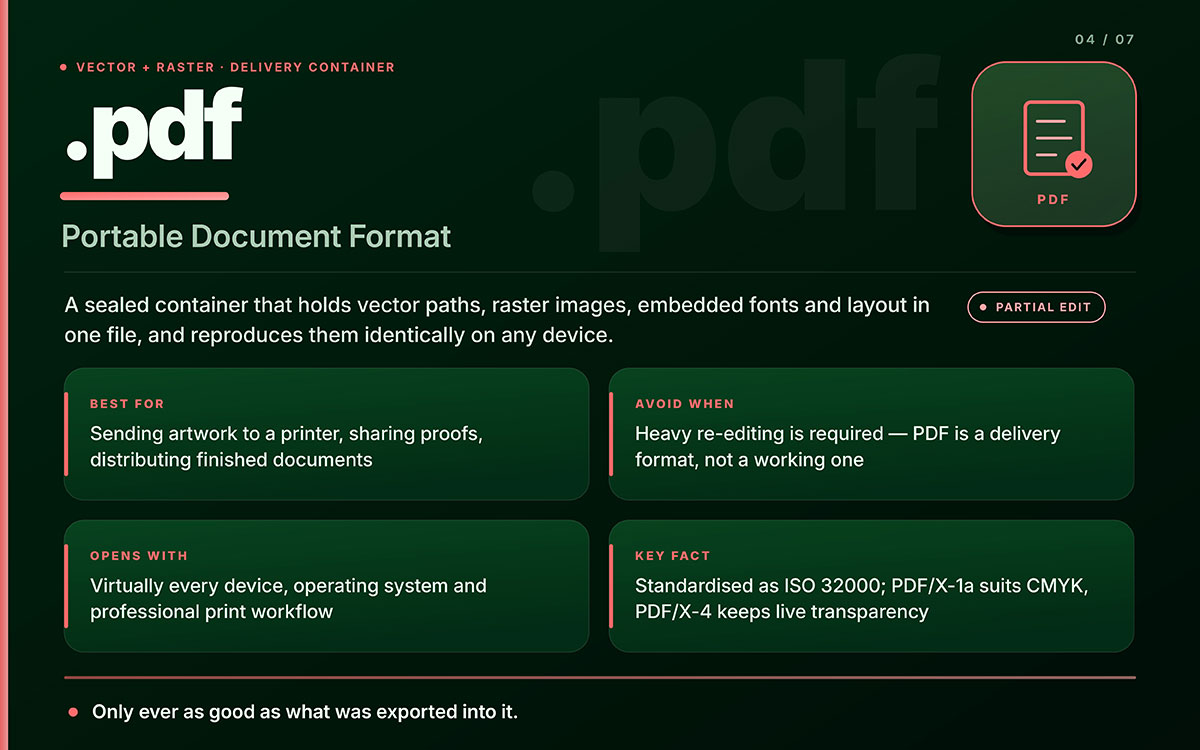
PDF: Portable document format (.pdf)
A PDF is a format that works on any device. It can hold vector art, images, fonts, and layout in one file.
What it is: A sealed file that shows a document the same way on any device. That is why print buyers and clients trust it.
Best for: Sending artwork to a printer, sharing proofs, and sending finished documents that must look the same everywhere.
Avoid when: You need heavy editing. PDF is for delivery, not for working.
Opens with: Almost every device, operating system, and print workflow.
Key facts: PDF became ISO 32000, an open format rather than a private one. Print versions exist too. PDF/X-1a fits CMYK work with flattened transparency. PDF/X-4 keeps live transparency and color management. If your printer names one, use that exact one.
Key limitation: A PDF is only as good as what went into it. A press-ready PDF and a low-res PDF look the same in a file list but act very differently on a printing press.
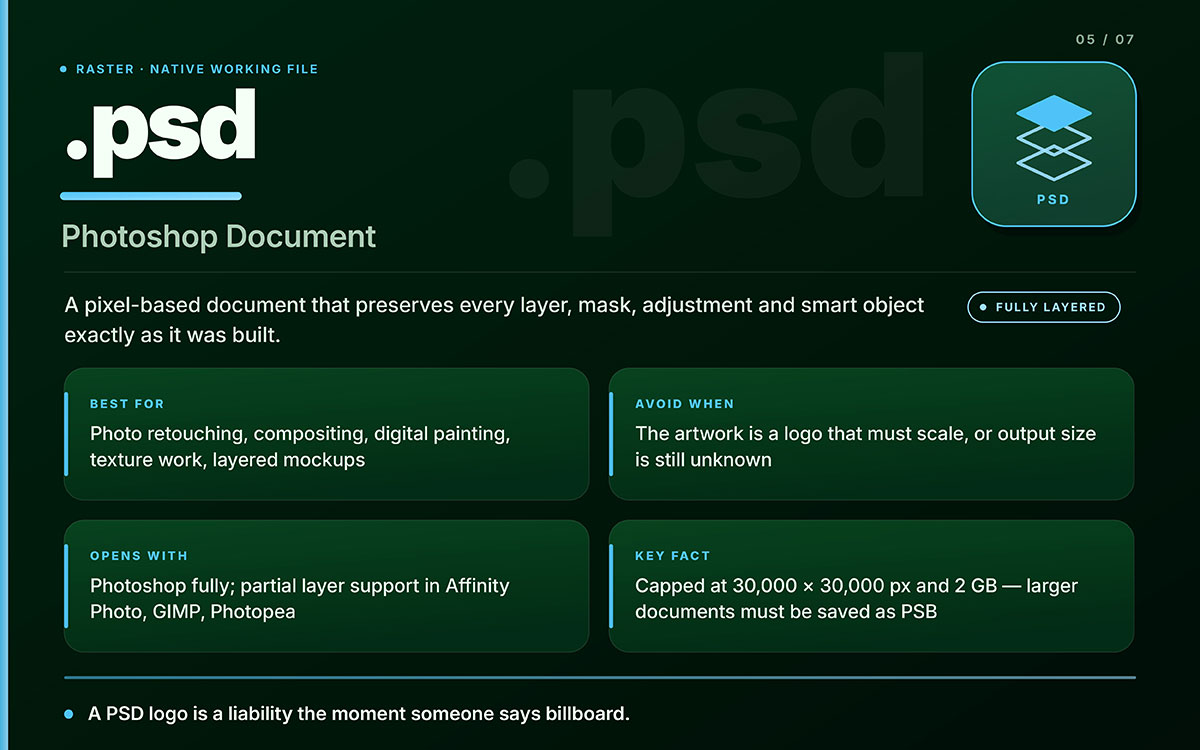
A PSD file is Photoshop's own layered image format.
What it is: A pixel-based file that keeps every layer, mask, adjustment, and smart object as you made them.
Best for: Photo retouching, compositing, digital painting, textures, and layered mockups.
Avoid when: The artwork is a logo that needs to scale, or it's going to large-format print at unknown sizes. A PSD logo becomes a problem the moment someone needs a billboard.
Opens with: Photoshop, fully. Affinity Photo, GIMP, Photopea, and some Canva alternatives can open PSD files, but only support some layers.
Key facts: PSD supports layers, masks, adjustment layers, alpha channels, and smart objects. Adobe caps PSD size at 30,000 x 30,000 pixels and 2 GB. Bigger files require the PSB format, which supports up to 300,000 pixels per side (Adobe).
Key limitation: PSD is raster. Enlarging it past its original resolution ruins quality for good. Sharpening cannot bring back lost detail.
Getting the pixel size right at the start saves the whole project later. That's why our image size guide is worth saving before you start a new canvas.
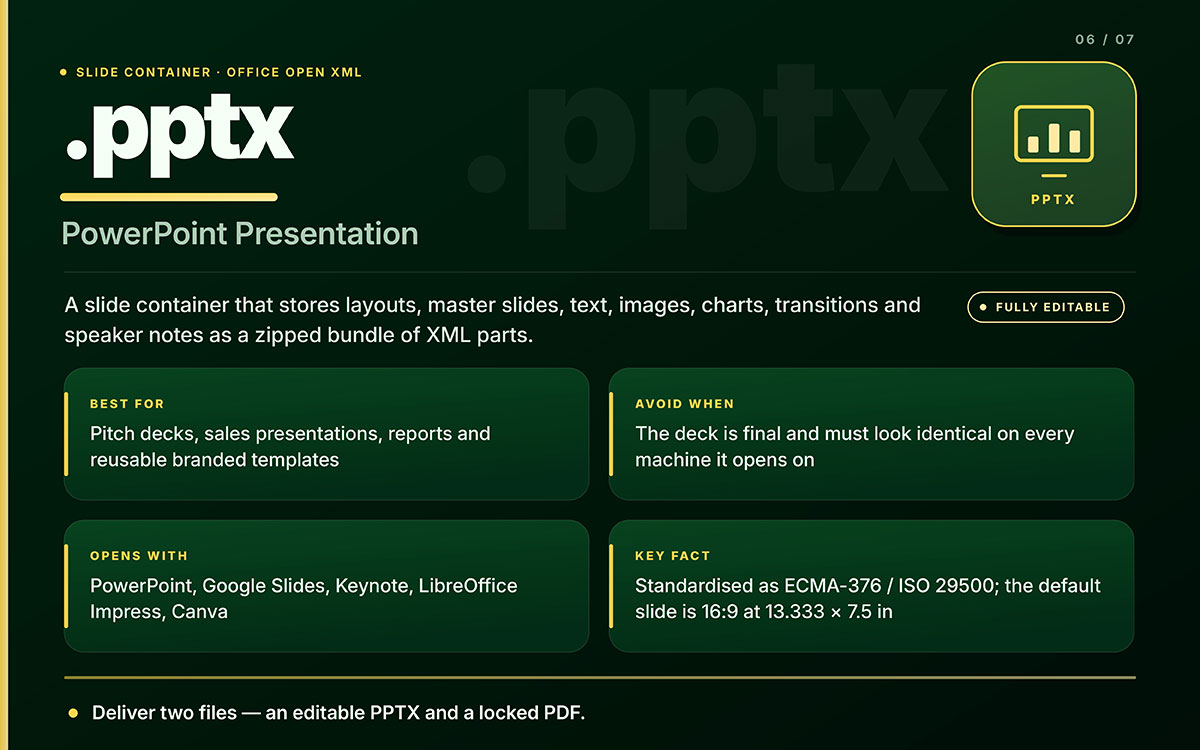
PPTX: PowerPoint presentation (.pptx)
A PPTX file is Microsoft PowerPoint's own format. It runs on the Office Open XML standard.
What it is: A slide file that stores layouts, master slides, text, images, charts, transitions, and notes. It's zipped XML parts.
Best for: Pitch decks, sales presentations, internal reports, conference talks, and team templates.
Avoid when: The deck is final and must look the same on every machine. Fonts, spacing, and animation shift between apps, so send a distribution copy as PDF.
Opens with: PowerPoint, Google Slides, Keynote, LibreOffice Impress, Canva, and most presentation tools. Each renders it a bit differently.
Key facts: PPTX belongs to the Office Open XML family. It's standardized as ECMA 376 and ISO/IEC 29500 (Microsoft). PowerPoint can embed fonts to keep typography on another machine, but this depends on each font's license. The default slide size today is 16:9 at 13.333 x 7.5 inches.
Key limitation: PPTX layouts can shift. Always send two files: an editable PPTX so the client can update figures, and a locked PDF so the final version can't reflow.
That two-file rule is the most useful habit in deck delivery. It pairs well with the layout tips in our presentation design tips.
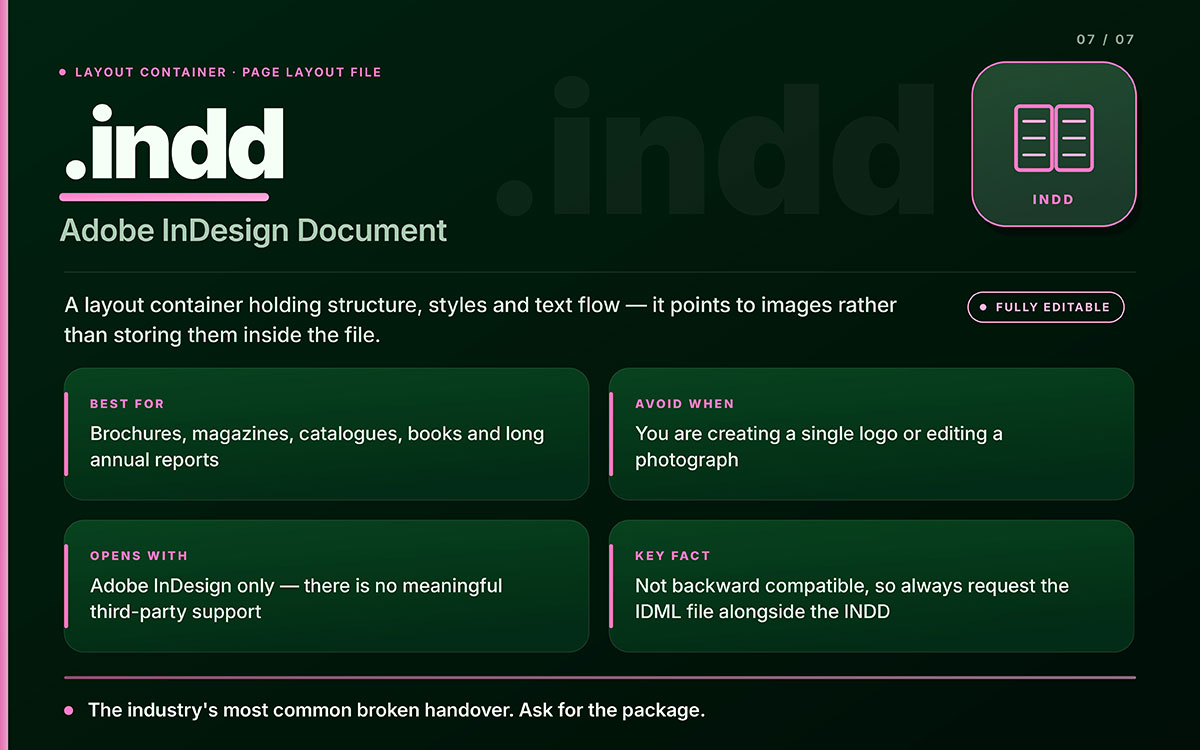
INDD: Adobe InDesign document (.indd)
An INDD file is Adobe InDesign's native layout file. It combines text and images into multi-page documents.
What it is: A layout container. It maintains structure, styles, and text flow, and links to images rather than storing them.
Best for: Brochures, magazines, catalogs, books, annual reports, and other long, styled documents.
Avoid when: You are making a single logo or editing a photo. InDesign is not for drawing or photo editing.
Opens with: Only Adobe InDesign. No real third-party support exists.
Key facts: INDD graphic design file formats don't work in older versions of InDesign. A file saved in a newer version won't open in an older one. Adobe's IDML format lets you move layouts backward, so always ask for the IDML along with the INDD (Adobe).
Key limitation: INDD links to outside images and fonts. Always ask for a packaged folder with the INDD, the Links folder, the Document fonts folder, and a press-ready PDF.
An unpackaged INDD causes the most broken handoffs in the industry. Always ask for the package.
Knowing which file format fits which project stage is easier once you understand the graphic design process behind them.
Which design file format should you use?
The right graphic design file format depends on your task. A logo needs a vector for print, an SVG for the web, or a PNG for a photo. Photos need raster formats like PSD or TIFF. Presentations need PPTX or PDF.
If You Need To…
Use This Format
Why
Send a logo to a printer
PDF (PDF/X) or AI
Vector, embedded fonts, press-ready color
Put a logo on a website
SVG
Scales perfectly, tiny file size, styleable
Place a logo over a photo
PNG
Supports transparency
Send artwork to a sign or embroidery vendor
EPS or AI
Legacy vector support in fabrication software
Edit a photograph
PSD
Layers, masks, non-destructive adjustments
Hand over an editable presentation
PPTX
Master slides, editable text, reusable layouts
Distribute a finished presentation
PDF
Locked layout, fonts fixed, opens anywhere
Lay out a 40-page catalog
INDD (+ IDML + packaged links)
Master pages, styles, text flow
Share a proof for approval
PDF
Opens anywhere, preserves appearance
Upload a photo to a website
WebP or JPG
Compressed for fast page loading
Archive a high-quality flat image
TIFF
Lossless, print-standard
Animate an icon on a webpage
SVG
Animatable with CSS or JavaScript
Match your task to the format below to pick the correct one every time.
For web use, Google explains modern image formats guidance. WebP has replaced JPG and PNG for photos. It works well on quick loading pages.
Nine common file format mistakes and how to avoid them
Nobody makes these mistakes on purpose. A file can look fine on screen, since screens forgive a lot. Print does not forgive. A press won't fix a blurry 72 DPI logo for you. A vinyl cutter won't add back the transparency your EPS lost.
Every mistake below takes five seconds to fix if you catch it early. It costs a lot more if you don't. Check this short list before sending any design file in your handover folder.
Expanding a JPG logo instead of the vector master: The pixels only get bigger and blurrier. If the vector is lost, a raster to vector conversion can rebuild it.
Sending an RGB file to a commercial press: Bright screen blues and greens fall outside the CMYK range and print dull. Convert the file and proof it.
Exporting a print PDF at screen resolution with no bleed: Use 300 DPI and 3 mm bleed. This same rule keeps business cards printing cleanly, and it applies to everything else.
Assuming a PDF is editable source artwork: Usually it is not. Text may be outlined, images flattened, and the original layers gone.
Emailing a PPTX as the final file: Fonts change, spacing shifts, and animations break on the other person's computer. Send the editable PPTX with a locked PDF.
Delivering an INDD file without its linked images and fonts: The layout opens broken and swaps every font.
Using EPS for artwork with transparency causes the drop shadow, soft glow, or gradient mesh to be lost in the output.
Uploading a 6 MB PNG when a 20 KB SVG would work, and slowing page speed on every visit.
Design file questions come up at the worst times, mid-email to a printer or a client. These quick answers solve the common mix-ups around logos, formats, and software compatibility. Copy any answer straight into a message when someone asks. Here's what people ask most. If these questions aren’t of concern to you, you can contact us with your own. We’ll try to help you through a free consultation.
There is no single best format. There are three. Keep the AI file as your editable master. Use SVG for websites and apps. Send PDF or EPS to printers and fabricators. Never deliver a logo as a JPG only. JPG can't scale up and can't have a transparent background. A full logo package has all three formats, in color and one-color versions.
Sometimes. If the designer turned on Create PDF Compatible File, most PDF readers and browsers can show it, but you can't edit it. Affinity Designer, CorelDRAW, and Inkscape can open many AI files, but not all of them perfectly. Complex gradients or effects may shift. For full editing, only Illustrator works reliably.
Yes, but less than before. Adobe suggests AI or PDF for modern work. But EPS is still standard in sign-making, vinyl cutting, embroidery digitizing, and in older software that never switched to PDF. If a vendor asks for EPS, send it. Their machinery needs it. Just keep your AI or PDF master safe.
SVG is vector. It's made of shapes built from math, so it stays sharp at any size and keeps a small file size. PNG is raster. It's a fixed grid of pixels that supports transparency. Use SVG for logos, icons, and flat web graphics. Use PNG for photos or raster effects that need transparency. SVG also allows CSS styling and animation. PNG can't do that.
PPTX is PowerPoint's format and is supported by Keynote, Google Slides, and LibreOffice. KEY is Apple Keynote's own format and only opens well in Keynote on macOS, iOS, or iCloud. Keynote can export to PPTX, but animations, fonts, and transitions may change. For decks shared outside an all-Apple team, PPTX is safer.
Two reasons cover almost every case. First, the file was saved in a newer version of InDesign than yours. InDesign doesn't work with older versions, so ask the designer for an IDML file instead. Second, the INDD came without its Links and Document fonts folders, so images are missing and fonts get replaced. Ask for a packaged folder.
A PDF can be either, and often both. PDF is a container. It contains vector paths, images, fonts, and layout in a single file. A PDF from Illustrator with live paths is vector and scales cleanly. A PDF from a scanned page has only pixels. Zoom to 800 percent. If the edges stay sharp, it's vector.
Most printers want a press-ready PDF, usually PDF/X‑1a or PDF/X‑4, with fonts embedded, images at 300 DPI, CMYK color, and 3 mm bleed. Some accept native AI or INDD graphic design file formats for complex jobs. Always ask before exporting. Every press has its own spec, so follow theirs instead of guessing.
Auto tracing tools like Illustrator's Image Trace can get close on a clean, high-contrast logo. But up close, curves often look wobbly and corners jagged. For large prints or permanent brand use, redraw the artwork by hand in Illustrator. That's real vectorization, and you can see the difference at scale.
Both are Photoshop files, but PSB is the Large Document Format for files that are too large for PSD. Adobe limits PSD to 30,000 x 30,000 pixels and 2 GB. PSB goes up to 300,000 pixels per side, useful for panoramas, large prints, and heavily layered files. PSB only opens in Photoshop. You can't easily share it.
Endnote
That's it, we're done here!
Seven types of file formats, one habit to keep. Match the file to the job. Vector when it needs to scale. Raster when it's a photo. PDF when it's heading to a client or the press. A working file for edits. A locked copy for people who shouldn't touch it. And a source file, always kept safe somewhere. The folder from a finished project protects your brand. The AI file lets you resize a logo for a storefront in five years. The PPTX lets you update a revenue figure right before a pitch. The IDML saves a catalog when software versions differ. Knowing these graphic design file formats means you won't be stuck by a vendor's questions.
None of this needs to live in your head anymore. Bookmark the tables, skim them when a vendor asks for something unfamiliar, and move on with your day. Formats shift slowly, but style doesn't, so keep an eye on the graphic design trends shaping what you put inside those files next.
Thanks for sticking with us through all seven formats. Now go make something worth printing.
Graphic Design Eye LLC is a full-service creative agency built for brands that demand more than design — they demand vision. From strategic branding to complete visual identity, we partner with startups, agencies, and growing businesses as a dedicated creative force. With flexible subscription and project-based models. Let's start with us today!