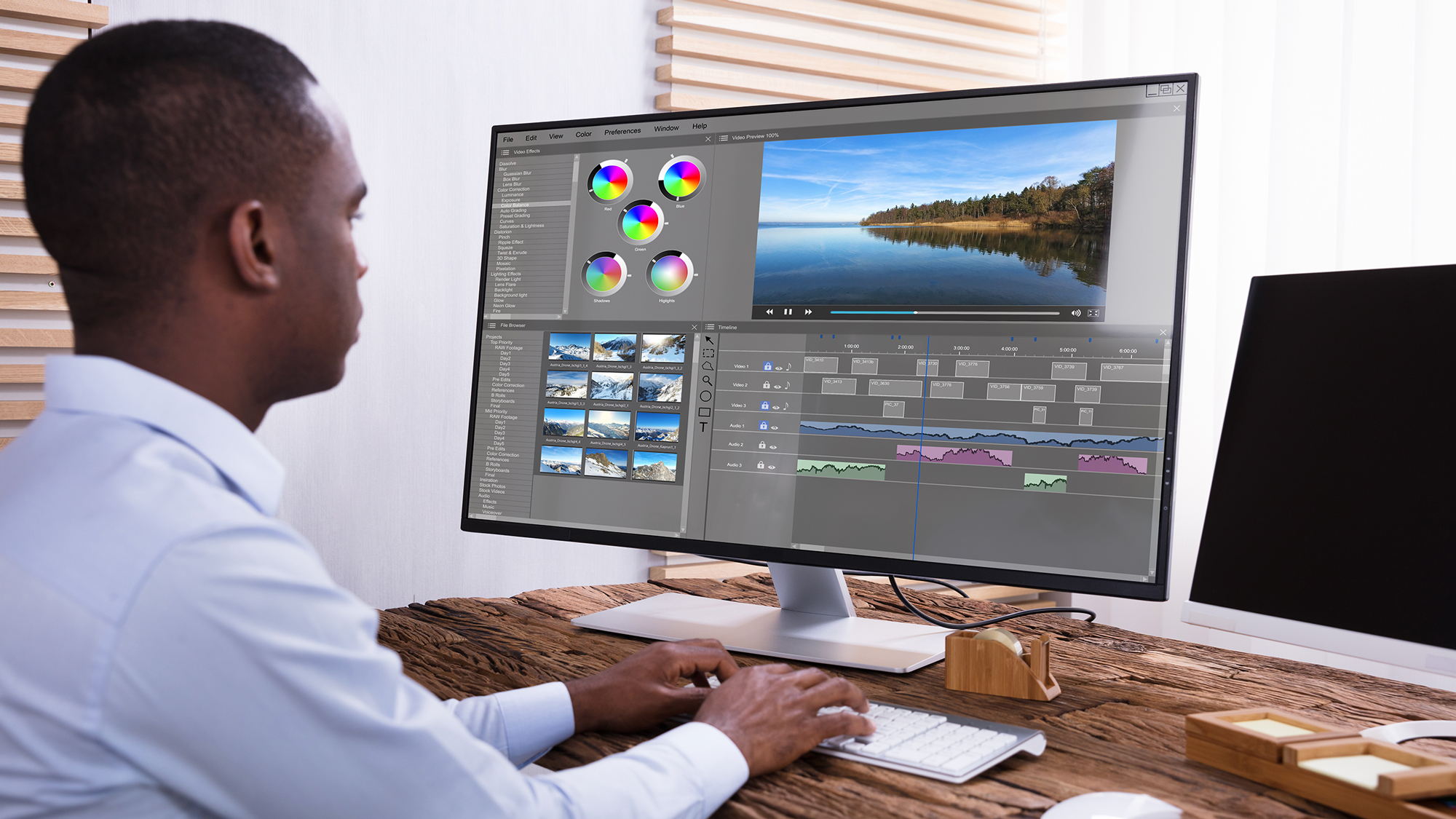
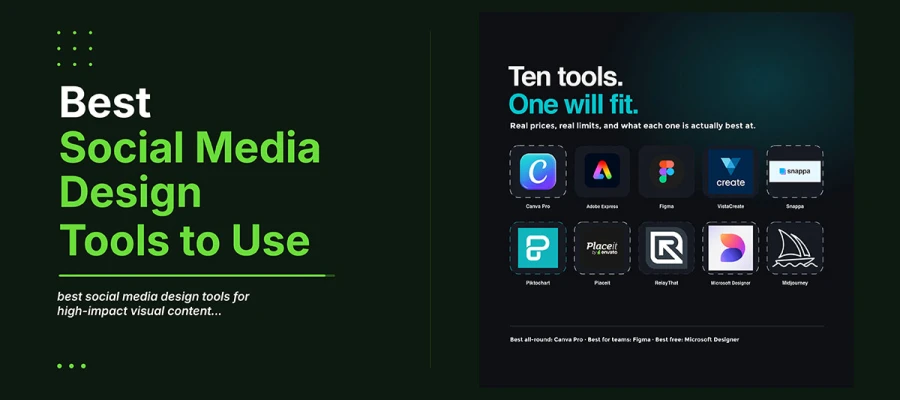
The best social media design tools in 2026 include Canva Pro, Adobe Express, Figma, VistaCreate, Snappa, Piktochart, Placeit, RelayThat, Microsoft Designer, and Midjourney. Canva Pro remains the strongest all-round pick, Figma leads for teams and agencies, and Microsoft Designer is the best free option.
Every scroll is like a quick audition. Feeds move fast. Your brand gets about a second and a half to catch someone's eye. The visual decides if you win that moment or lose it. That's why social media graphic design software matters so much now. Not because software creates for you. But because good tools remove the gap between a good idea and a post that truly feels like your brand.
The top social media design tools 2026 are crowded on purpose. Vendors pack AI writing, image generation, animation, scheduling, and brand rules into one product. Their marketing sounds so alike that picking a tool feels like guessing. But teams with strong, steady visuals rarely use the tool with the most features. They use the tool that fits their real problem, their budget, and how their team works.
This guide helps you find that fit. It's based on real prices, real limits, and what each tool truly does best. If you want a broader foundation first, our guide to social media graphic design tips pairs naturally with the tools below.
10 Best social media design tools
The best social media design tools in 2026 include Canva Pro, Adobe Express, and Figma, along with seven other strong options. Each tool suits a different need, from AI generation to team collaboration to animated content. This table compares pricing, standout features, and ideal use cases to help you choose quickly.
Tool
Best For
Free Plan
Starting Price
Standout Feature
Canva Pro
All-round social teams
Yes
$18/mo
Vast template library + Magic Studio AI
Adobe Express
AI-assisted brand design
Yes
$9.99/mo
Firefly generative AI, Adobe Stock access
Figma
Design teams and agencies
Yes
Free / $3+ seat
Real-time collaborative design canvas
VistaCreate
Animated social content
Yes
$10/mo
Motion templates and video editing
Snappa
Fast marketing graphics
Yes
$15/mo
Pre-sized templates, speed-first workflow
Piktochart
Data-driven visuals
Yes
$14/mo
Infographic and chart builder
Placeit
Mockups and merch visuals
No
$14.95/mo
Product mockups and device frames
RelayThat
Brand-consistent scaling
Limited
Varies
Automated brand layout resizing
Microsoft Designer
Free AI-first design
Yes
Free
DALL-E image generation, no cost
Midjourney
Custom AI imagery
No
$10/mo
High-fidelity original image generation
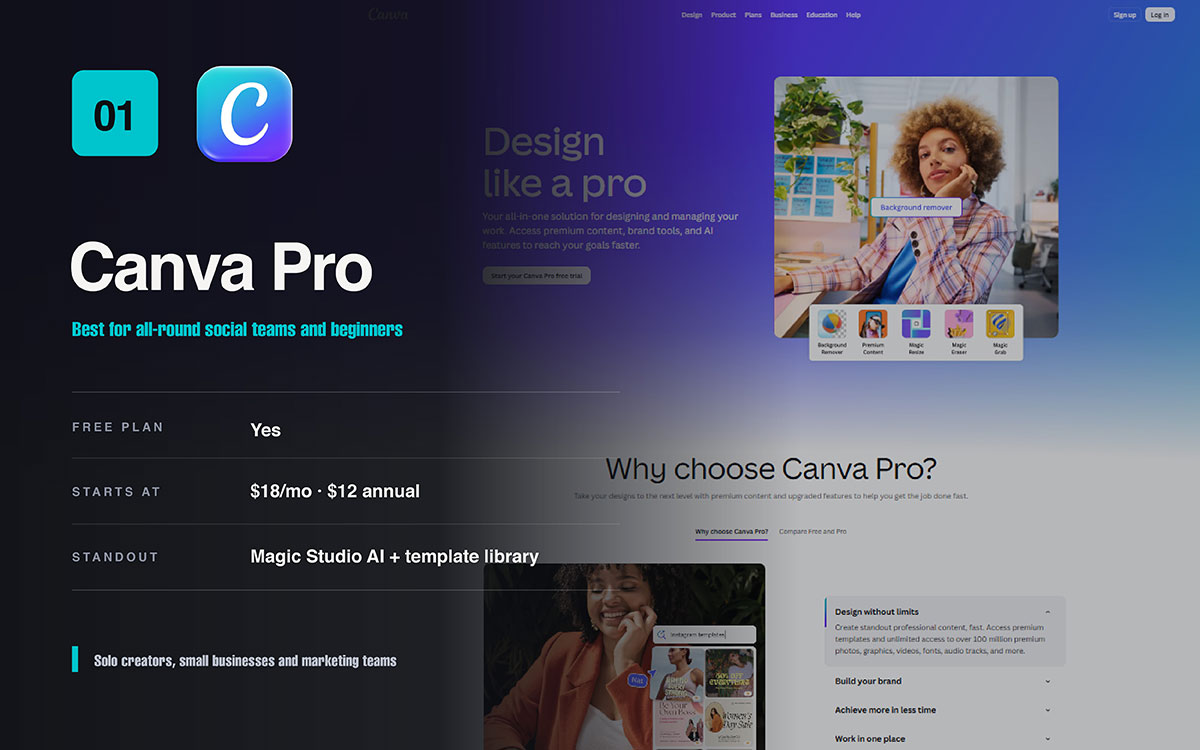
1. Canva pro — still the go-to social media design tool in 2026
Best for all-round social teams and beginners
Canva Pro is still one of the best social media design tools for most businesses. The reason is reach, not one standout feature. Its template library covers almost every platform and format. The drag-and-drop editor needs no design skills. Its Magic Studio AI tool makes captions, images, and resized versions all in the same tab.
Canva Pro pricing:
Free tier available. Pro costs $18 per month. Annual billing drops it to about $12 per month. Gets a 30-day trial. AI generation uses a monthly credit pool.
Canva Pro pros:
Huge template and asset library. Very easy to learn. Magic Resize adapts designs to any platform in one click. Strong collaboration on paid tiers.
Canva Pro cons:
The 2026 shift to per-seat Business pricing and AI credit caps raised costs for growing teams. Templates can make designs look generic.
Canva Pro ideal users:
Solo creators, small businesses, and marketing teams. Good for social, presentations, and print in one tool. No steep learning curve.
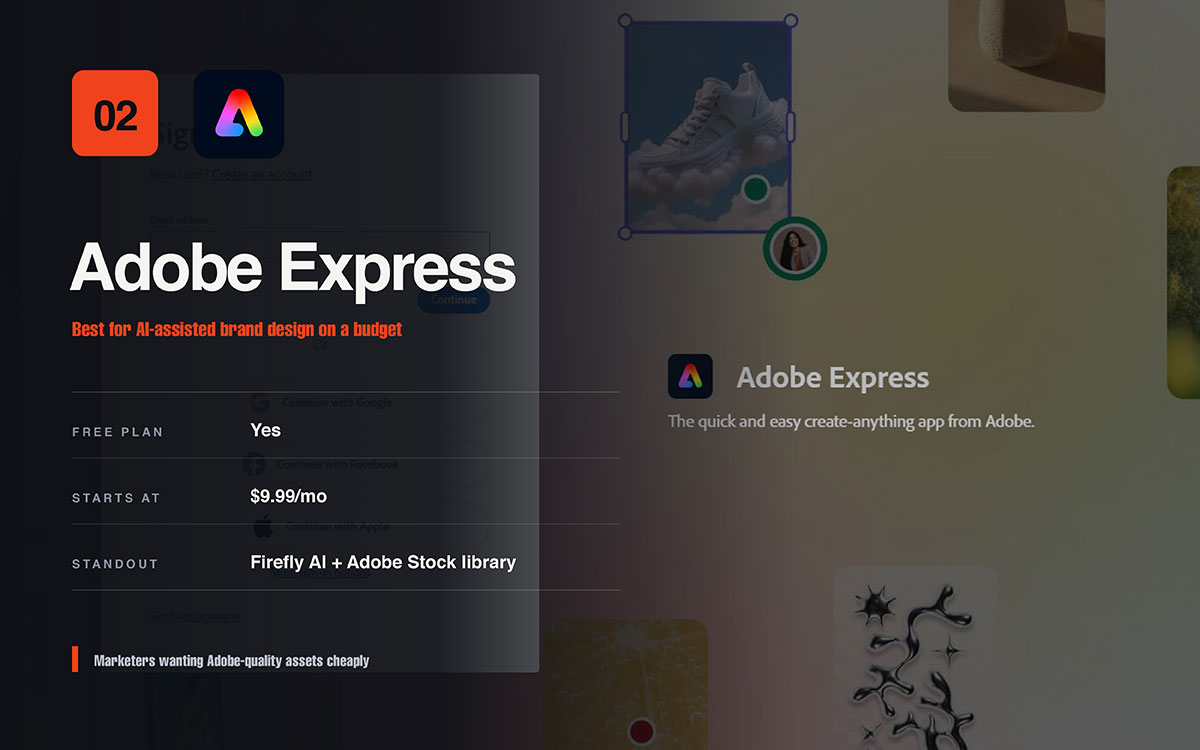
2. Adobe Express — AI-powered design backed by Adobe
Best for AI-assisted brand design on a budget
Adobe Express combines Firefly AI and Adobe Stock. It offers over a million assets in a simple drag-and-drop browser editor. For real AI image generation without Creative Cloud's cost or complexity, it's the most affordable serious option here.
Adobe Express pricing:
Free plan with over 100,000 templates and some AI credits. Premium costs $9.99 per month. Full Creative Cloud access costs much more, in a separate tier.
Adobe Express pros:
Firefly AI is safe to use commercially. It is the cheapest paid tier with real AI tools. It connects deeply with other Adobe apps.
Adobe Express cons:
Fewer templates and weaker teamwork tools than Canva. The 2026 platform switch upset longtime users. Some editing tasks feel slower than they should.
Adobe Express ideal users:
Marketers and small brands wanting AI design help and Adobe quality assets at a low price.
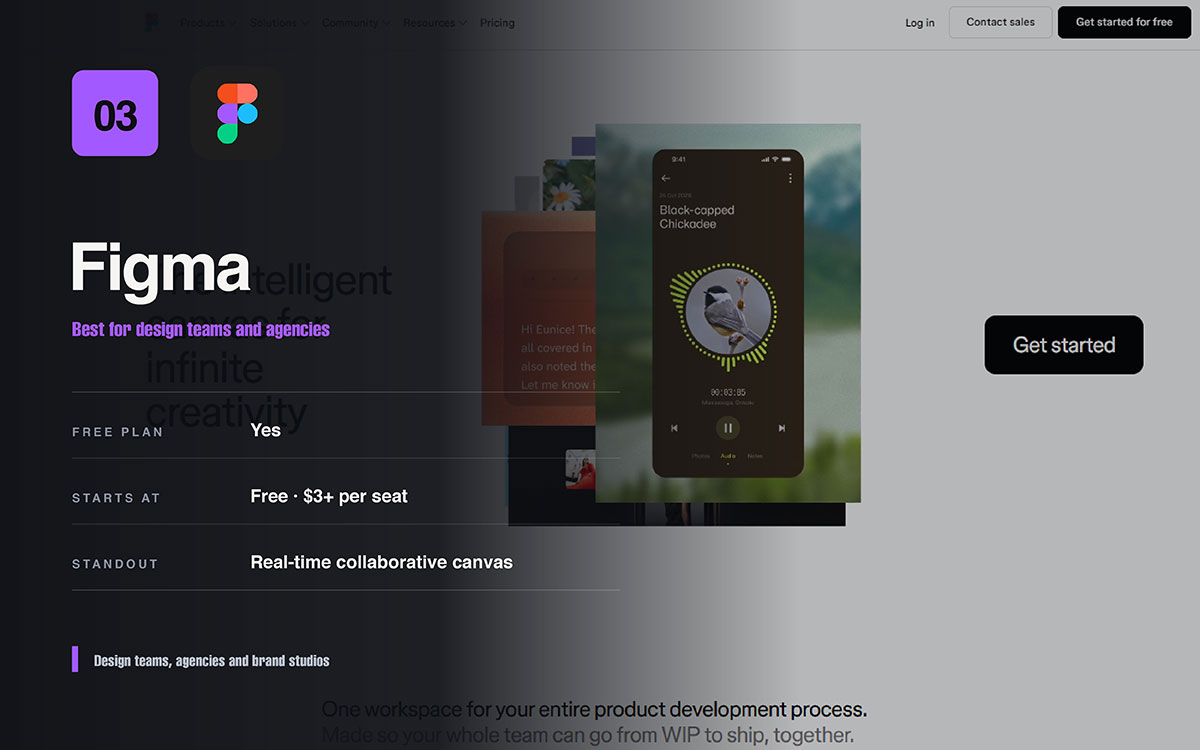
3. Figma — advanced collaborative social media design
Best for design teams and agencies
Figma is not built for social media first. That is why serious teams use it. Its shared canvas lets many designers work on one file at the same time. They can build reusable components and keep one visual style across every asset. For agencies managing brand consistency at scale, no template tool offers this much control. You can say it’s one of the best Canva alternatives for social media.
Figma pricing:
Free for individuals. Unlimited personal files. Paid plans cost a little each month. Price depends on your role. Bigger teams get Pro and Organization plans.
Figma pros:
Great real-time teamwork. Reusable components and design systems. Full control over layouts. Free plan is actually useful.
Figma cons:
Hard to learn if you are not a designer. No built-in social media scheduling. Too much for a simple Instagram post.
Figma ideal users:
Design teams, agencies, and brand studios. Best for people who treat social posts as part of a bigger design system.
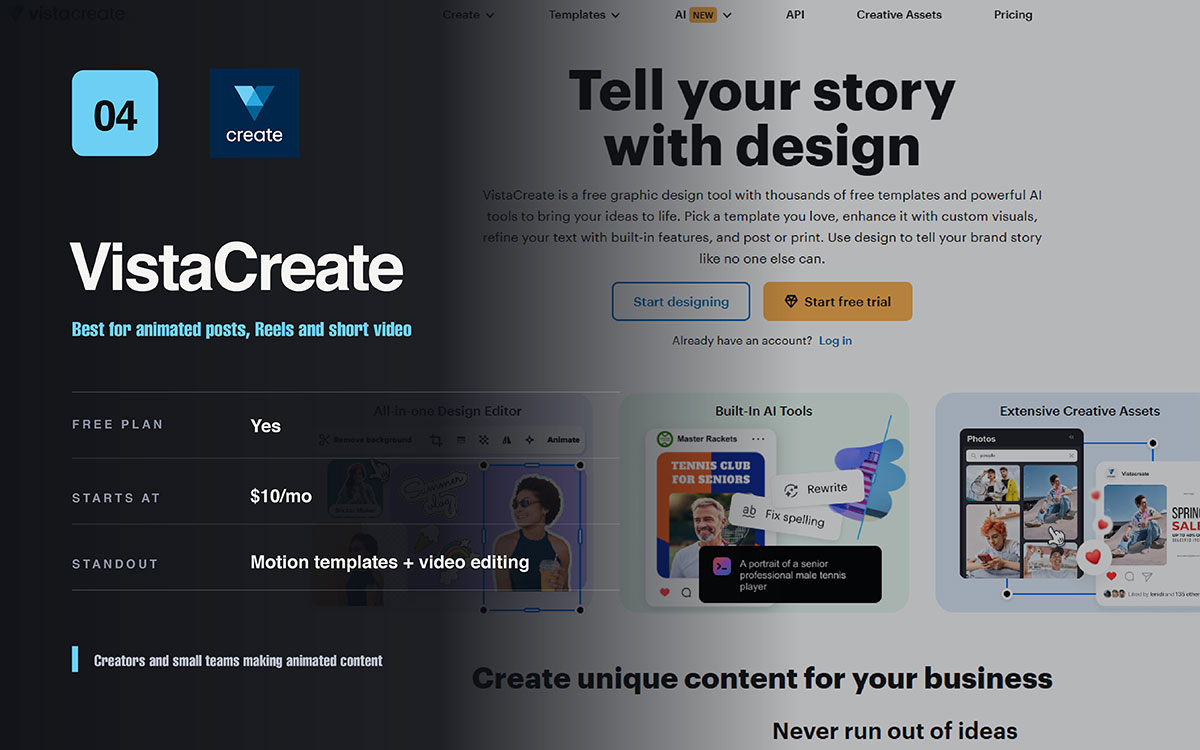
4. Vistacreate — animated social content made simple
Best for animated posts, Reels, and short videos
VistaCreate, once called Crello, has found its niche in motion. Its animated templates, layered transitions, and built-in video tools make it the strongest Canva alternative for creators on Reels, Stories, and TikTok. Its animation quality beats most general editors.
Vistacreate pricing:
Free plan available. Pro costs about $10 monthly. It covers multiple seats, great value for small teams.
Vistacreate pros:
Great animation and motion tools. Over 200,000 templates. Built-in social scheduling. Cheap multi-seat Pro plan.
Vistacreate cons:
Static designs look slightly worse than Canva. Interface feels busy. Brand controls are weaker than enterprise tools.
Vistacreate ideal users:
Creators and small teams making animated or video content. They want strong motion tools without high cost.
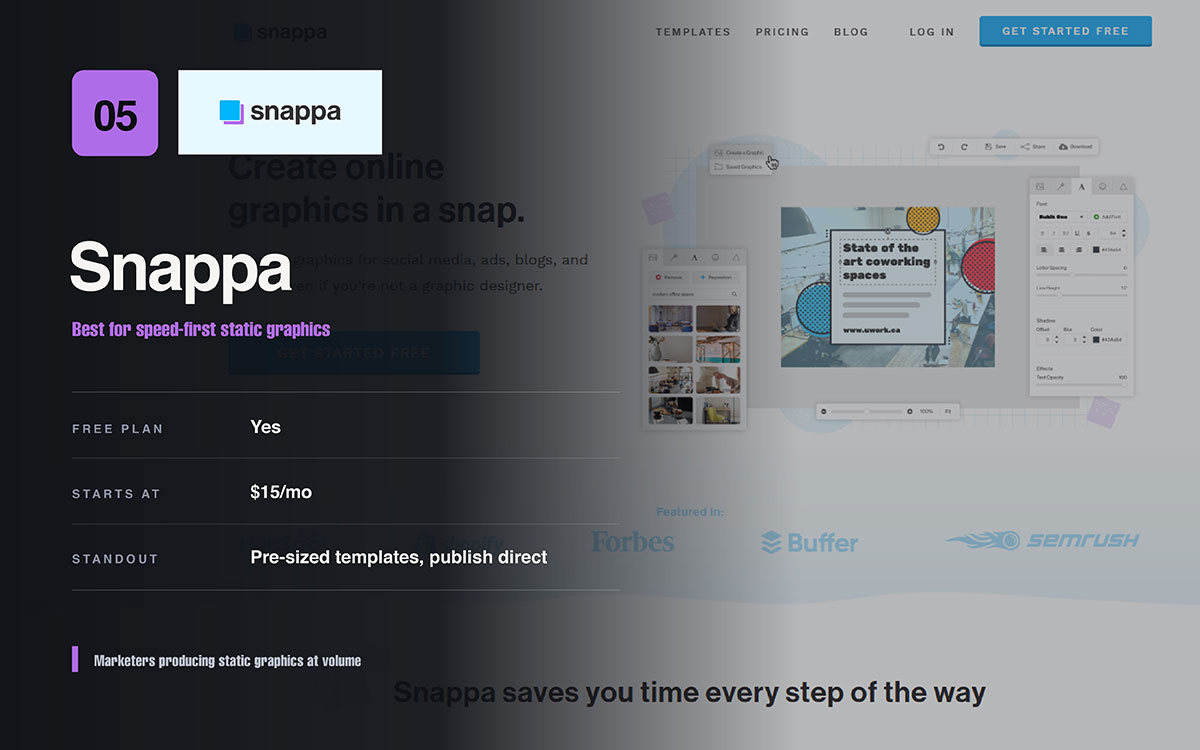
5. Snappa — fast social media graphics for marketers
Best for speed-first static graphics
Snappa has one goal. Go from blank canvas to finished graphic fast. It offers pre-sized templates for every major platform. The editor is clean and simple. You can publish straight to social channels. Marketers use it when speed matters more than experimenting.
Snappa pricing:
Free plan with a monthly download limit. Snappa Pro costs $15 per month. It offers unlimited downloads and posts straight to social media.
Snappa pros:
Very fast for regular graphics. Correct sizes are built in. It posts straight to social media. Easy to learn.
Snappa cons:
No AI generation. Fewer templates and assets than bigger platforms. Limited animation and video support.
Snappa ideal users:
Marketers and teams making lots of static graphics who want speed over more features.
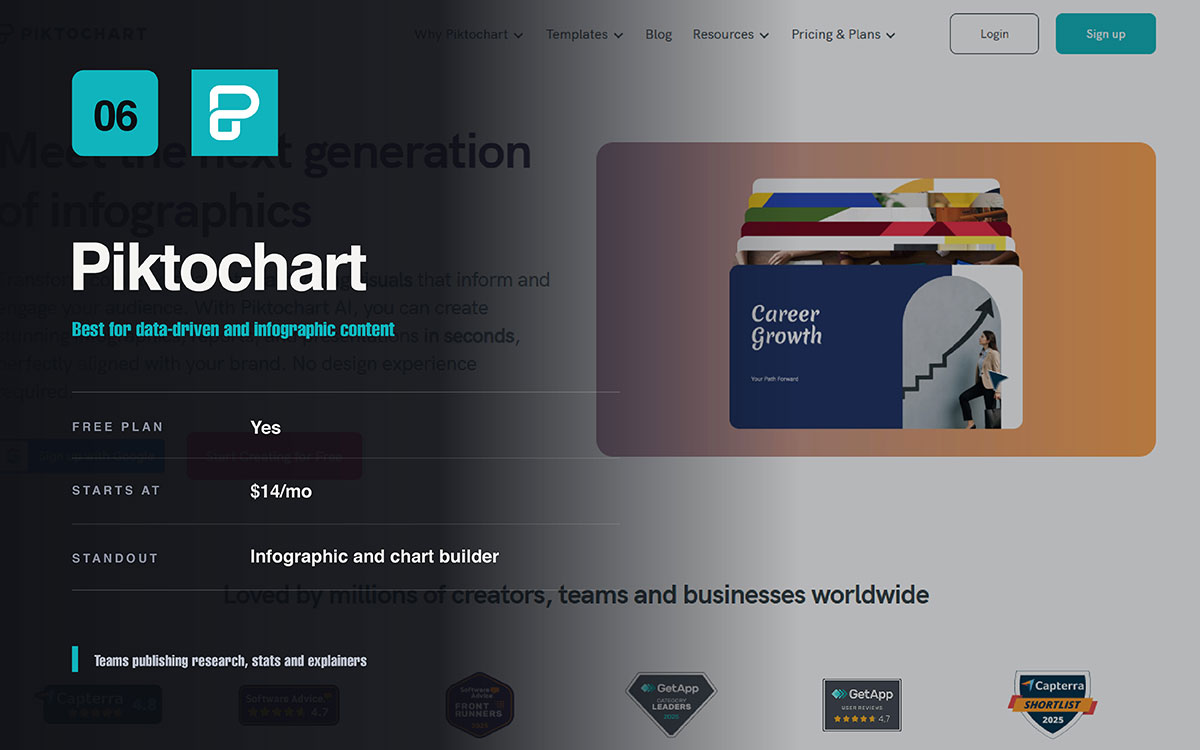
6. Piktochart — visual storytelling with data
Best for data-driven and infographic content
Piktochart turns numbers into visuals people actually notice. It works for stats, reports, or processes worth explaining. Its infographic and chart tools are built for data storytelling. General design tools handle this job poorly.
Piktochart pricing:
Free plan with limited exports. Paid plans cost $14 to $24 per month yearly. Fair pricing for this niche.
Piktochart pros:
Great infographic and chart tools. Clean, professional data layouts. Discounted education plans. Strong for reports and presentations.
Piktochart cons:
Weaker for everyday social posts and thumbnails. Fewer templates outside its niche. Not ideal for fast static graphics.
Piktochart ideal users:
Teams publishing research, stats, and explainer content. They need data that looks credible and shareable.
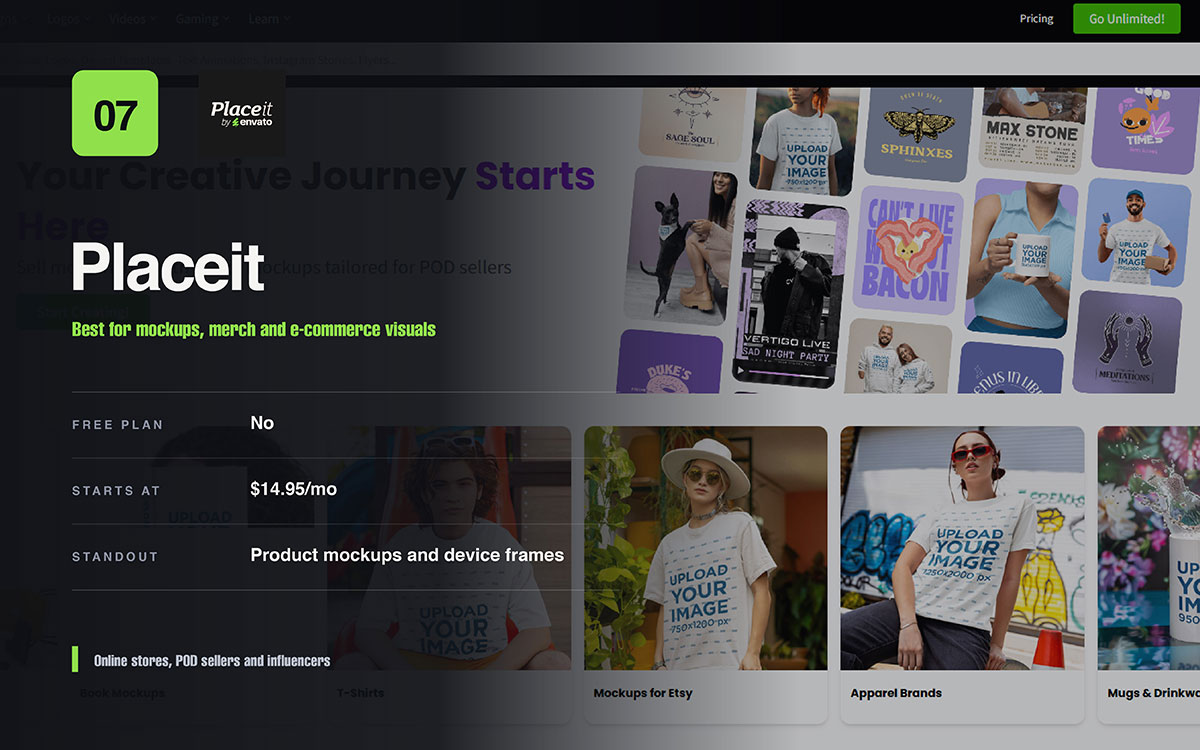
7. Placeit — mockups and merch visuals in one tool
Best for mockups, merch, and e-commerce visuals
Placeit fills a niche best social media design tools cannot match. It creates realistic product mockups, device frames, and clothing visuals. This makes it useful for online stores, print-on-demand sellers, and influencers who need to show a product in real settings without a photoshoot.
Placeit pricing:
Plans start at $14.95 a month for unlimited downloads. No real free option for full mockup use.
Placeit pros:
Huge mockup and device frame library. Realistic clothing and product photos. Also has video and logo tools.
Placeit cons:
Not a full design tool. No free plan for real use. Less flexible for normal social posts.
Placeit ideal users:
Online stores, print on demand sellers, and influencers who often show products in real settings.
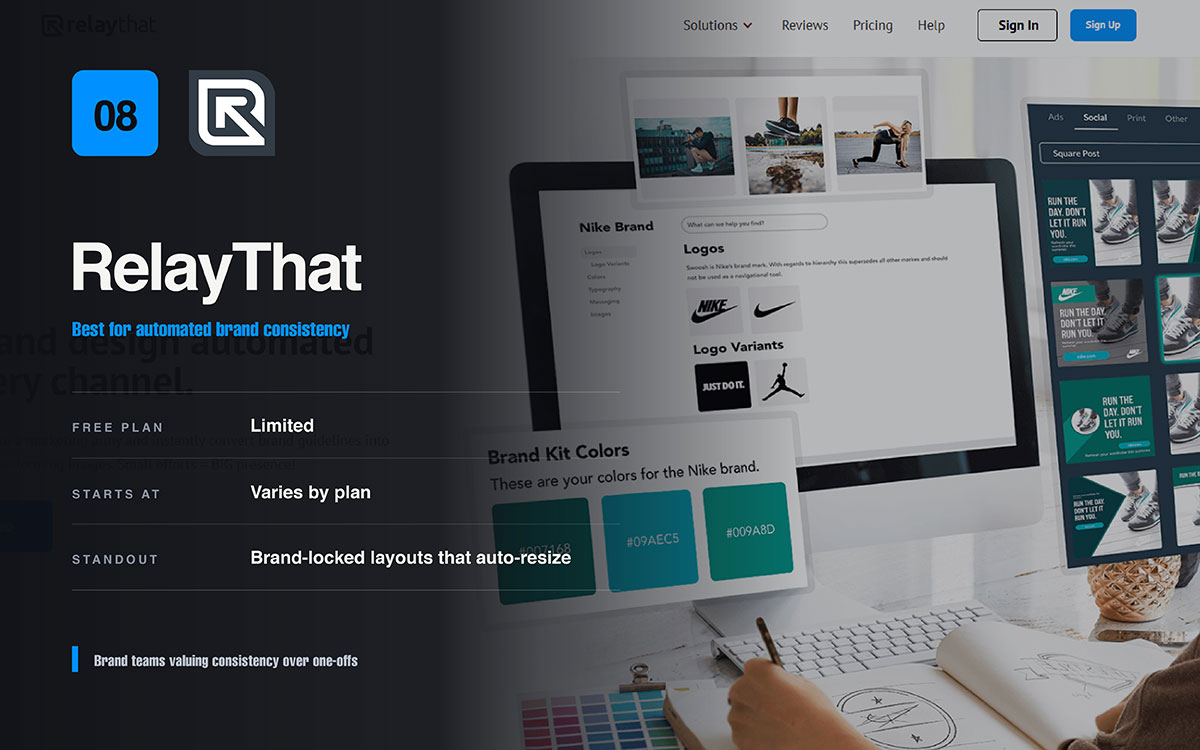
8. Relaythat — brand-consistent design at scale
Best for automated brand consistency
RelayThat fixes a problem that grows with brand size. It keeps every asset on brand across many formats. It builds layouts from a brand kit. One set of colors, fonts, and logos creates consistent designs at every size. No designer has to touch each one.
Relaythat pricing:
Price depends on the plan. It suits teams more than individuals. Check the vendor page for current prices.
Relaythat pros:
Automated, brand-locked layouts. Fast resizing for many formats. Great for staying consistent at scale.
Relaythat cons:
Less creative freedom than open editors. Smaller ecosystem and community. Not built for one-off custom designs.
Relaythat ideal users:
Brand and marketing teams who value consistency and volume over unique, one-of-a-kind designs.
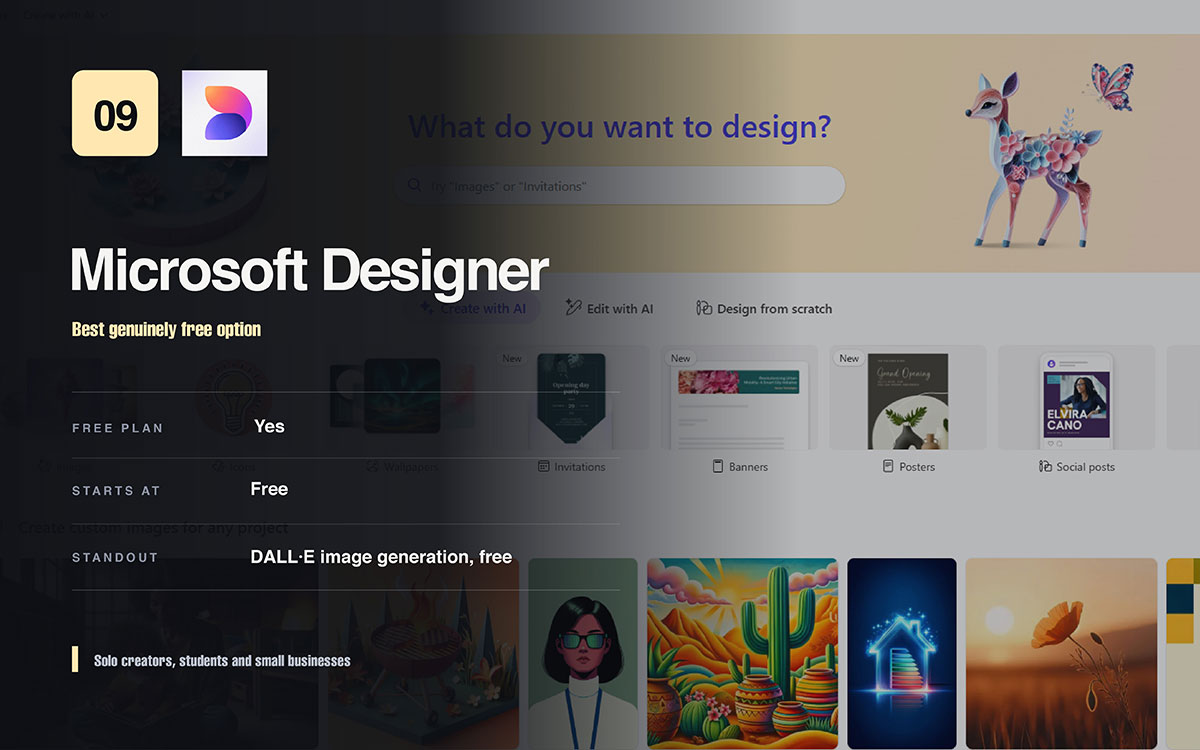
9. Microsoft Designer — free AI-first social design
Best genuinely free option
Microsoft Designer is this list's quiet surprise. It's free with a Microsoft account. It pairs DALL-E image generation with an easy template editor. For anyone testing AI design tools, it removes the cost barrier.
Microsoft Designer pricing:
Free with a Microsoft account. Includes DALL-E AI at no cost.
Microsoft designer pros:
Free to use. Strong built-in AI image generation. Clean interface. A good free alternative to Canva.
Microsoft Designer cons:
Fewer templates than paid platforms. Weaker collaboration and branding tools. Less mature than older editors.
Microsoft Designer ideal users:
Solo creators, students, and small businesses wanting free social media design tools with no subscription.
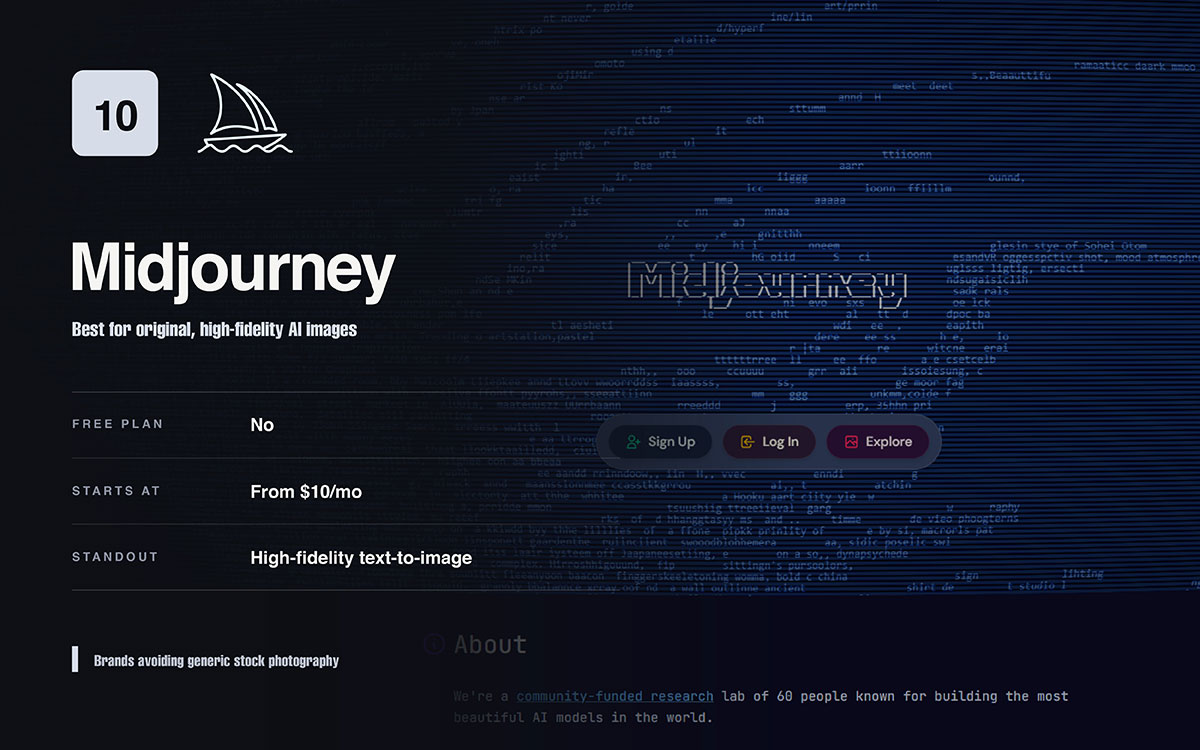
10. Midjourney — custom AI imagery for standout visuals
Best for original, high-fidelity AI images
Midjourney is not a layout tool. Never rely on it alone. It excels at one thing: turning text prompts into original, high-quality images. This helps brands avoid generic stock photos. Used carefully, with attention to licensing and brand fit, it creates visuals nothing else on this list can match.
Midjourney pricing:
Plans start near $10 per month. Price depends on usage and speed.
Midjourney pros:
Image quality is outstanding. Visual directions feel endless and original. It stands out from stock-heavy rivals.
Midjourney cons:
No design canvas, captions, or scheduling. Outputs need another tool to become finished posts. Licensing and brand safety need care.
Midjourney ideal users:
Brands and creators wanting distinctive, original images. They should already own a layout tool to finish posts.
How to get more from whichever tool you choose
Getting more from the best social media design tools depends on habits. Five practices always improve your results. Build a brand kit early. Size designs correctly for each platform. Reuse templates. Check contrast at thumbnail size. Use consistent file names.
Build your brand kit first. Set your colors, fonts, and logo styles early. This keeps every design on brand from the start.
Design at the right size for each platform. Do not resize later. Starting correctly protects your layout and stops awkward text cropping.
Make five reusable templates instead of starting fresh each time. A few solid layouts turn daily posting into an easy routine.
Check contrast at thumbnail size before you post. If it works on a small phone screen, it works everywhere. If not, nothing can fix it.
Use one consistent naming system for files. Files you can find are files you can reuse. Reuse saves real time.
How much should you actually spend on social media design tools?
Most small businesses only need one good subscription. Something in the $10-$20 range covers most of the best social media design tools. But don't stack multiple tools. Overlap wastes money and slows your workflow.
Pick one platform that fixes your biggest problem first. Make sure it works. Only add extra tools like Placeit or Midjourney if you have a repeated need for them.
The questions below cover what buyers most often weigh before committing to one of the top social media design tools. Each answer stands on its own, so you can jump straight to the one that matches your situation. If you have further questions to ask, please reach out to us without hesitation. We’re happy to give you a free consultation as per your needs.
Canva Pro is best for beginners. Its drag-and-drop editor needs no design skills. It has templates for every platform. The free version lets you learn before you pay. Adobe Express is a cheaper option if you want AI images from the start.
Microsoft Designer is the strongest free option. It gives free DALL-E AI images with a Microsoft account. Canva and Adobe Express also have good free plans. Figma is free for individuals who want more layout control.
Yes, for most solo creators and small businesses. At $18 a month, Canva Pro still gives the widest template range, Magic Studio AI, and the smoothest workflow. Growing teams facing per-seat pricing and AI credit limits should compare VistaCreate, Adobe Express, or Figma first.
Most professional designers use Figma. Its shared canvas and reusable components keep brand style consistent at scale. Many also use Adobe tools for images and a separate app for scheduling posts, since Figma cannot publish to social media.
Not entirely. AI tools speed up work and remove the blank page problem. But they cannot replace design judgment, brand strategy, or a human sense of what audiences like. They work best as a helper to a skilled designer, not a replacement.
Canva Pro is the safest choice for Instagram. It has correctly sized templates for posts, Stories, and Reels. For animated or video content, VistaCreate has stronger motion tools at a lower price.
Usually not. One flexible tool like Canva Pro or Adobe Express covers most platforms through resizing. You only need a second tool when one format takes over your work, like Placeit for mockups or Midjourney for original images.
Most small businesses only need one subscription costing $10 to $20 a month. Pick the tool that fixes your biggest problem first. Make sure it earns its cost. Add a specialist tool only when a clear, repeated need justifies the extra spend.
Endnote
There is no single winner among the best social media design tools, only the right fit for a particular budget, team size, and creative bottleneck. Canva Pro is fast and simple. Figma offers more structure and scale. Specialist tools only help if you use them often.
Picking the right tool solves one problem. But tools alone will not make every post look polished and on brand. This is where most teams lose steam after the excitement fades.
Maybe you have a tool but still lack the time, consistency, or design skill to turn templates into scroll-stopping posts every week. Graphic Design Eye LLC's unlimited design subscription gives you a dedicated designer. We work inside your platform, keep your assets on brand, and deliver polished visuals on demand. No need to hire in-house.
The businesses that win attention are not the ones with fancy software. They are the ones who keep showing up as themselves.
Graphic Design Eye LLC is a full-service creative agency built for brands that demand more than design — they demand vision. From strategic branding to complete visual identity, we partner with startups, agencies, and growing businesses as a dedicated creative force. With flexible subscription and project-based models. Let's start with us today!