TL;DR:
Are you still spending hours building T-shirt designs from scratch? The best free t-shirt mockup templates can do that work for you. Inside, you won't just find pretty templates. You're building a Shopify store, pitching a client, launching a streetwear brand, or growing your Etsy shop, there's something here that fits what you're creating. And because finding the right mockup is only half the battle, we've also included a simple step-by-step guide to adding your artwork like a pro.
 T-Shirt Design
 Feb 25,2026
 21 minutes
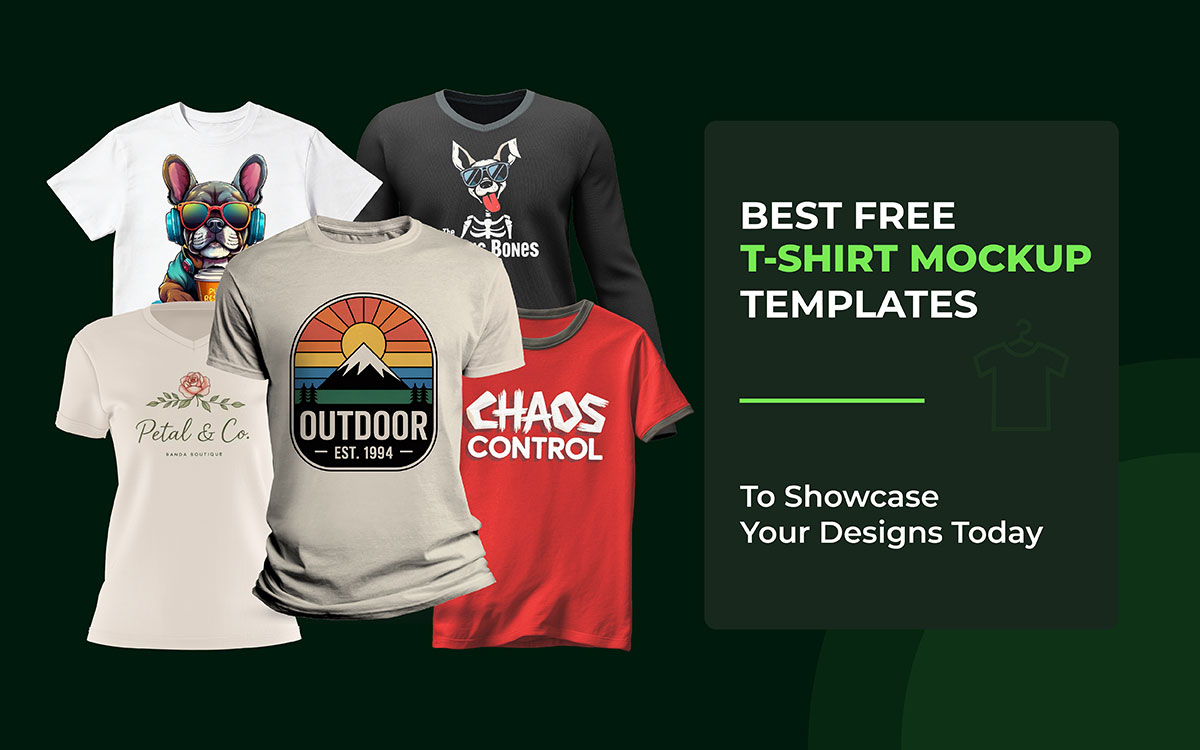


If you're a designer, brand builder, or print-on-demand seller, the solution is already out there, and it's easier than you think. A good T-shirt mockup doesn't just show your design; it also shows your design. It tells a story, builds trust, and makes your work look like it belongs in a real store, worn by real people.
But here's where most designers go wrong. They grab the first free t-shirt mockup they find, drop their design on it, and can't figure out why it still looks cheap. Good mockups aren't just blank canvases. They're silent salespeople. The lighting, the fabric, the pose, the background, every little detail shapes how people feel about your brand before they read a single word.
That's exactly why this list exists.
So, are you ready to make your designs impossible to ignore? Let's get into it!
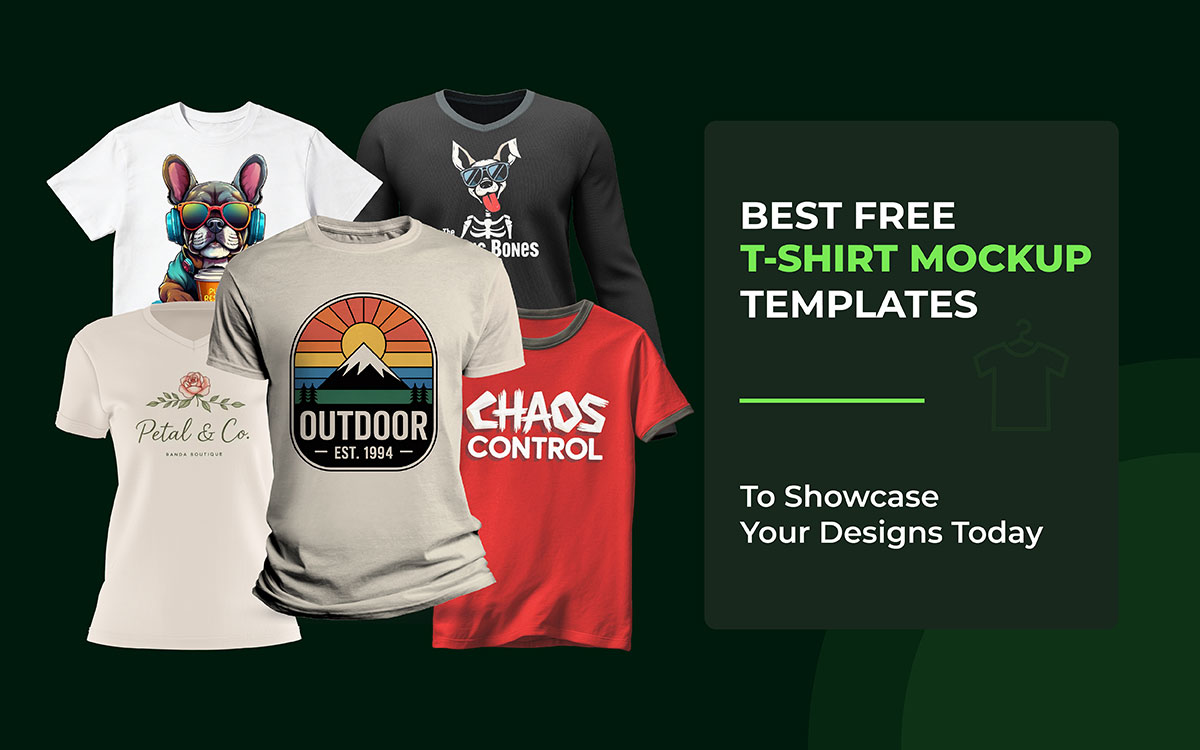
These t-shirt mockup templates come packed with cool textures and shadows that make your designs look amazing. Some are PSD files you can edit, while others work straight in your browser. That makes them great for testing ideas, building quick previews, or showing your work to clients.
No question about it; these 10+ best free T-shirt mockup templates for designers let you focus on being creative. They save you a ton of time and give you polished results without the extra hassle.
Before we jump into the full list, here's a quick selection you might find useful. Let's go!
| Name | File Type | License |
|---|---|---|
| Crew Neck T-Shirt Mockup | Photoshop PSD | Free (check original source for commercial usage terms) |
| Vivid Cobalt Round Neck Template | Photoshop PSD | Free (verify commercial use) |
| White Realistic T-Shirt Mockup | Photoshop PSD | Requires a free account for download |
| Skateboarder T-Shirt Mockup | Photoshop PSD | Personal & Commercial Use |
| Aura Male Studio Mockup | Photoshop PSD | Free (verify commercial use terms on source site) |
| Round Neck Free T-Shirt Mockup | Photoshop PSD | Free (verify commercial use terms on source site) |
| Active-Fit Crew Neck Mockup | Photoshop PSD | Free for personal and commercial use (verify on source site) |
| T-Shirt on Street Mockup | Photoshop PSD | Free (verify commercial use terms on source site) |
| VectorVibe Apparel Mockup | Photoshop PSD | Free (Check the source site for full usage terms.) |
| Laying Hoodie Mockup | Photoshop PSD | Personal & Commercial Use |
| Classic Hoodie Mockup | Photoshop PSD | Free (verify commercial use permissions on source site) |
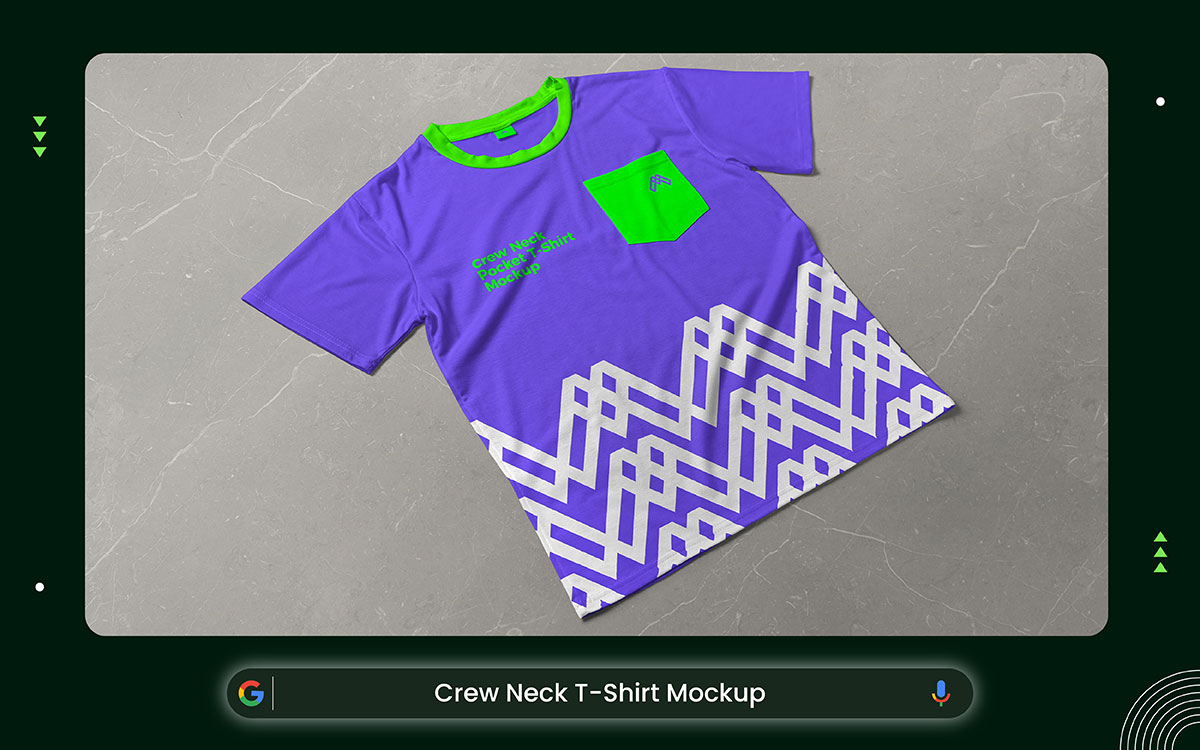
This clean studio mockup keeps the T-shirt design presentation simple and sharp. A plain crew neck shirt lies flat against a neutral background, lit just right so every detail shows up clearly; no harsh shadows, nothing to pull your eye away.
The shirt gets all the attention. You can see the print area, the stitching, the texture, even the overall shape without any guesswork. That kind of clean look makes your designs hit harder, whether you're running an online shop, building a brand, or putting together a fashion portfolio.
The files come in high-res PSD format at 4500 × 3000 pixels, so everything stays crisp and clear. Photoshop smart objects let you drop in your artwork quickly and make it look totally real. Even if you've never edited a mockup before, it's easy to figure out, and the result still looks professional.
These best free t-shirt mockup templates keep full focus on the design.
Difficulty: Easy
License: Free (check original source for commercial usage terms)
Download Link: https://zippypixels.com/free-crew-neck-t-shirt-mockup-for-apparel-design/
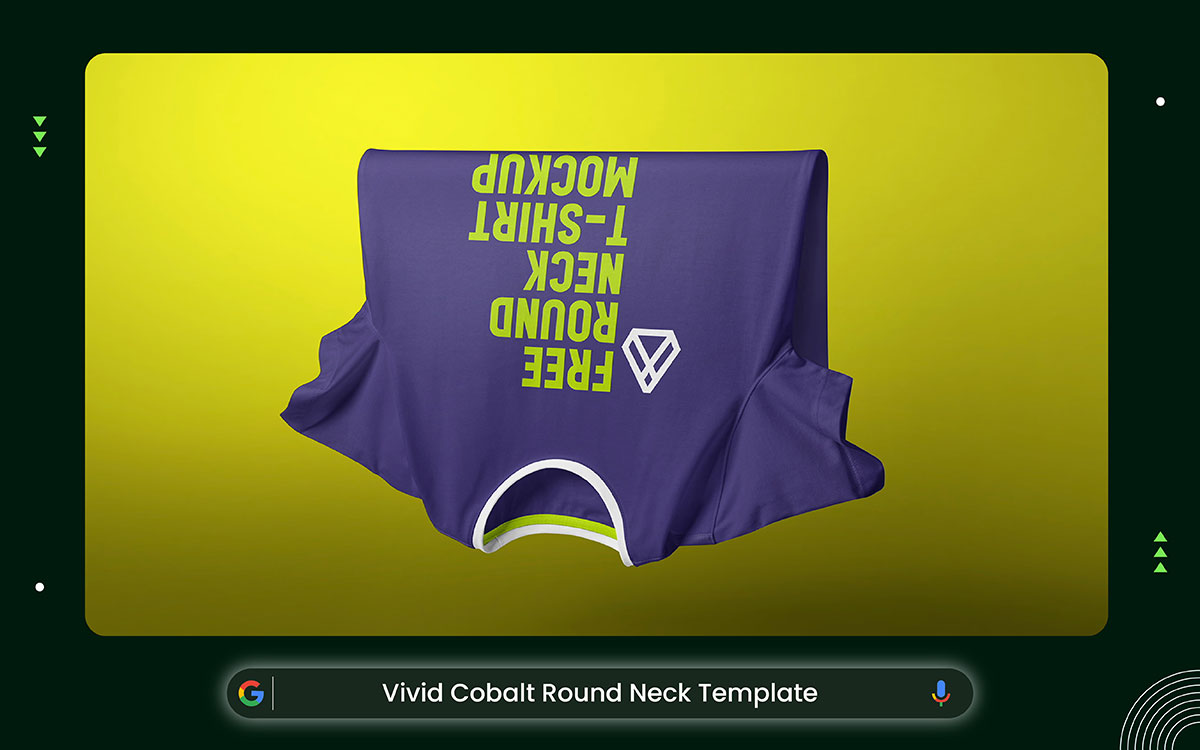
This basic studio mockup keeps things clean and easy to look at. The round-neck shirt seems to float against a plain background. Soft shadows and simple lighting give it depth without making things busy. There are no models, props, or messy scenes that steal the shirt's focus.
You can clearly see how the fabric falls, its texture, the stitching, and where prints would go. The floating look feels modern and sharp while staying minimal. It's a solid choice for fashion brands, clothing stores, and product portfolios.
The high-res PSD files (4500 × 3000 pixels) keep every detail crisp and clear. Smart objects make it easy to drop in logos, artwork, or custom designs. Even if you're just starting out, you can get great-looking results fast.
This mockup style gives designers a clean, simple way to show off their work.
Difficulty: Easy. Open the PSD in Photoshop, replace the smart object, and export quickly.
License: Free (verify commercial use on the original source site)
Download Link: https://zippypixels.com/free-round-neck-t-shirt-mockup-floating-fabric-design/
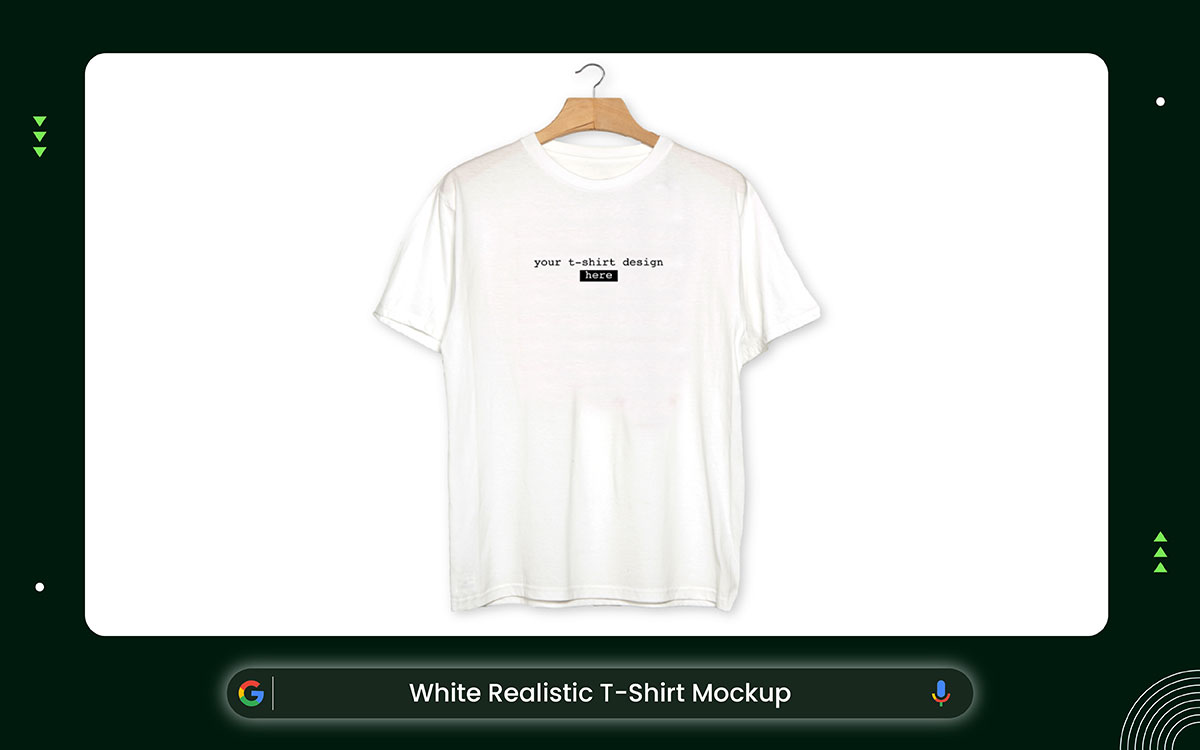
These graphic design mockups show a white t-shirt hanging in a clean, simple studio. The lighting is even, so you can clearly see the fabric, shape, and stitching. Nothing else is in the shot; just the shirt.
Placing the shirt in the center keeps your eyes right where they need to be. It works great for brand pages, online stores, or personal portfolios. The high-resolution PSD files make sure everything looks sharp and detailed.
Smart objects let you drop in logos, prints, or your own artwork without any hassle. Your design will look real and clean at the same time. Even if you're just starting out, you can get results that look totally professional.
This simple studio mockup keeps your design clean and easy to see.
Difficulty: Easy. Open the PSD in Photoshop, replace the smart object, and export.
License: Free (requires a free account for download; check commercial usage terms)
Download Link: https://www.graphicpear.com/white-realistic-t-shirt-mockup/
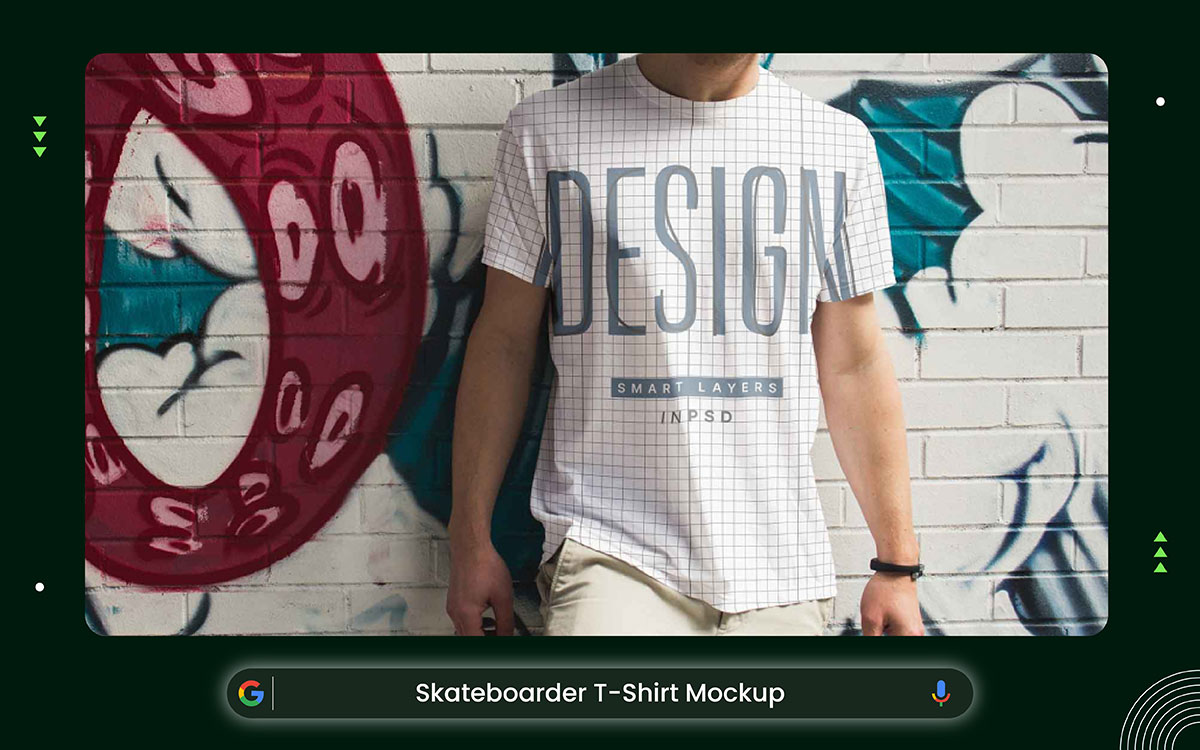
Skateboarder t-shirt mockups show your design in action. Instead of a still studio pose, you see the shirt worn by a skateboarder in motion. That movement changes everything. You can see how your artwork reacts when the body bends, turns, and jumps. It feels alive, not staged.
This type of mockup helps you picture your design in a real street setting. It’s perfect for presentations, portfolios, or even just testing ideas for fun. The energy of skate culture adds personality to your artwork. It gives your design a bold and expressive vibe right away.
The file usually comes with one smart layer. That means you can replace the default design with your own in seconds. Just double-click, paste your artwork, save, and it updates automatically. You can also adjust the inside color of the t-shirt to match your brand style. Shadows and lighting are editable too, so you can control the mood and depth of the final look.
Because the model is moving, you get to see how the fabric stretches and folds in real situations. It shows how your design handles curves, motion, and natural creases. That makes your preview feel more honest and realistic.
This mockup works in Adobe Photoshop, so basic knowledge of smart objects will help. Both personal and commercial use are allowed, but it’s always smart to double-check the license details on the source site.
Difficulty: Easy. Smart object editing makes customization simple.
License: Personal & Commercial Use (verify full terms on source site).
Download Link: https://unblast.com/t-shirt-mockup-in-psd/
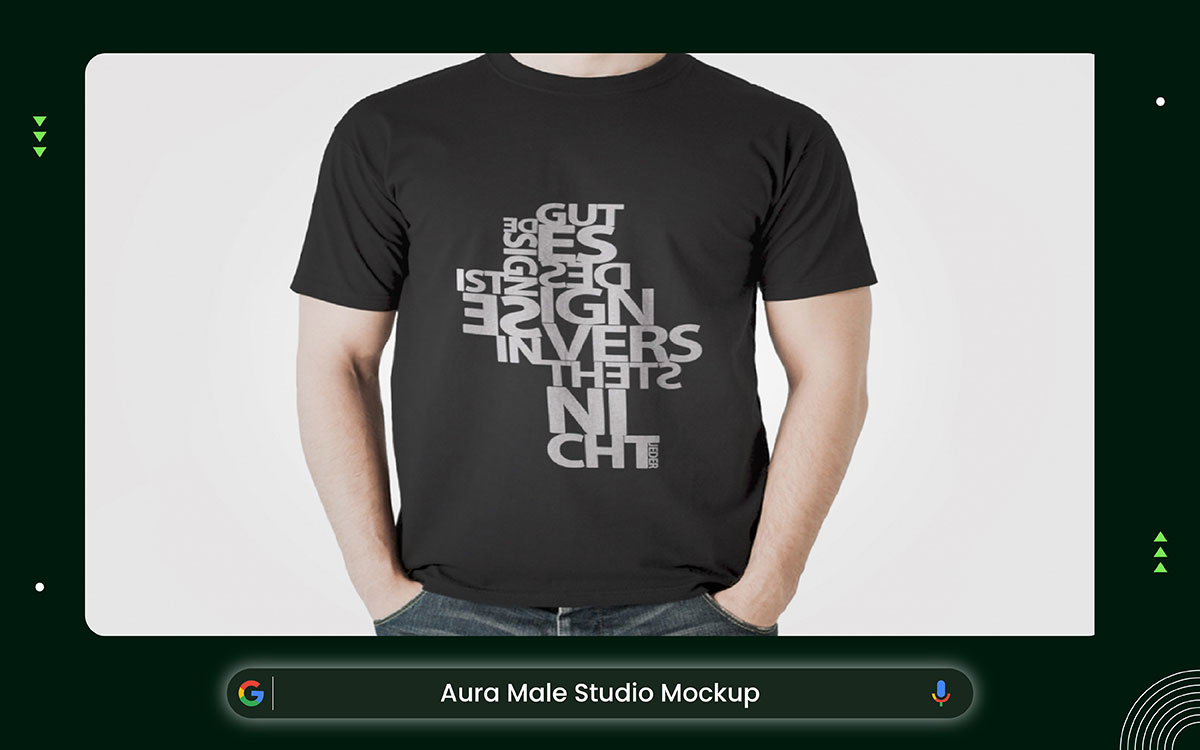
The Aura Male Studio Mockup puts t-shirts on a real person. You can clearly see how the shirt fits, hangs, and moves. Small wrinkles make it look like someone's actually wearing it, not just a mannequin. It's easy to picture yourself throwing it on during the day.
The outfit and pose say a lot about who the shirt is for. Simple jeans and a laid-back stance give you a strong sense of the vibe. The studio lighting does the rest, showing off the texture, how the sleeves sit, and the overall shape.
The fabric looks full and real, with natural pull across the shoulders and waist. When the model, the styling, and the lighting all come together, the shirt stops looking like a product and starts looking like something worth buying.
A male model helps you see the size and fit of the clothes. It makes it easier to imagine how they would look on you.
Difficulty: Easy to Moderate. Smart object layers allow fast design placement with minor adjustments.
License: Free (verify commercial use terms on source site)
Download Link: https://www.graphicpear.com/free-t-shirt-design-mockup/
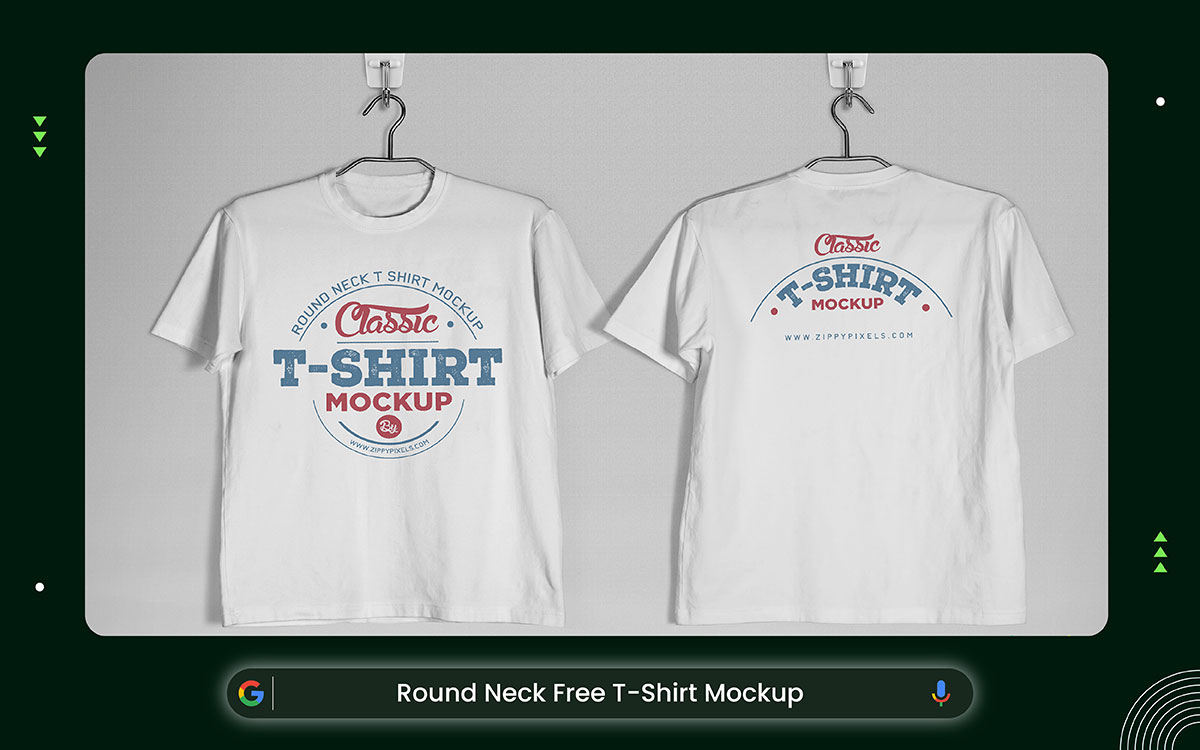
These best free t-shirt mockup templates have serious streetwear energy. Forget the plain white studio; there's a dark brick wall in the background. That one change makes everything feel tougher and more real.
The design mixes clean product shots with urban-style graphics. Think worn-out text and circular badge logos that give off old-school vibes. Those rough, weathered details tell a story.
The shirt itself is basically a canvas for bold art. Moody lighting brings out the texture, making it look raw. Nothing here feels glossy or fake. Hooks and wire hangers in the background hint at underground shops and indie brands. You can see both the front and back, like a real streetwear drop.
In the end, the whole setup makes the shirt feel like more than just clothing. The street aesthetic shapes its identity far beyond a simple product photo.
Vintage typography makes it clear that the brand is inspired by retro style.
Difficulty: Easy. The ready mockup file allows quick and simple design insertion.
License: Free (verify commercial use terms on source site)
Download Link: https://zippypixels.com/vintage-styled-free-t-shirt-mockup-round-neck/
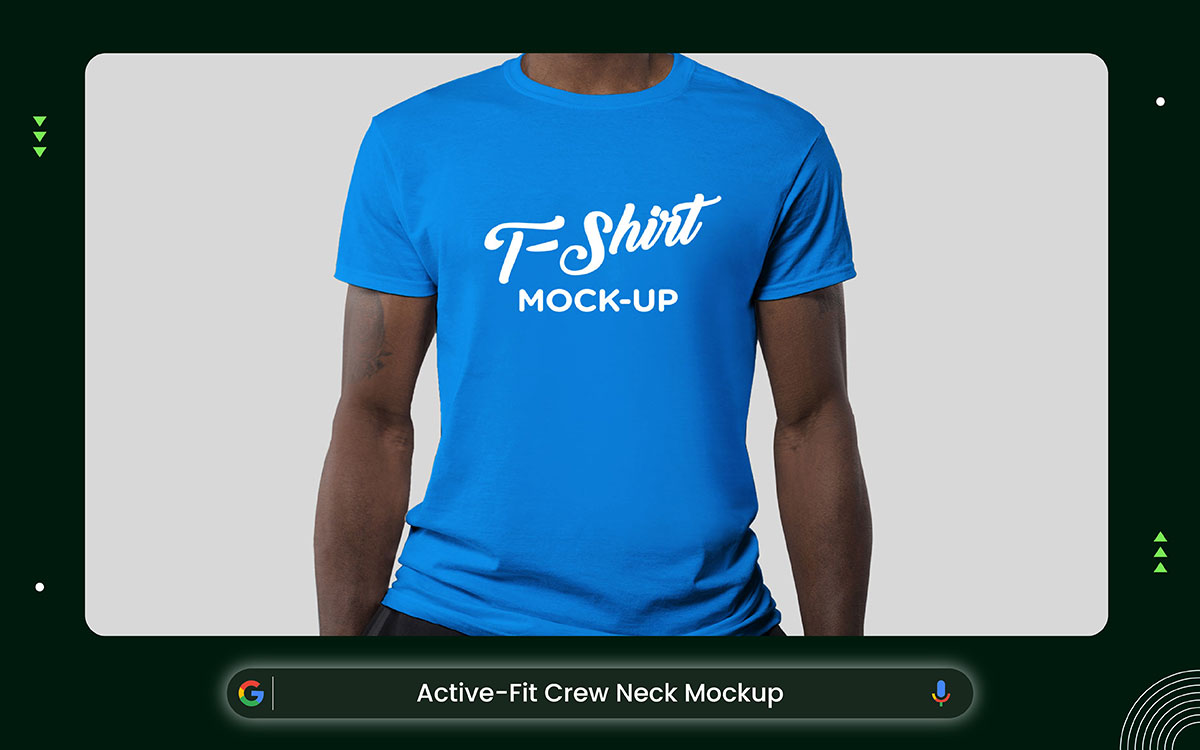
This free fully customizable t-shirt mockup gives you full control over how your design looks. It’s simple, clean, and made for easy editing. You just place your apparel design or logo on the top smart object, and it updates instantly. No complicated steps. No confusion.
What makes this mockup special is the flexibility. You can change the color of the t-shirt to match your brand. You can also change the background color to fit your mood or presentation style. And yes, you can position your artwork anywhere on the shirt while using the smart object. That means full creative freedom.
The file comes in layered PSD format. Everything is organized. So you don’t waste time searching through messy layers. The high resolution (3000 x 2000 px) makes it perfect for portfolios, client previews, or even online stores. Your design will look sharp and professional.
This mockup was created by Salah Eddine Messaoudi, and it’s shared for both personal and commercial use. Still, it’s always a good habit to check the original source page for full license details.
It works with Adobe Photoshop CS5 and above. So if you’re familiar with smart objects, editing will feel smooth and quick.
Difficulty: Easy. Beginner-friendly with basic Photoshop knowledge.
License: Free for personal and commercial use (verify on source site)
Download Link: https://goodmockups.com/free-fully-customizable-t-shirt-mockup-psd/
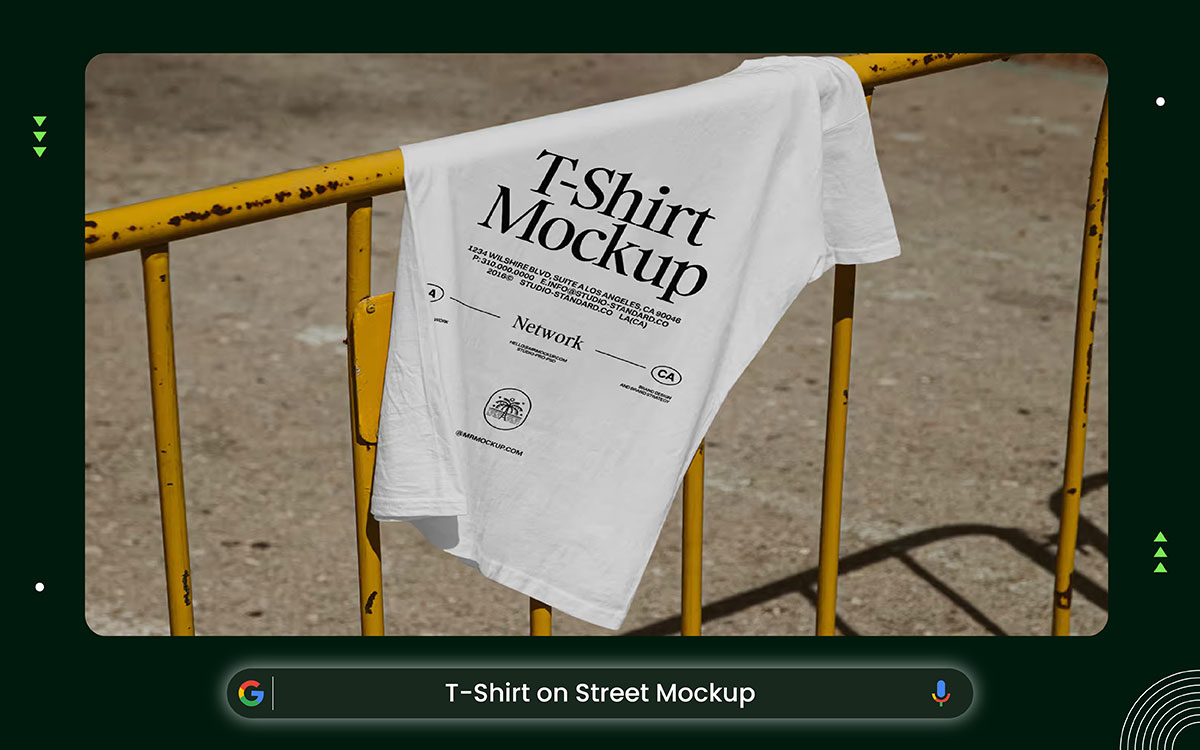
The t-shirt rests on a yellow construction barrier out on the street. Cracked asphalt and rough concrete give the shot a raw, real feel. Natural light keeps everything looking honest and unfiltered. No studio. No fake backdrop. Just the city doing its thing.
Every detail puts the shirt where it belongs. The way it folds and hangs makes it look lived-in, like someone just pulled it off. That's the point. It's not a stiff product photo. It feels human.
Rough outdoor surfaces like these fit perfectly with streetwear brands. The look works great for Instagram, lookbooks, or online shops. It says something without trying too hard. That's what makes it cool. Attitude, realness, and a little old-school energy all in one shot.
A real-world environment shows the shirt in daily life.
Difficulty: Easy to Moderate. Smart objects allow quick artwork insertion and background adjustments.
License: Free (verify commercial use terms on source site)
Download Link: https://mrmockup.com/free-t-shirt-on-street-mockup/
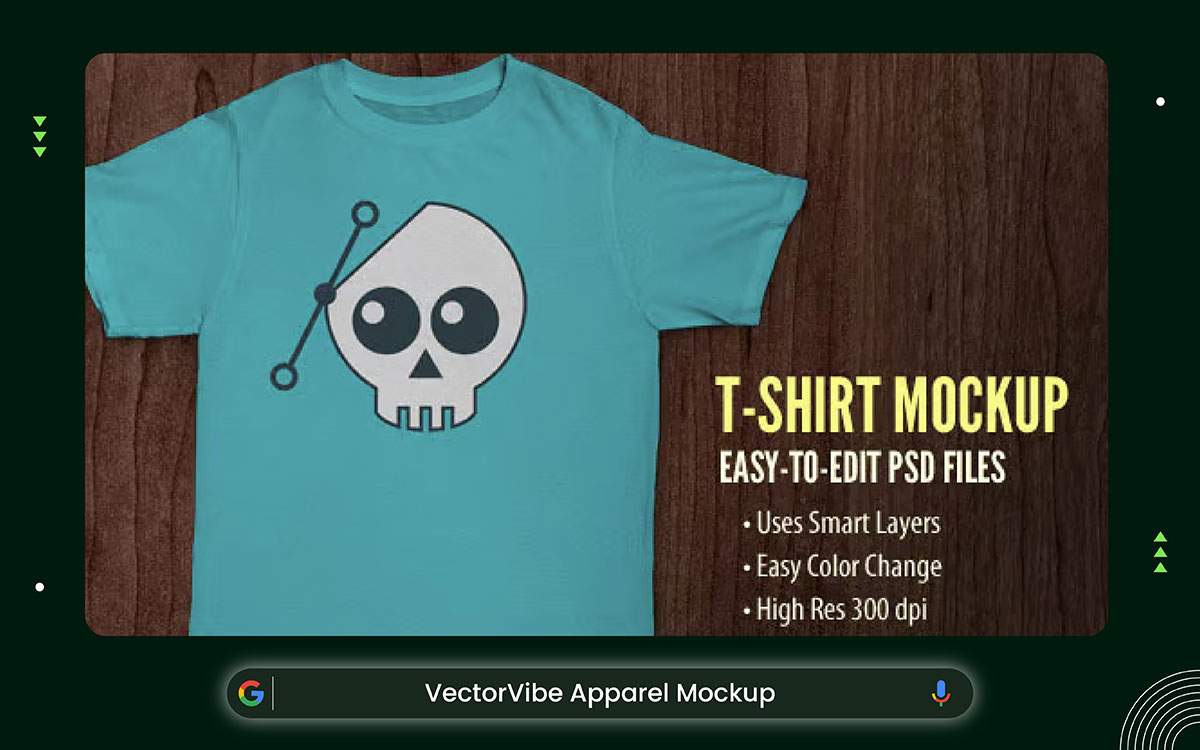
This t-shirt mockup comes as an easy-to-edit PSD file. It is simple to use, even if you only know the basics of Photoshop. You just open the file and use the smart layer to add your design. Copy, paste, save. Your artwork appears on the shirt right away.
The color of the t-shirt can be changed using a color fill layer. You don’t need to repaint or adjust many settings. Just pick the color you want, and the shirt updates instantly. This makes it easy to match your brand style or client needs.
The image is high resolution at 300 dpi. That means your design will look sharp and clean. Small details stay clear. Colors look strong. It gives your work a more professional feel, whether you use it for a portfolio, online shop, or client presentation.
This mockup keeps things simple. No extra effects. No complex setup. Just a clean and clear way to show your t-shirt design the right way.
Difficulty: Easy. Basic Photoshop knowledge is enough.
License: Check the source site for full usage terms.
Download Link: https://we.graphics/item/free-t-shirt-mockup-psd-files/
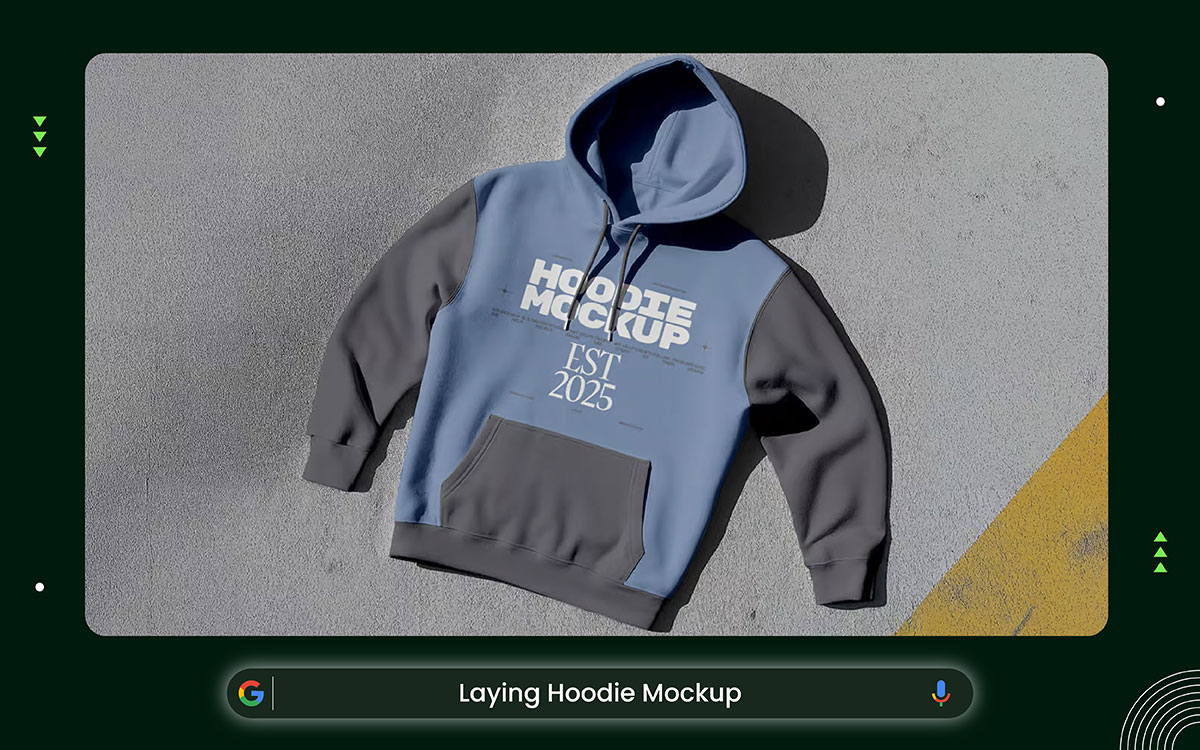
This laying hoodie mockup belongs in the specialty apparel category. The hoodie rests flat on a textured surface, and you can see the whole thing in one shot. The hood, sleeves, cuffs, waistband, and pocket all show up clearly. Unlike lifestyle photos, there's no scene or story behind it.
The focus stays on the fabric and stitching. The thick texture comes through really well in this layout. Seams and construction details are easy to spot. Hoodies have more structure than basic t-shirts, making this mockup ideal for specialty branding.
The PSD files are high-resolution, so every detail stays sharp. Smart objects let you drop in designs and swap colors fast. You can change the background without messing up the natural lighting. Graphics show up clearly without losing the fabric texture. The whole thing looks clean, professional, and put together.
This mockup focuses more on the hoodie's construction than on the overall clothing style.
Difficulty: Easy. Open the PSD, replace the smart object, and export.
License: Personal & Commercial Use
Download Link: https://resourceboy.com/mockups/laying-hoodie-mockup/
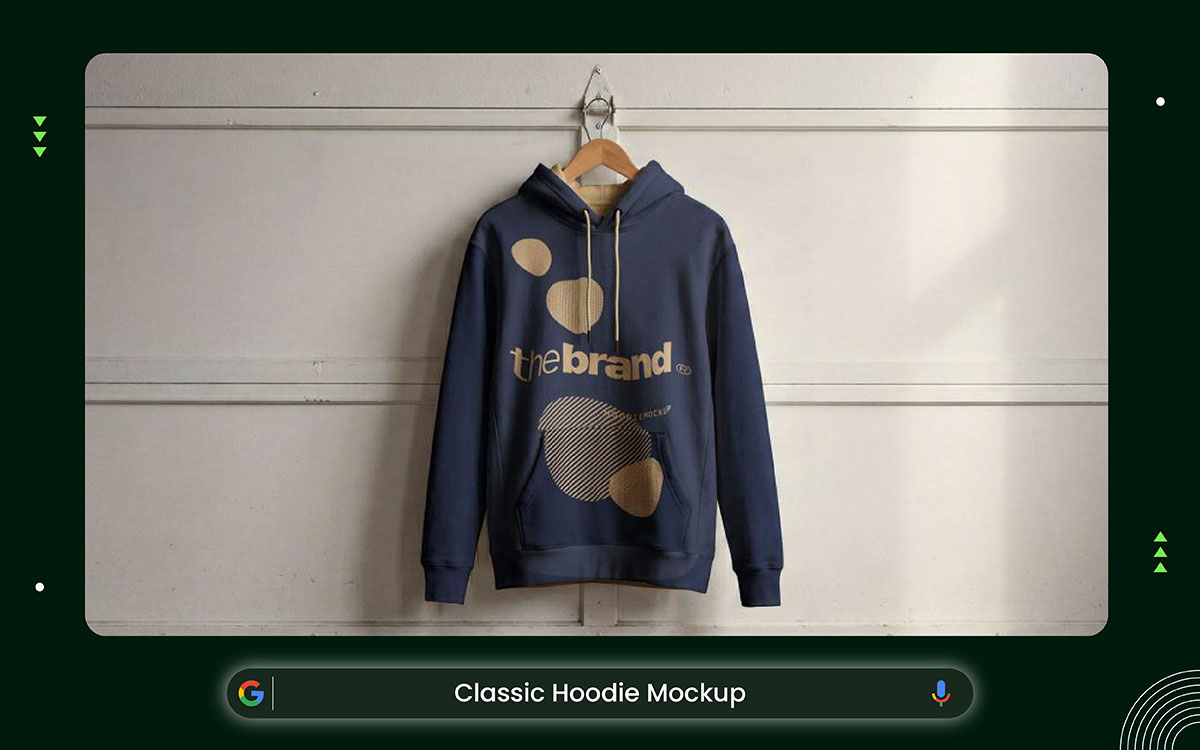
The Classic Hoodie Mockup belongs to the specialty apparel category. Hoodies are more complex than plain T-shirts. They have drawstrings, ribbed cuffs, and kangaroo pockets. This template clearly shows all those details, without messy backgrounds getting in the way. Your eyes go straight to the hoodie.
The thick fabric looks heavy and real in a natural hanging pose. An industrial background gives it a tough, rugged vibe. The fabric looks three-dimensional, and the stitching appears to have been sewn. Design placement lines up nicely with the seams and curves.
That lifelike look is great for brands that care about durability and work-ready style. The oversized shape also fits right into modern streetwear. The relaxed fit and chunky fabric match what people actually wear today. The wide chest and pocket areas leave plenty of room for big, bold designs.
Overall, this mockup finds a good balance between structure, texture, and clean presentation. No matter the angle, the hoodie always stays the star of the show.
These realistic T-shirt mockups for custom artwork clearly show that the clothing is a hoodie.
Difficulty: Easy to Moderate. Basic Photoshop skills help manage seams and fabric folds.
License: Free (verify commercial use permissions on source site)
Download Link: https://www.graphicpear.com/classic-hoodie-mockup/
Placing your art on the best free T-shirt mockup templates looks easy at first. But doing it right takes a bit more care. Small things like shadows and fabric texture really matter. Without them, the design feels fake. Lighting and angle also need to match the shirt. If they don't, something will look off. This guide covers the whole process, start to finish.
Open your mockup in Photoshop or similar software. Find layers named "Place Your Design Here" or "Artwork Layer." These tell you exactly where to drop your design. Shadow, highlight, and texture layers should stay in their own folders. Never mix them together.
Keep every layer editable at all times. This lets you fix things later without having to start over.
Don't flatten your layers too early. Once flattened, making changes becomes very hard.
Pro Tip: Zoom in to check wrinkles, folds, and seams up close. Look at where light hits the shirt and where shadows fall. This helps your design sit naturally on the fabric. Follow the shirt's curves to keep your artwork from looking flat or pasted on. Paying attention to these small details makes the final result look clean and professional.
Double-click the smart object layer that has the placeholder design. A new window will pop up. From there, paste or drag your artwork into it. Take your time resizing and moving your design so it sits nicely on the shirt.
Reality Tip: Match your artwork to the shirt's angle for the best look. T-shirts curve around the shoulders and chest, so bend your design a little to follow that shape. Skip this step, and your art will look fake, like a sticker slapped onto the fabric.
Once you've placed everything, save the smart object. The main mockup updates on its own, and your design snaps right into the scene, where it belongs.
Extra Tip: For tricky designs, save your work in separate layers inside the smart object. That way, you can change colors or tweak parts without having to redo everything. Stick to these steps, and your design will look real and polished.
This step makes your mockup look real and more lifelike.
Pro Tip: Don't make layers fully solid. A little see-through looks way more realistic. Zoom in and out while you work to see how it actually looks.
Extra Insight: Some designers drop in soft gradient layers to fake lighting. This trick works great for studio or lifestyle mockups because it adds depth. Your design ends up looking real without touching the original artwork.
Once your mockup looks polished, it is ready to export.
Advanced Tip: Always save a main PSD file with every layer still separate. That way, you can swap out artwork or tweak shadows whenever you need to. It sounds small, but it can save you a ton of time down the road.
Reality Check: Many designers rush past shadows and fabric textures. Sure, skipping them is faster, but the final result ends up looking cheap and fake. Taking a few extra minutes to play with blend modes and overlays makes a huge difference. Good lighting and textures are what make a mockup look polished and trustworthy.
Now you've got the 10+ best free t-shirt mockup templates, and you know how to use them. But the real work starts now, turning those polished previews into a brand people actually remember. A great mockup gets you noticed, but what happens next is what really counts. That's where your brand either blows up or gets buried.
Sometimes upgrading to premium mockups is worth the investment. Premium options offer higher resolution, more variety, and realistic textures. They often include lifestyle scenarios that free templates may not provide. These features help your designs pop and leave a stronger impression. Professional presentations can turn casual viewers into paying, loyal customers.
That's where we come in. At Graphic Design Eye LLC, we've spent over 13 years helping designers, entrepreneurs, and growing brands turn raw ideas into market-ready visuals. From custom t-shirt design service and professional mockup creation to complete product visuals for online stores. We handle every part of the creative process, so you don't have to stress about it.
So, ain’t you sure yet? You can start with a free trial and see the quality before you commit to anything. Your designs deserve more than just a mockup; they deserve a real brand behind them.
Let Graphic Design Eye LLC help you build product mockups that make your clothing brand stand out and support long-term growth!✍✌