TL;DR
The AI T-shirt design generator tools help beginners create shirt designs fast and easily. They are great for ideas, mockups, and early testing. Still, AI designs come with risks like copyright issues, repeated designs, and print errors. Always check licenses, edit designs, use print-ready files, and add your own touch. AI works best as a helper, not a replacement for careful review.
 T-Shirt Design
 Feb 17,2026
 18 minutes


Creating standout t-shirt designs used to mean long hours, creative burnout, and endless back-and-forth with design software. But not anymore. In 2026, creativity moves faster with the top AI T-shirt design generator tool for the most successful print-on-demand brands.
AI t-shirt design tools can now turn a simple prompt into a polished graphic, generate multiple design styles in seconds, and even create ready-to-sell mockups without touching complex software. What once took days now takes minutes, and that’s a game-changer.
Take a breath, scroll down, and let AI handle the heavy lifting. Your next best-selling t-shirt design might be just one prompt away!
The top AI T-shirt design tools are completely changing how people create graphics, especially if you're just starting out. These tools let you make designs ready for printing super fast. You don't need to be an artist or know complicated design programs.
We've put together a list of the 15 best AI T-shirt design generator tools that really work. These can help you a lot when you're just getting started. They give you everything you need to begin making cool designs.
Let's check them out!
| Tool | Design Type | Key Strength | Best For |
|---|---|---|---|
| 1. Fotor AI | Graphics, illustrations | Fast design creation | Beginners |
| 2. Recraft AI | Vector designs | Sharp, print-clear output | Merch brands |
| 3. Flixier AI | Concept graphics | Browser-based speed | Quick ideas |
| 4. Pixa AI | High-res images | Clean exports | POD sellers |
| 5. CreateImg AI | Style testing | Free experimentation | Beginners |
| 6. Bulk Mockup | Mockups only | Batch mockups | Large stores |
| 7. Microsoft Copilot | Trend graphics | Free daily prompts | Budget users |
| 8. Mystic Pod | POD designs | All-in-one workflow | POD businesses |
| 9. Playground AI | Mixed styles | Editing + AI | Idea testing |
| 10. Ideogram | Text designs | Clear lettering | Slogan tees |
| 11. Flux Pro | Detailed art | Sharp visuals | Artwork tees |
| 12. Kittl | Vector + text | Design control | Print-ready graphics |
| 13. OpenArt | Bulk designs | High-volume creation | Collections |
| 14. Pietra Studio | Full POD flow | Design to product | Growing brands |
| 15. Canva AI | Text & graphics | Familiar editor | New sellers |
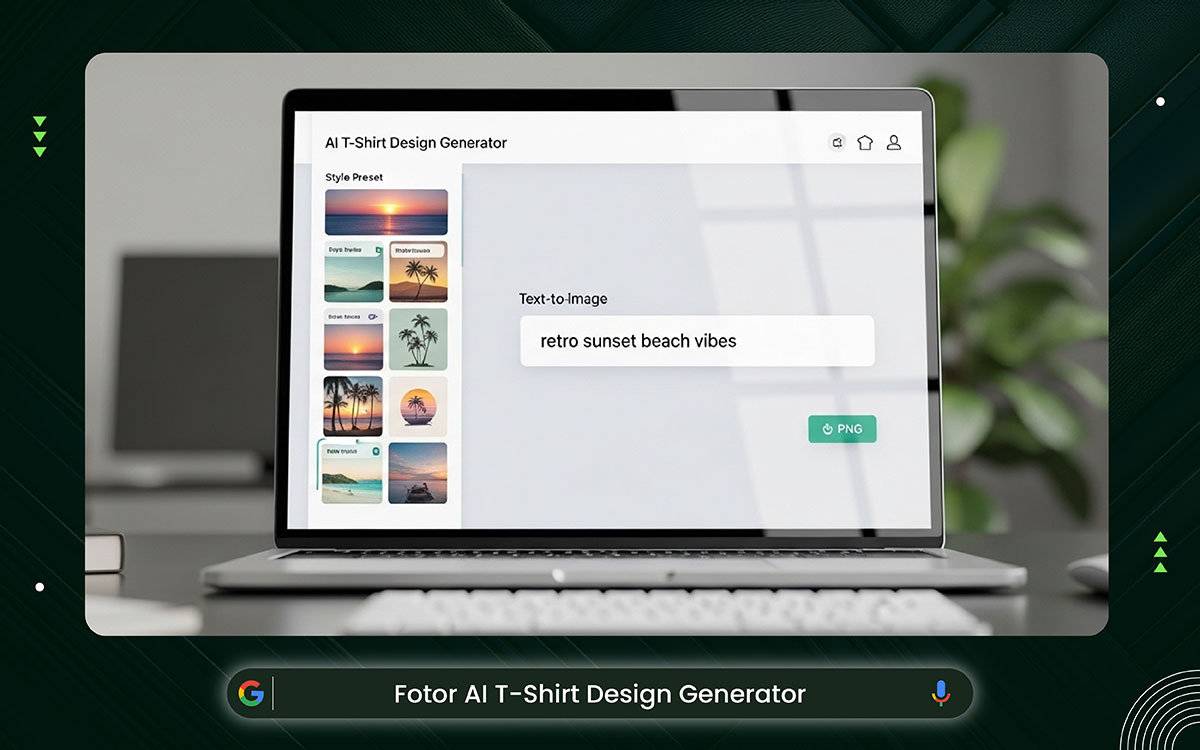
Fotor is the best AI T-shirt design generator for beginners today. You write a short idea and pick a look. It makes T-shirt graphics very fast now. The screen feels clean and simple. It helps new sellers make POD designs with much less worry or trouble.
Key Features:
Fotor keeps pricing simple and beginner-friendly. You can start free and upgrade once your design needs grow.
Best For: Beginners and small POD sellers
Website: https://www.fotor.com/ai-image-generator/shirt-design/
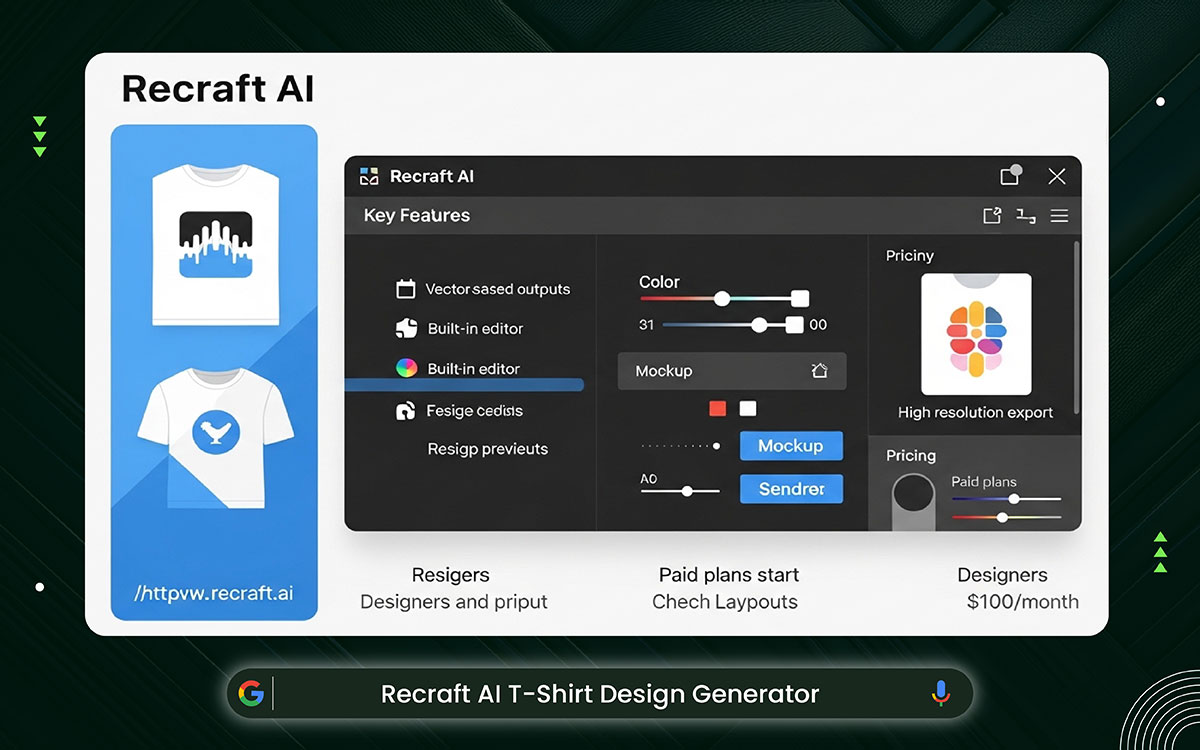
Recraft is designed to produce clean, sharp art for printing. It works well with vector graphics, so the designs stay clear on fabric. You can change shapes, pick new colors, and move things around in one place. It helps beginners feel in control while keeping everything simple and easy to manage.
Key Features:
Recraft offers flexible pricing for creators who want more design control and cleaner vector outputs for printing.
Best For: Designers and merch brands
Website: https://www.recraft.ai/
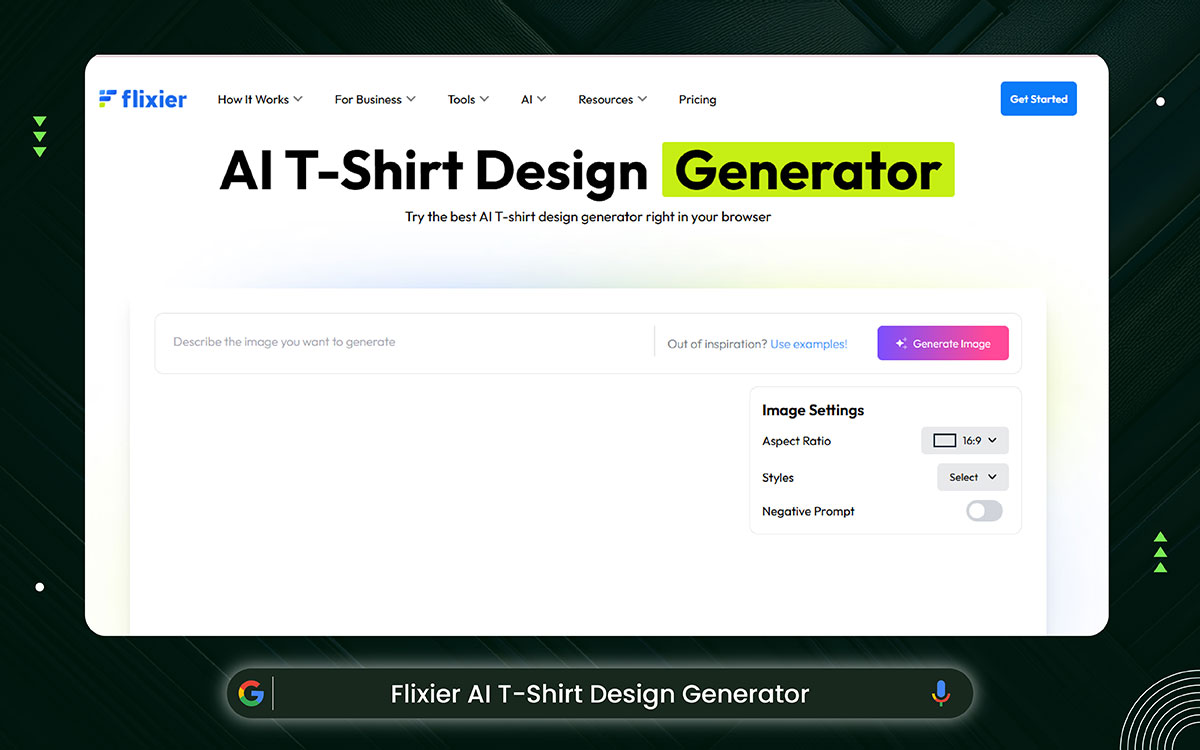
Flixier lets you create T-shirt mockups in your web browser. Just input a text prompt and get images in record time. No need to install any software.
This tool is light and simple. Also, it is useful for generating quick design ideas before you get to the stage of creating a final design that you can print.
Key Features:
Flixier provides simple pricing options. You can experiment freely before upgrading for faster exports and advanced features.
Best For: Fast idea creation
Website: https://flixier.com/ai/ai-image-generator/ai-t-shirt-generator
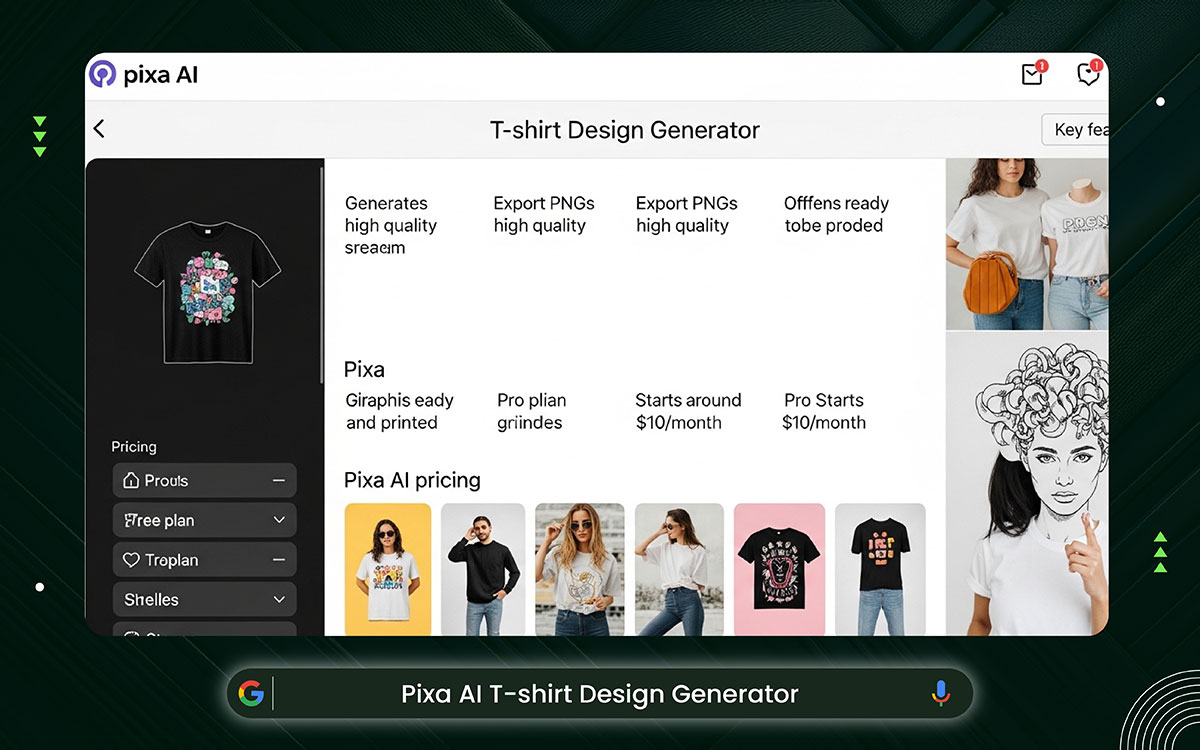
Pixa focuses on speed and accuracy. You share your idea, and it quickly generates clear images ready for printing, making them easy to use.
The screen is simple and easy to use. This is why many POD sellers choose Pixabay for their designs and product photos today.
Key Features:
Pixa offers affordable pricing for creators focused on quick, high-quality T-shirt graphics and product visuals.
Best For: POD sellers and marketers
Website: https://www.pixa.com/create/t-shirt-design-generator
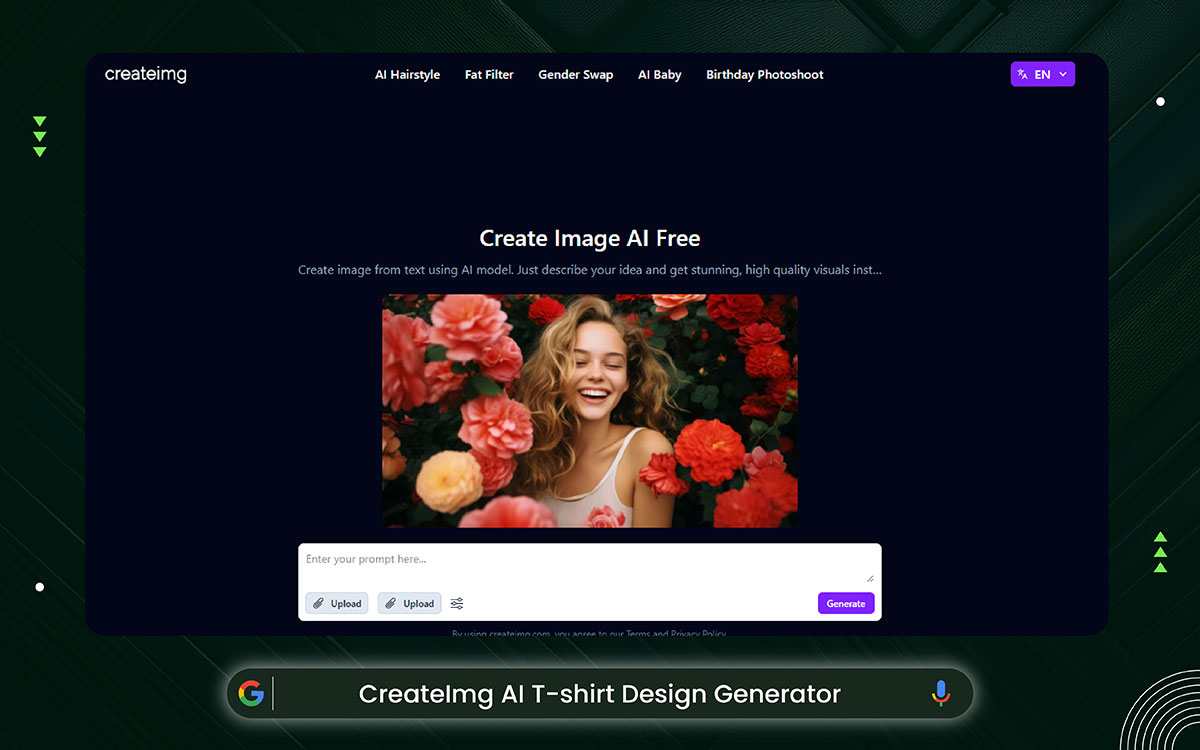
If you want to test your design ideas without spending much money, CreateImg is a great choice. The platform is easy to use. In just a few seconds, you can get t-shirt design ideas in many different styles.
It’s also a good option for beginners. You can try AI design tools and explore your creativity. And you can do it without paying or making any long-term commitment.
Key Features:
CreateImg is ideal for testing ideas without cost. You can explore styles freely before committing financially.
Best For: Free design experimentation
Website: https://www.createimg.com/
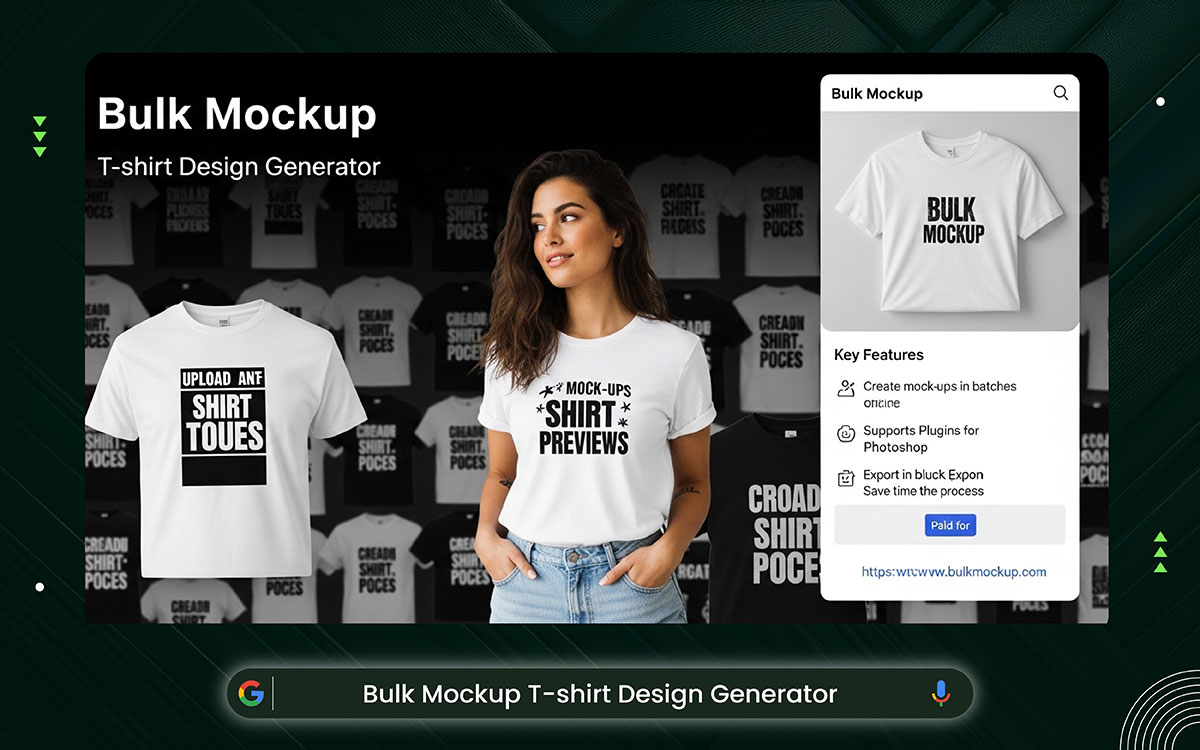
Bulk Mockup is the best AI T-shirt mockup generator as of now. You can quickly create many T-shirt mockups through it. You only need to upload your design once, and it can go on many shirt pictures. This saves a lot of time when adding products. It’s really helpful for stores that put up many items at once.
With Bulk Mockup, you can create a large quantity of T-shirt mock-ups. You can upload your design once and put it on multiple shirt images. This will be time-saving when listing products. It is valuable for stores that upload a large number of items simultaneously.
Key Features:
Bulk Mockup focuses on efficiency. Pricing is structured for stores that need large-scale mockup production.
Best For: Automated mockup creation
Website: https://www.bulkmockup.com/
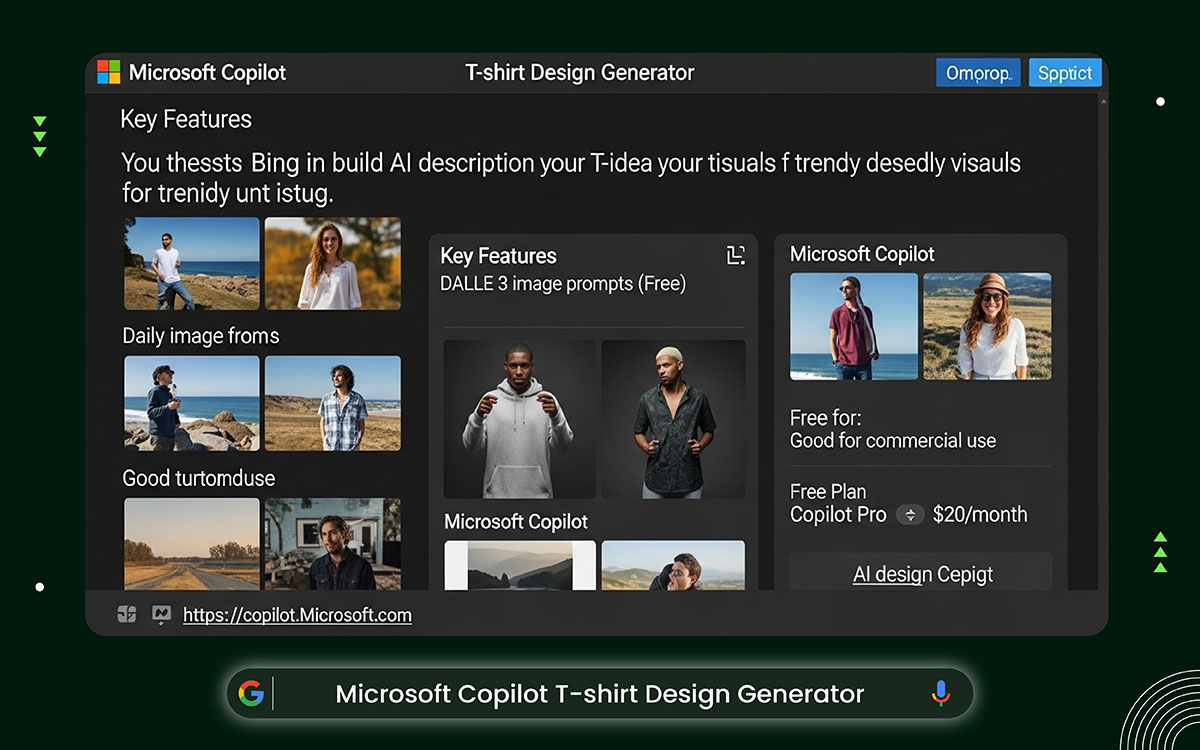
Microsoft Copilot is a free AI T-shirt design tool inside Bing that makes images. You just type what you want your T-shirt to look like, and it shows pictures right away. It’s great for cool, trendy designs and trying out ideas. If the picture has any words, check them before printing. The tool makes images really fast.
Key Features:
Microsoft Copilot offers free access, with optional premium upgrades for users who need higher daily image limits.
Best For: AI design creation without much expense.
Website: https://copilot.microsoft.com/
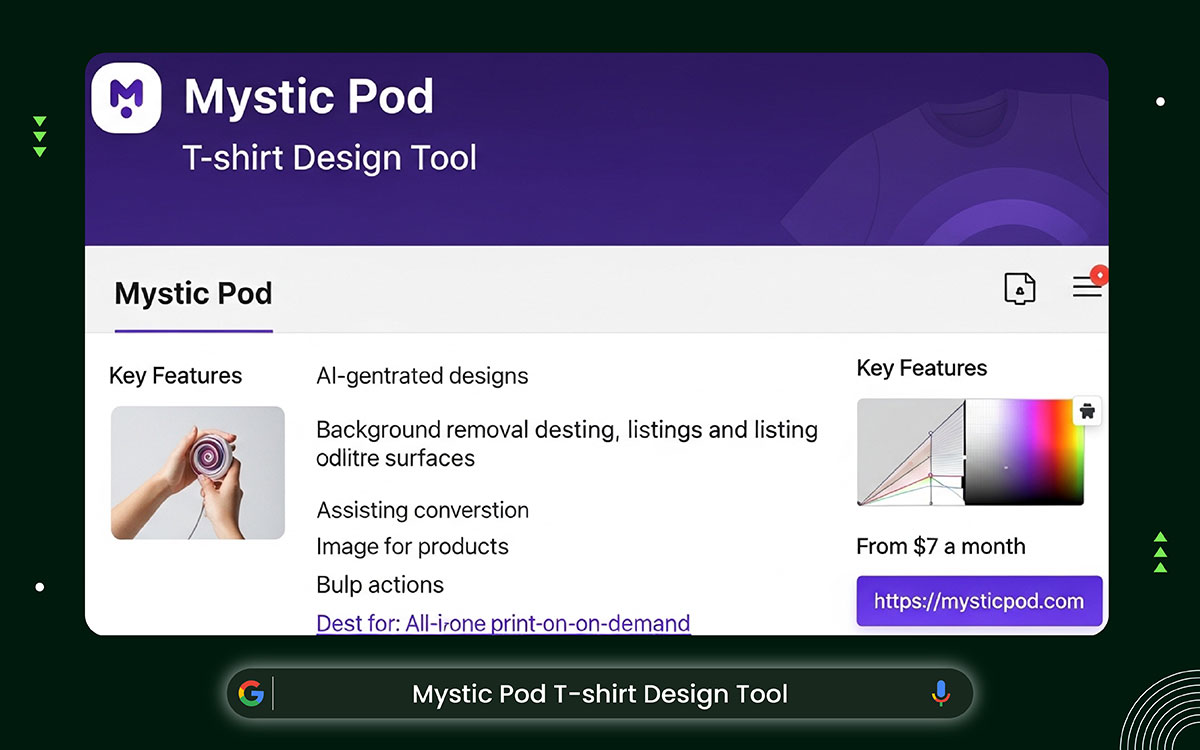
Mystic Pod is made for people who sell products online. It helps you make and edit T-shirt designs all in one place. You can remove backgrounds, change images, and edit text on your products. This means you don’t have to switch between tools as often.
Key Features:
Mystic Pod offers affordable plans for POD sellers who want design, editing, and listing tools in one place.
Best For: All-in-one for print-on-demand workflows
Website: https://mysticpod.com/
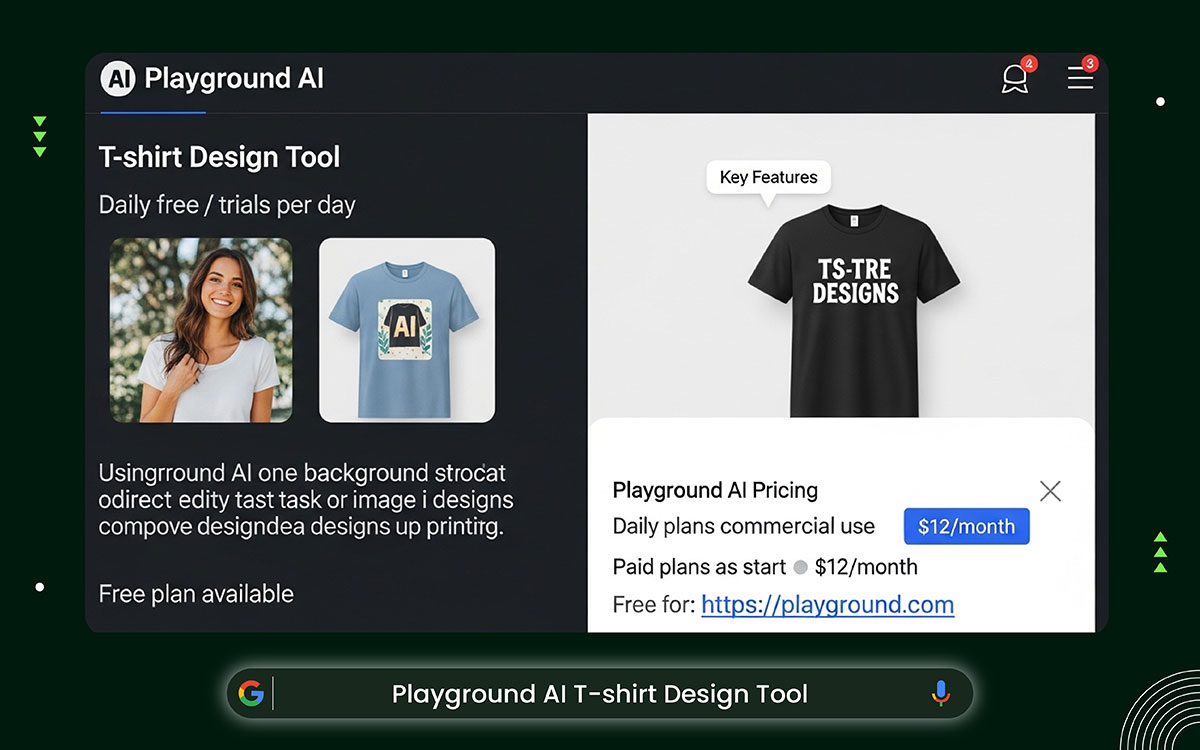
Playground AI is the best AI t-shirt design generator tool for beginners. You can create T-shirt designs by typing what you want or by directly editing. The free plan lets you try it as often as you like each day.
The tools are simple to use, and the tasks are well-made. This makes it a great place to generate ideas and refine your designs before you print.
Key Features:
Playground AI offers generous free access with optional paid upgrades for faster performance and commercial rights.
Best For: Design testing and editing
Website: https://playground.com/
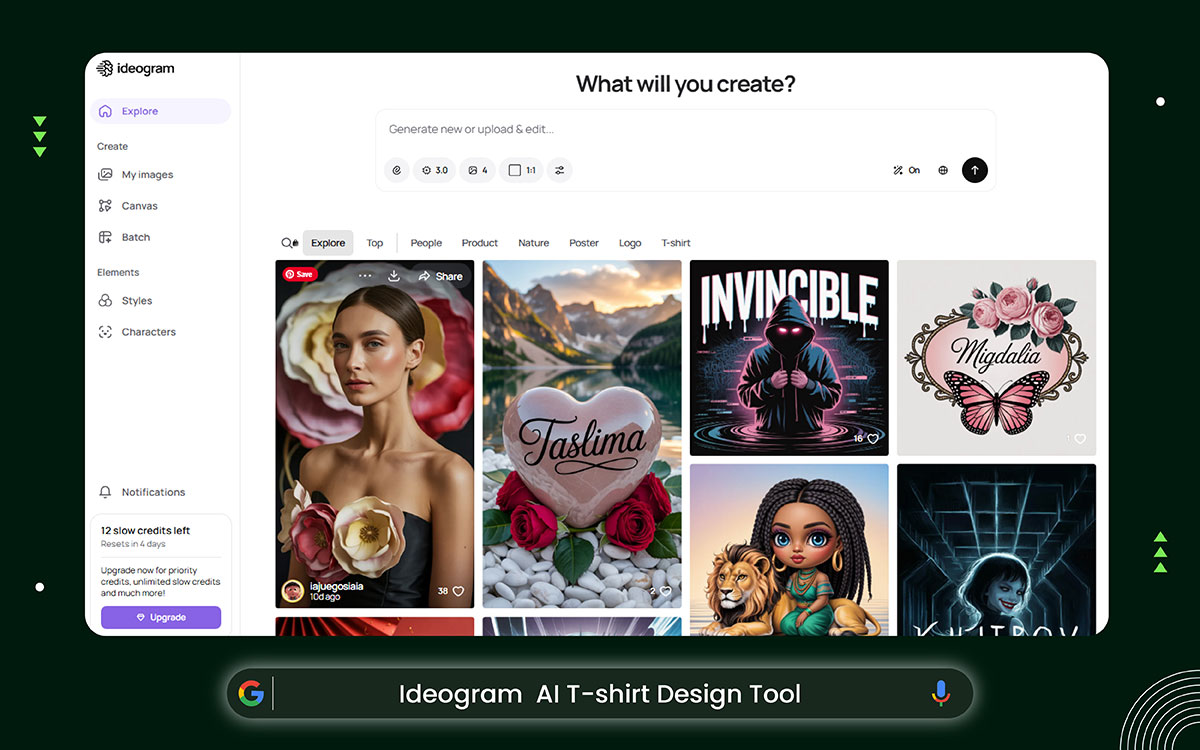
Ideogram is the best AI T-shirt design generator for making T-shirts with words. It designs text and layouts better than lots of other AI T-shirt design tools. Slogans read easily and are neat. You can look at examples from the community for inspiration. It also helps beginners skip messy lettering when making slogan or logo shirts.
Key Features:
Ideogram keeps pricing accessible, especially for creators focused on slogan and typography-based T-shirt designs.
Best For: Slogan and logo T-shirts
Website: https://ideogram.ai/
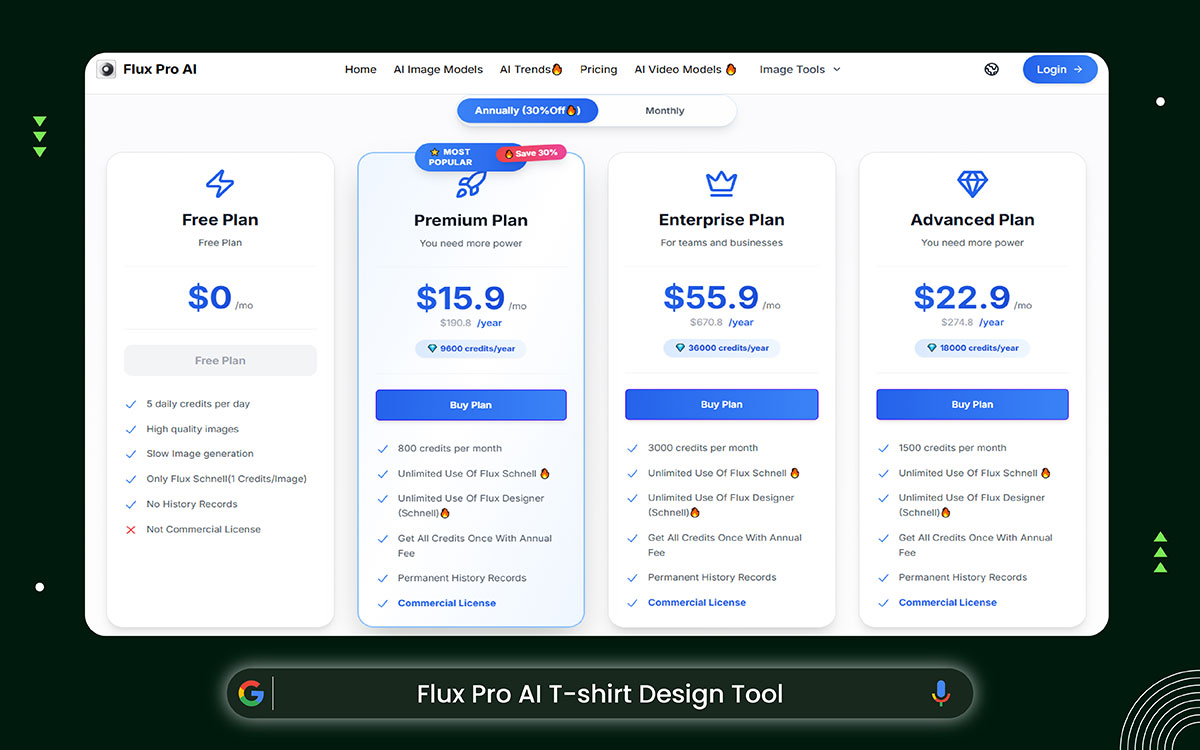
Flux Pro can produce really clear, detailed images. They look good on any kind of fabric. It works well for tricky designs, like tattoos or lifelike drawings. The t-shirt design tool follows your instructions closely. Plan your prompts carefully, as the free version has a limited number. The finished images are clean and ready to print in any file type.
Key Features:
Flux Pro offers flexible pricing for users creating detailed, high-quality artwork for advanced T-shirt printing.
Best For: Detailed artwork designs
Website: https://www.fluxpro.ai/
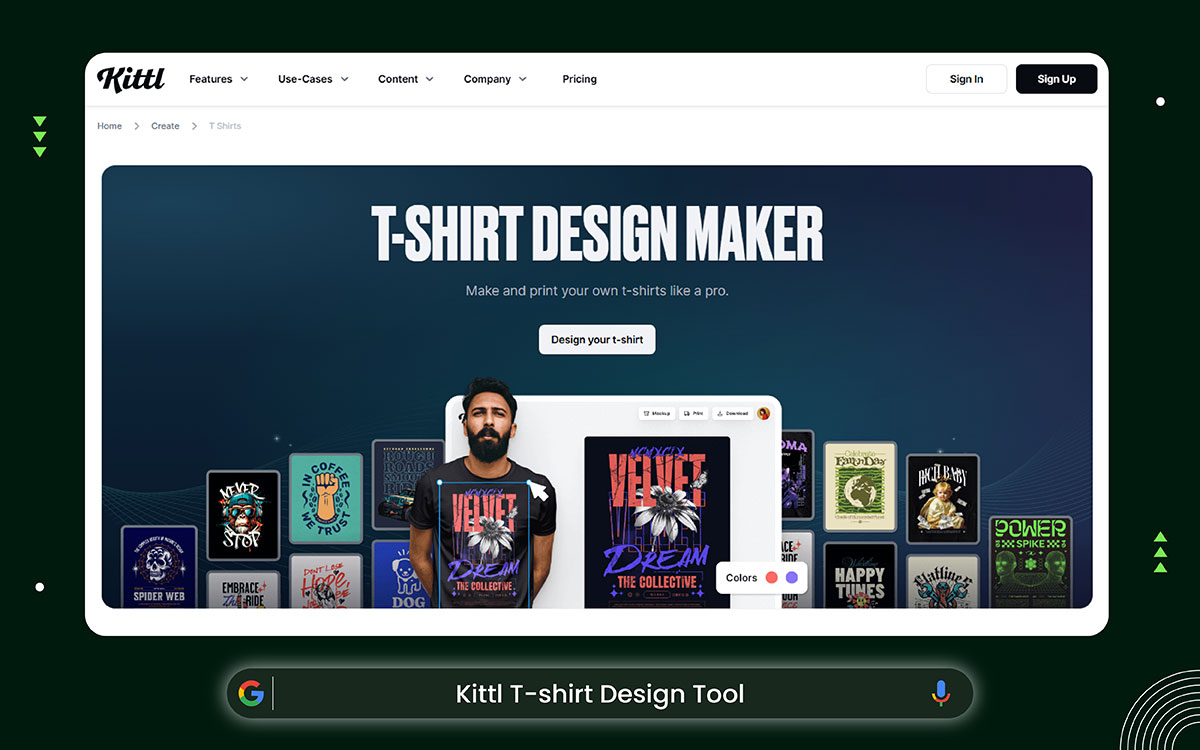
Kittl mixes AI with design and editing. You can create images, edit text, and save your work as vector files. It’s like a full design studio, but simple enough for beginners. Lots of t-shirt sellers use it to make neat designs and text-based graphics for shirts.
Key Features:
Kittl offers scalable plans for creators who need vector tools and AI generation in a single workspace.
Best For: Designs that are vector-based and include a lot of text
Website: https://www.kittl.com/
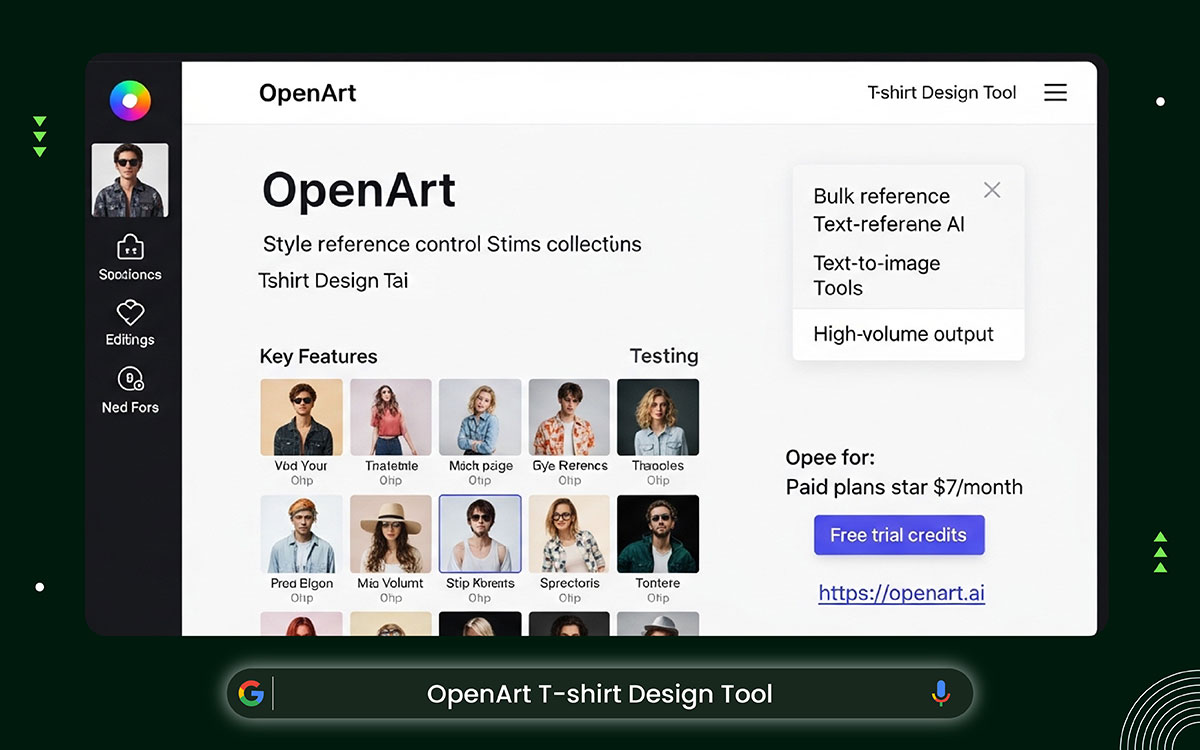
OpenArt is great if you want to create many t-shirt design at once. You can pick a style and create many designs fast. This works really well for themed T-shirt sets. The website is easy to use and looks clean. Making bigger batches costs money, but trying it out is simple.
Key Features:
OpenArt AI pricing suits creators generating large batches of consistent designs for collections and stores.
Best For: Bulk design creation
Website: https://openart.ai/
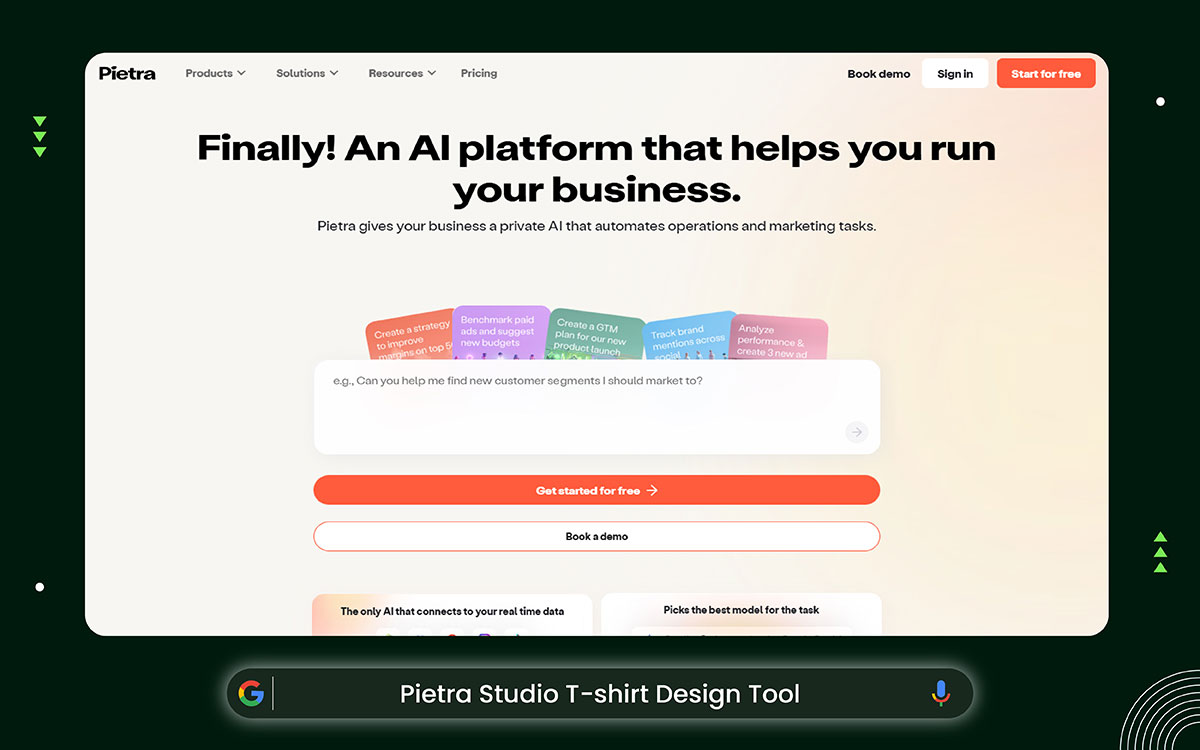
This t-shirt design tool turns ideas into real products. You can make designs for a charity or your own business using words, pictures, or rough sketches. It also links your designs to the steps needed to make them. It’s perfect for people who want one place to handle both designing and getting products ready to sell.
Key Features:
Pietra Studio pricing supports sellers who want design creation and product management combined in one platform.
Best For: End-to-end POD setup
Website: https://www.pietrastudio.com/
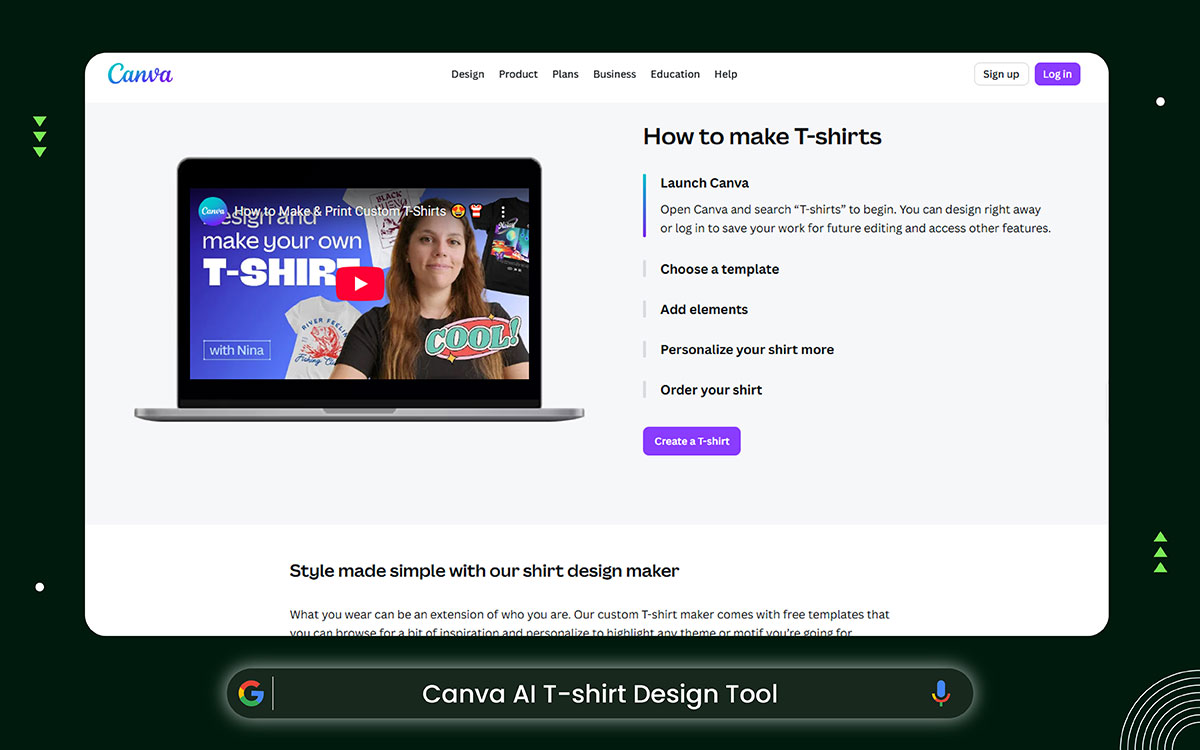
Canva AI makes designing t-shirts so easy that it feels like having a pro by your side. You can add your pictures, type in some words, and move everything around with a simple drag-and-drop. Lots of people use it to make simple, cool t-shirts with slogans and graphics for their online stores. They also use these designs to show off their products.
Key Features:
Canva AI keeps pricing beginner-friendly, offering free access with premium tools for advanced design needs.
Best For: Simple text and graphic tees
Website: https://www.canva.com/create/t-shirts/
Making T-shirt designs with an AI T-shirt designer is fast and fun. But when things move fast, hidden problems can arise. Before you print and sell your shirts, it’s important to know the risks. You also need to protect your brand and your customers.
AI t-shirt design tools will probably copy stuff because they recognize images from the data they’ve learned. They follow certain rules or frameworks to do this. That means they might end up using the same logos, designs, or copyrighted building photos.
Even if it’s by accident, the AI can still use protected images. This can be a big legal problem if you try to sell T-shirts online.
How to Avoid It:
A lot of people use the same AI tools. This can make designs look very similar. Even if your design feels fresh and new, it might get overlooked.
How to Avoid It:
When using t-shirt design prompts for AI tools, mistakes can happen frequently. Letters might lean the wrong way, or lines might not line up correctly. If the shapes, letters, or spacing are uneven, the final print can look messy or low-quality.
How to Avoid It:
AI-generated images don’t always print well. Some pictures may look fine on a screen, but they can turn out blurry on fabric. Low-resolution or incorrect file types can cause problems when printing.
How to Avoid It:
Before choosing the best AI T-shirt design generator tools to design your T-shirt, you might have some questions. Here are quick answers to help you feel sure about your choice.
Yes, but you have to be careful. First, check if the tool allows commercial use. Don’t use prompts with brand names or famous places. Always look over your design and fix mistakes before printing. This helps avoid legal trouble and maintains quality.
Absolutely. Most AI T-shirt design tools are made for beginners. You just need a clear idea and a short prompt. You don’t need any design skills. But it’s still important to check the final design and make small changes if needed.
Yes. AI designs sometimes need little changes. The text can look strange. Lines might not be straight. Colors may need tweaking. Editing makes the design look better and more polished. It also makes it feel like it was made just for you.
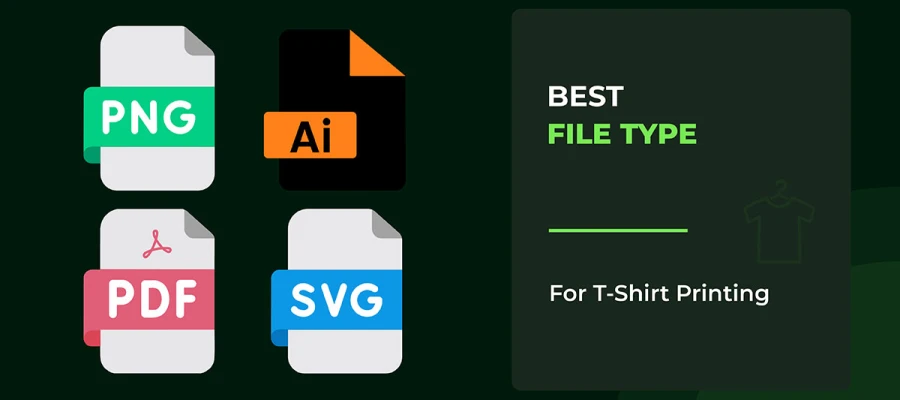
Vector files, like AI, EPS, or PDF, are the best. They make designs look sharp, no matter how big or small. You can also use high-resolution PNG files for simple designs. Always check your printer’s or POD platform’s rules for files.
Yes. Lots of people use the same tools, so that designs can look alike. To make yours different, try changing the colors, adding your own text, tweaking the layout, and not just copying the examples.
Now it should be clear that the best AI t-shirt design generator tools have changed how fast you can make visuals. They’re quick, easy to use, and great for starting. But fast doesn’t always mean you’ll sell.
AI can make hundreds of designs in minutes, but turning them into professional, print-ready shirts takes more skill.
The text might be off. The resolution could look bad on fabric. Colors may change when printed. And if a customer gets a blurry or messy shirt, your brand takes the blame, not the AI.
As your store grows, it’ll become clear that AI designs aren’t always ready to sell. Keeping your brand consistent, making custom art beyond basic prompts, avoiding printing mistakes, and standing out in a busy market all require human skills.
That’s where Graphic Design Eye LLC comes in. We’ve worked with POD sellers, Etsy shops, and growing brands for over 13 years.
Our designers know printing rules, color guides, and what looks good on clothes. We work fast, even on big orders, let you request unlimited revisions until your design is perfect, and prices start at just $20 for bulk orders.
Start with Graphic Design Eye LLC today and turn your AI ideas into print-ready designs your customers will love to wear!